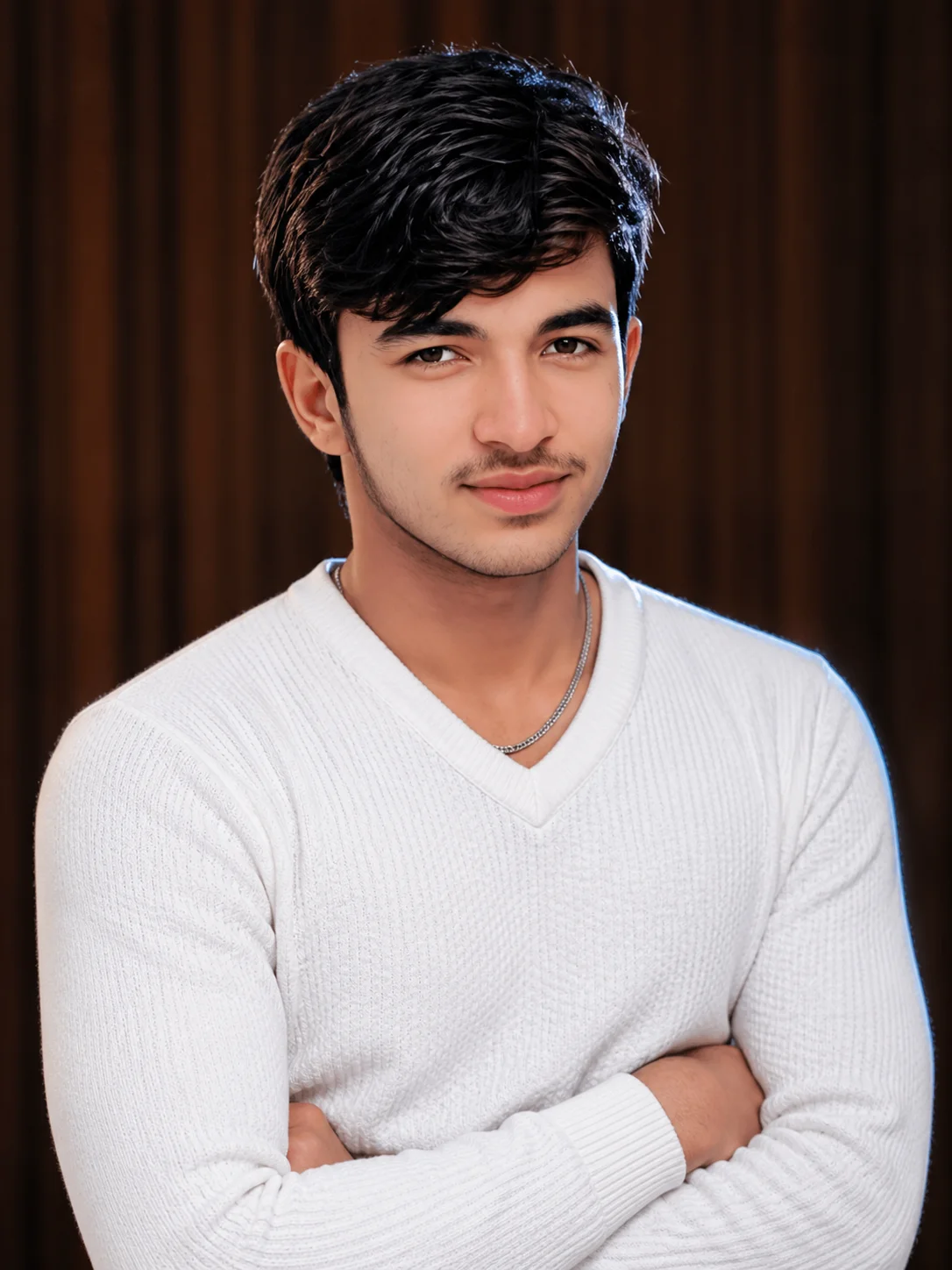
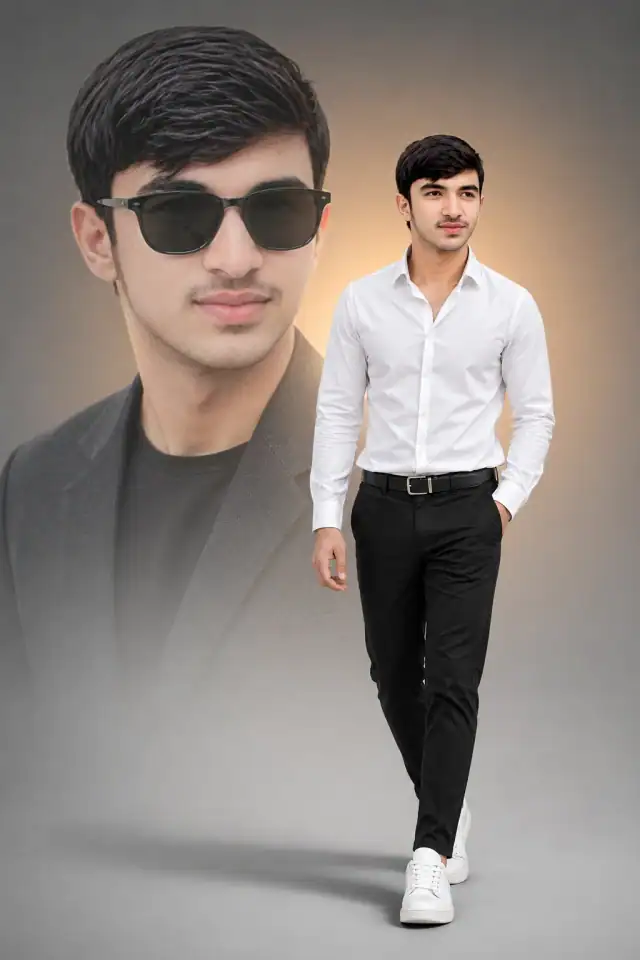
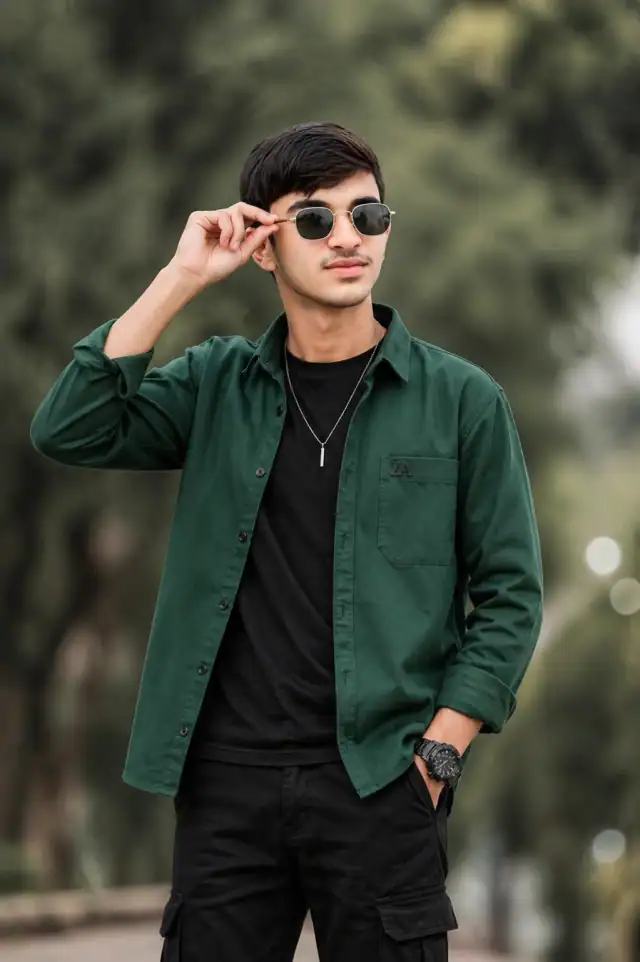
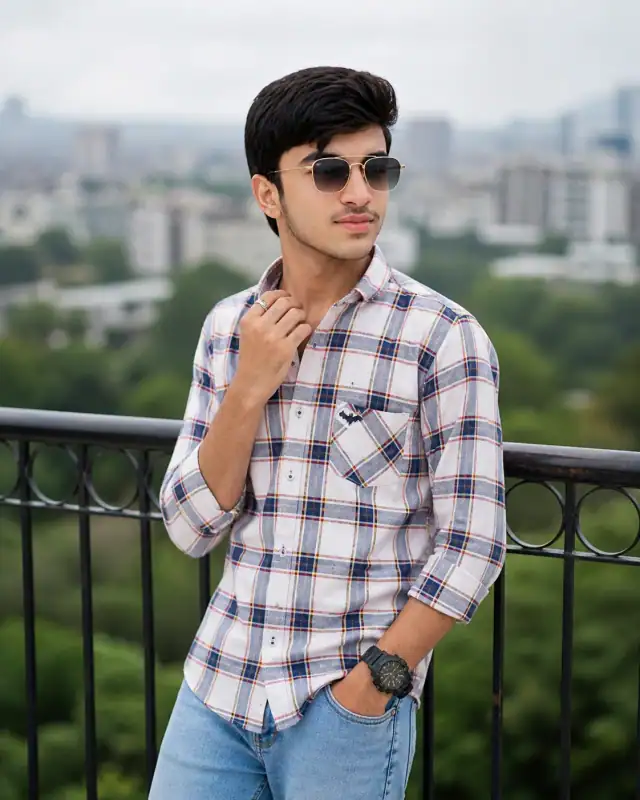
Professional Studio Portrait | South Asian Man in White Textured Sweater
Textured sophistication radiates from a high-end studio portrait featuring micro-honeycomb white sweater against warm wood panels. Professional softbox lighting creates circular catchlights in eyes while subtle cool rim light defines shoulders. Voluminous styled black hair and silver curb chain add modern style elements. High-contrast color grade balances bright white garment against deep earthy background. 85mm lens at f/1.8 delivers creamy bokeh separating subject from vertical wood backdrop.
Use the copy button above to grab the complete prompt with your selected aspect ratio.
Step 02
Open your AI tool
Use a generator that supports the input and reference-image features you need.
Step 03
Generate your image
Create variations, pick the best result, then download and use it in your content.
Common Output Problems
Issues you may encounter and how to fix them
The neon glow oversaturates the skin tones or washes out clothing texture+
Why it happens
Strong colored rim lighting can overpower natural skin rendering, especially when the glow color conflicts with the skin's natural undertones.
Fix
Add "preserve natural skin tone under colored lighting, subtle color cast on edges only, no full-scene color wash" to maintain realistic skin while keeping the neon effect.
The depth of field doesn't match the lens specifications described in the prompt+
Why it happens
AI models don't physically simulate lens optics — they interpret depth-of-field instructions as general blur rather than accurate f-stop rendering.
Fix
Be explicit about what should be sharp vs. blurred: "tack-sharp focus on the face, gradual blur beginning at the shoulders, creamy circular bokeh highlights in the background."
Customize This Prompt
Adapt these elements to fit your vision
Move the setting outdoors to a park or urban location to add environmental context and natural lighting variation.
Replace the golden hour lighting with cool blue-hour tones for a more moody, twilight atmosphere.
Remove the curb chain for a cleaner, less accessorized look, or swap it for a different style to match your branding.
Which AI Tools Can I Use?
This prompt works with popular AI image generators.
Links to official tool websites. Not a claim that this prompt was tested in every tool or model version.
Tags
#white sweater#sharp focus#male fashion
Frequently Asked Questions
Quick answers before you copy this prompt
Can I use this prompt with a reference photo to preserve someone's face?+
Yes. Add identity-preservation instructions like "preserve exact facial features from the uploaded reference photo" at the beginning of the prompt. This works best with clear, front-facing reference images.
Why does the text in the generated image look wrong or misspelled?+
AI image generators struggle with text rendering. Keep text to 1-3 words maximum, use simple fonts, and add "clean sharp text, no placeholder characters" to improve accuracy. For perfect text, consider adding it in post-processing.
What aspect ratio works best for this composition?+
4:5 is recommended for Instagram feeds and portrait-style layouts. Use 1:1 for profile pictures or square-format social posts. 9:16 works for Stories and Reels covers, but may crop important composition elements.
How do I get more dramatic lighting on the face?+
Specify the light position and intensity: "dramatic key light from 45-degree angle, deep shadows on the opposite side, subtle fill light to prevent total blackness" for more cinematic, moody studio lighting.