 Dreamy Woman in Cream Turtleneck with Golden Light PortraitDreamy Woman in Cream Turtleneck with Golden Light Portrait
Free AI prompt library
Photo Editing AI Prompts
Explore prompts for restoring, retouching, and creatively transforming images.

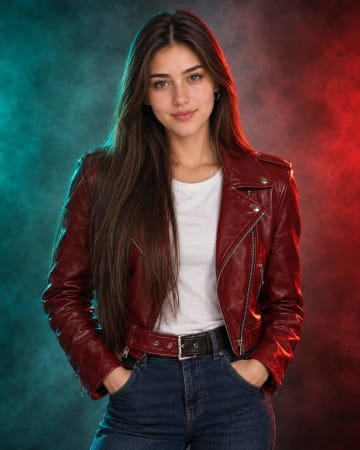


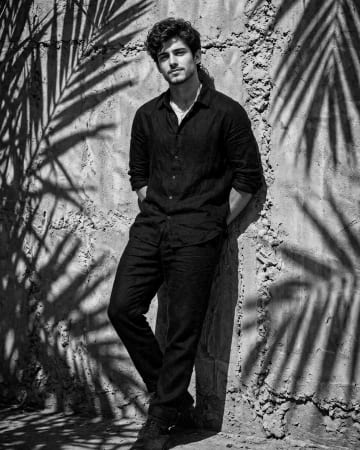


About Photo Editing promptsRead more
Explore old photo restoration AI prompts alongside double-exposure compositions, selective-color editing, watercolor treatments, and poster-style transformations. Photographers, designers, social media creators, and small brands can use a double exposure AI photo prompt or selective color AI photo editing prompt to test alternate treatments for authorized source images. A watercolor effect AI photo prompt can communicate a creative direction, while restoration instructions should identify which damage to address without claiming historical accuracy. AI editing may invent missing details or alter identity, text, objects, and proportions, so compare every result carefully with the original source.
Photo editing prompts cover restoration, cleanup, selective color, double exposure, watercolor effects, poster treatments, and other transformations of an existing image. They explain which parts to preserve, remove, recolor, sharpen, or restyle so the edit has a clear goal. Use them with ChatGPT, Midjourney, Leonardo AI, or Gemini when the tool supports image input or image-to-image editing. Replace the generic instructions with the exact damage, object, color, or style you want to change. Work only with authorized photos, compare the result with the original, and check identity, text, proportions, missing details, and unwanted changes before saving or sharing. Save an untouched copy of the source image.
