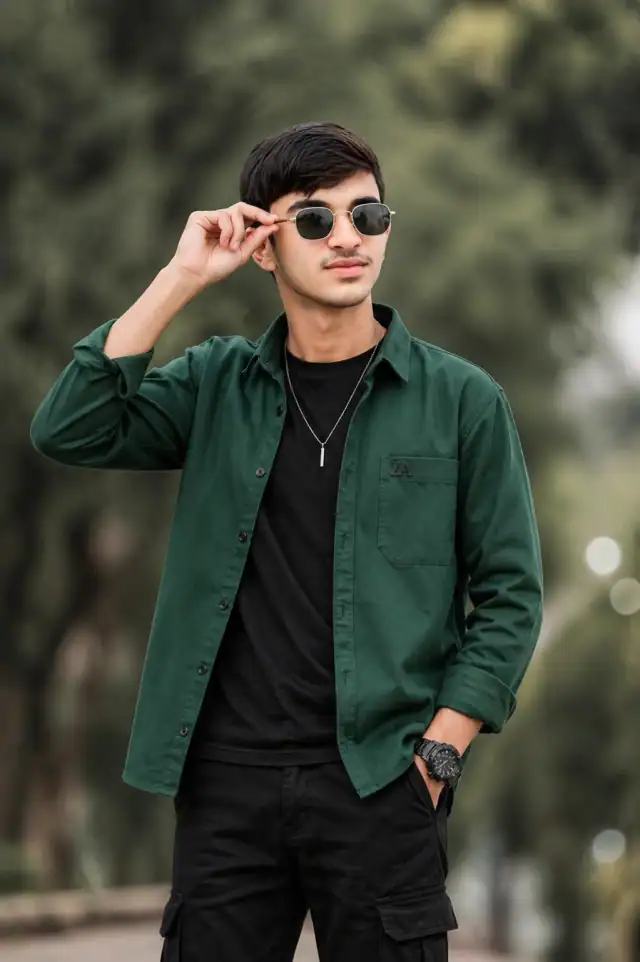
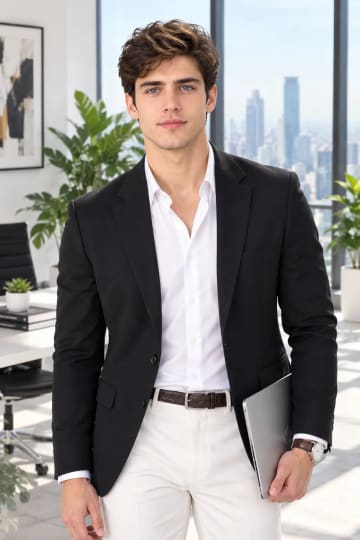
Spring garden
change the autumn foliage to fresh green leaves and soft pink blossoms, and swap the maroon shirt for sage green for a lighter seasonal portrait.
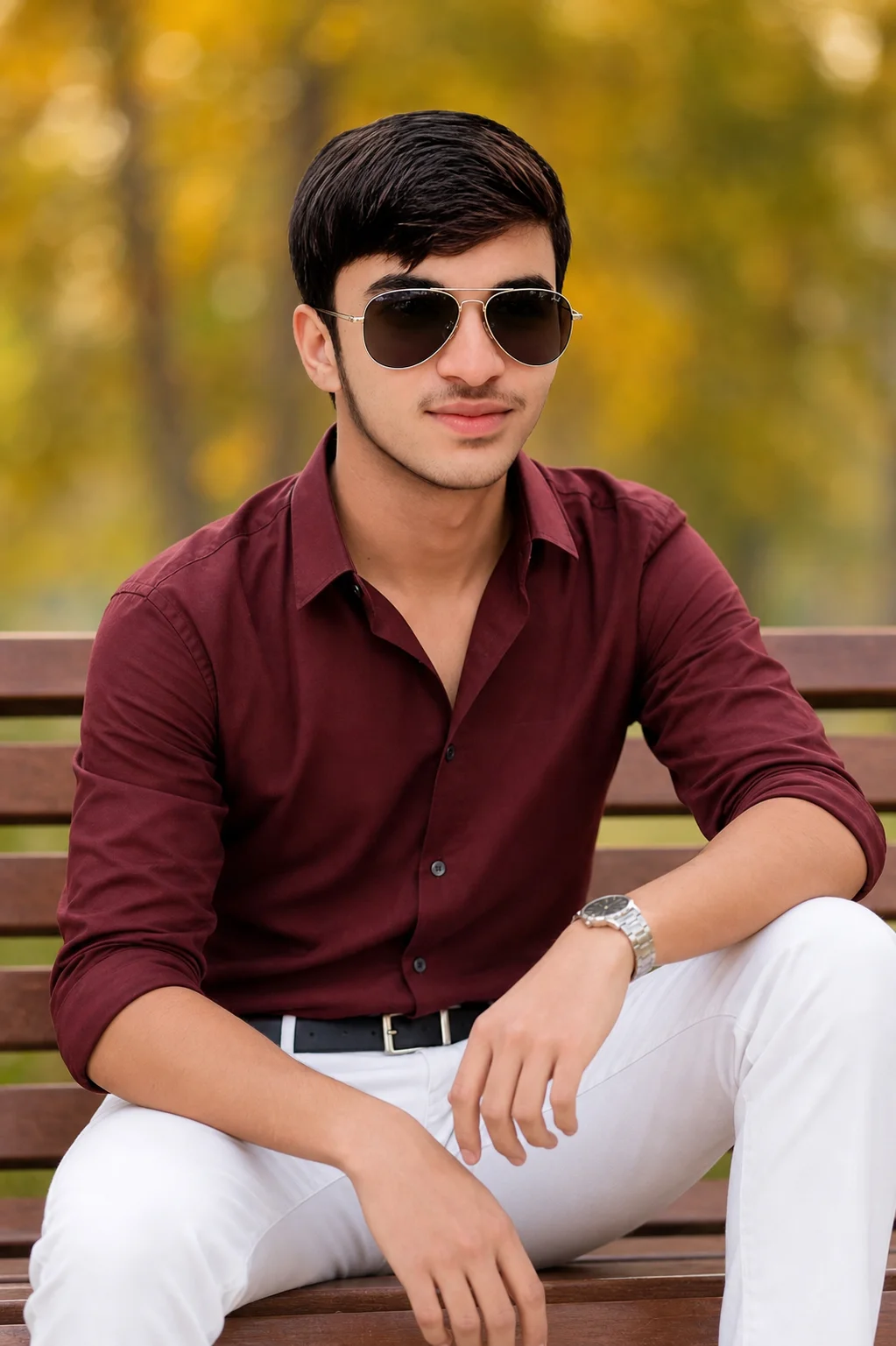
AI-generated example image for demonstration purposes.
Aspect Ratio
Select before copyingCopy this ready-to-use AI prompt and generate polished creator visuals in your favorite AI tool.
Male Portraits
A park bench, late golden light, and a maroon shirt doing quiet heavy lifting. This aesthetic South Asian male autumn park portrait prompt builds a confident young man seated front and center on a wooden bench, one arm resting on a raised knee, aviator sunglasses on, sleeves rolled, white trousers crisp against the warm blur of autumn foliage behind him. Nothing in the frame is loud, and that restraint is exactly why it works as a profile photo and a fashion post at once.
The photography language matters more than the outfit here. The prompt stacks an 85mm portrait lens, shallow depth of field, a Sony A7IV body reference, and a Kodak Portra 400 color grade, which together tell the generator to think like a film photographer rather than a stock illustrator. Keep that block intact when you edit the clothes. Diffused natural daylight does the flattering work on skin tones, and the creamy bokeh of golden yellow and green foliage keeps every eye on the subject. Tools with strong photorealism such as Gemini (https://gemini.google.com) handle this stack well.
It is an ideal pick for desi creators who want a polished seasonal portrait without booking a shoot. If you like this direction, the all white luxury riverside portrait (https://www.aqprompts.com/tools/ai-image-prompts/p/all-white-luxury-riverside-aesthetic-male-portrait) takes the same confidence outdoors in a brighter palette, and our men collection (https://www.aqprompts.com/tools/ai-image-prompts/men) gathers more looks like these.
Gemini follows long photography specification blocks faithfully and produces natural South Asian skin tones without the waxy finish some tools add, which is why it suits this realistic park portrait. Midjourney is a strong second choice when you want a slightly richer film grain.
change the autumn foliage to fresh green leaves and soft pink blossoms, and swap the maroon shirt for sage green for a lighter seasonal portrait.
replace the park bench with city steps at blue hour, keep the outfit, and add warm street lights in the bokeh for an evening city mood.
trade the button down and trousers for a deep maroon kurta with white pajama for a traditional festive version of the same composition.
Yes. Upload a clear, front facing reference photo before pasting the prompt, and add a short line asking the tool to preserve your exact facial features. Medium close up compositions like this one preserve identity reliably.
Yes. Change the subject description at the start, including age and features, and keep everything else the same. The outfit, bench pose, and photography settings are universal.
Strengthen the shallow depth of field line by lowering the aperture value, for example f/1.8, and repeat creamy bokeh background. Avoid adding new background details, since detail requests fight the blur.
You can, but the prompt is composed as a medium close up on a bench. For full body, change the framing line to full body seated portrait and add footwear and ground details, or the generator may crop awkwardly at the knees.