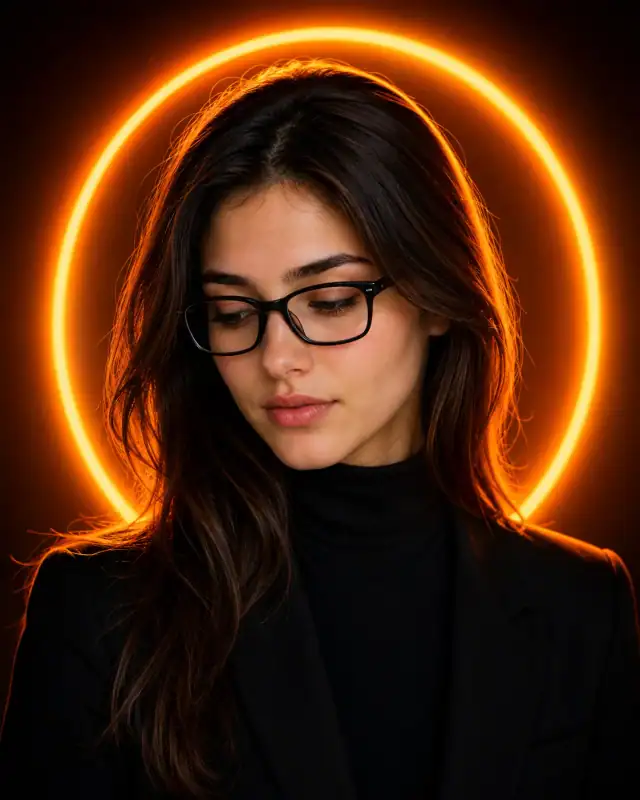
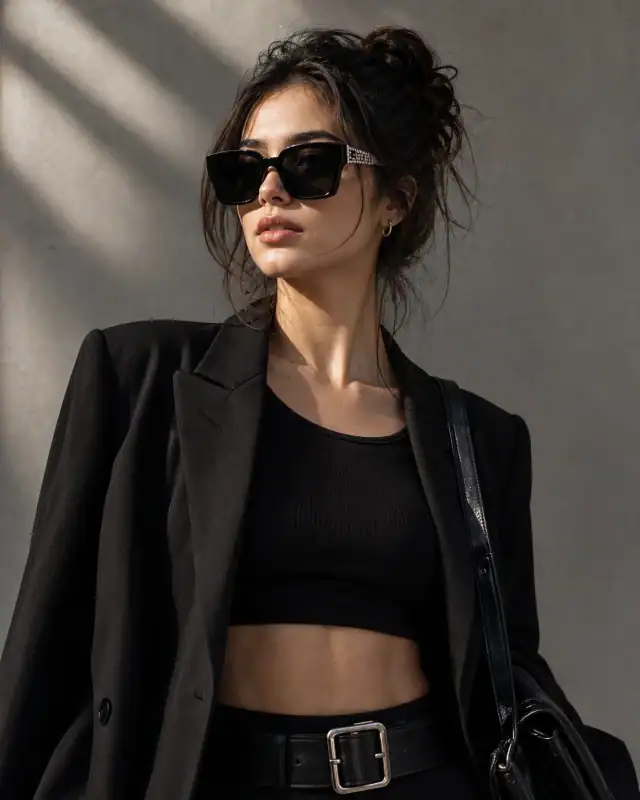
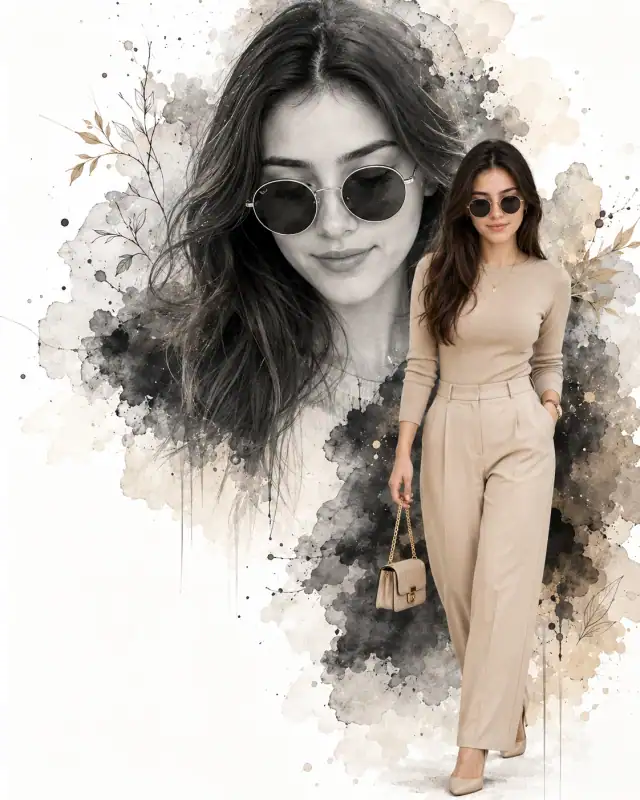
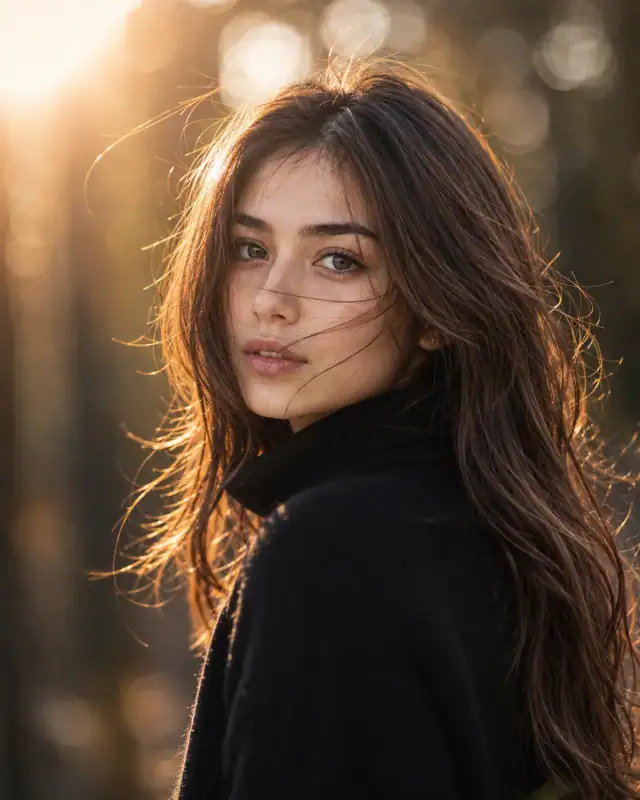
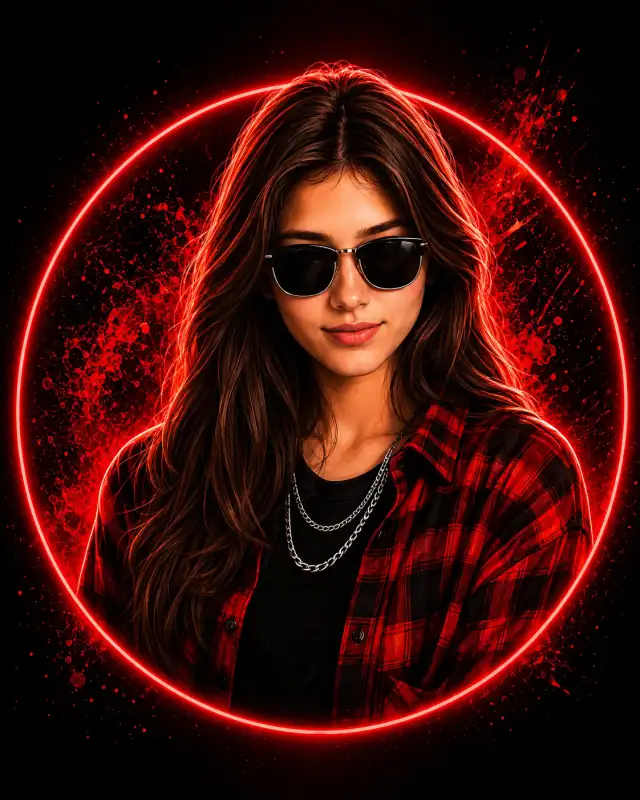
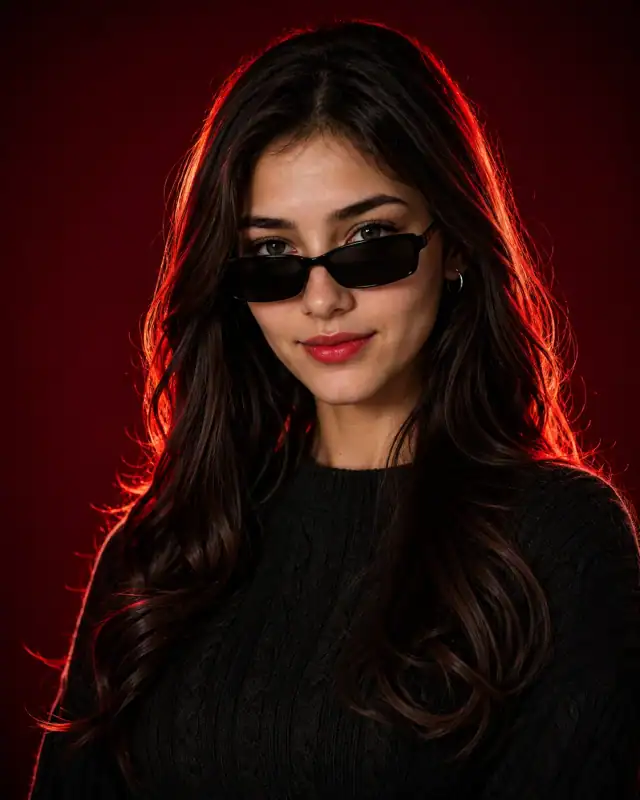
 Crimson Gradient Cable Knit Red Rim Light PromptCrimson Gradient Cable Knit Red Rim Light Prompt
By Abdul QudoosPublished Jun 23, 2026Updated Sep 17, 2026
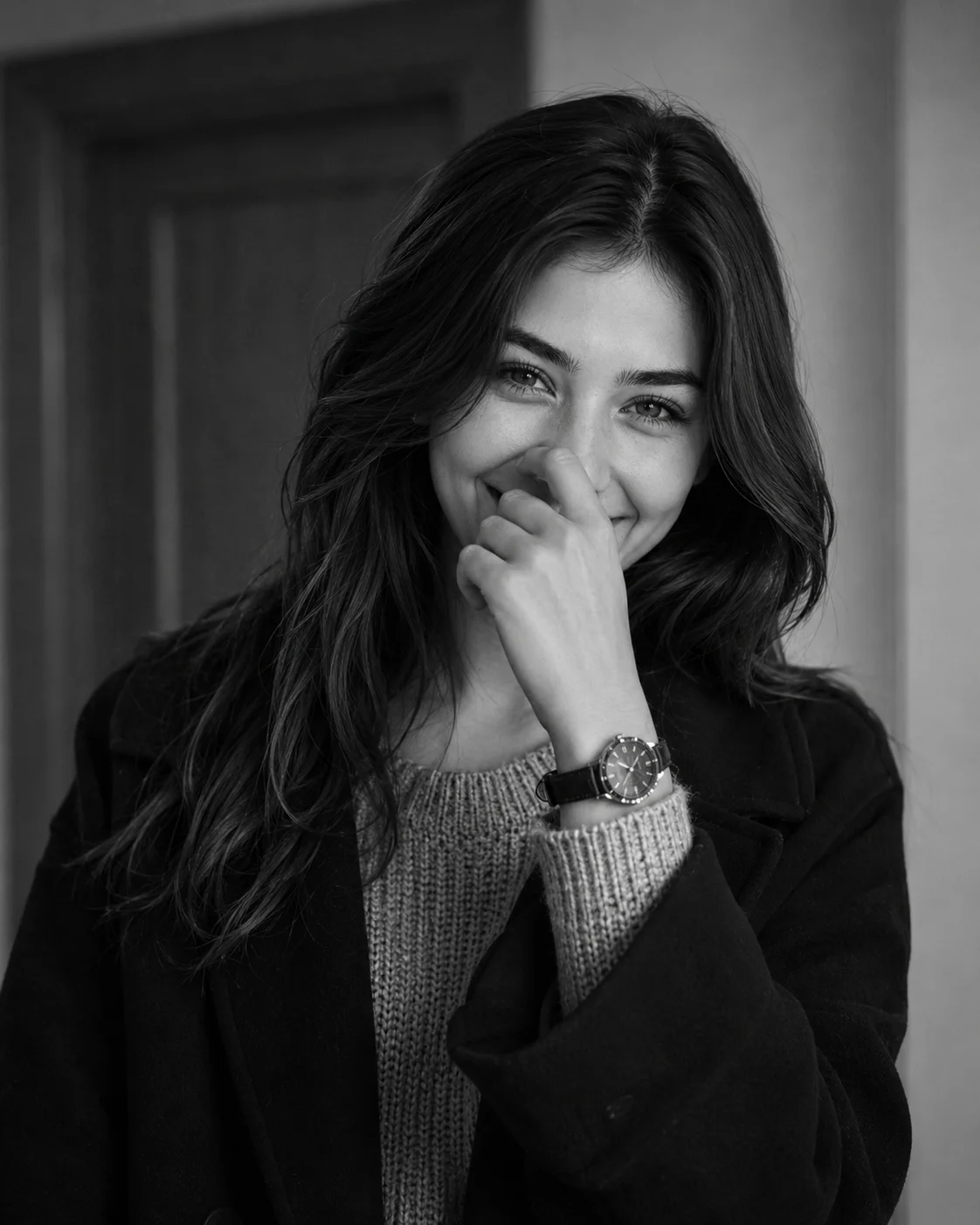
AI-edited example image for demonstration purposes.
Monochrome Candid Shy Laughing Chunky Knit Portrait Prompt AI Prompt
Aspect Ratio
Select before copyingRecommended: 4:5 · 4:5 is the standard portrait ratio for Instagram feeds, providing optimal vertical coverage while maintaining balanced composition with natural headroom.
Natural muscle-movement deformation processing that preserves genuine facial architecture during a laugh expression, while using high-fidelity zone system mapping to separate the white sweater threads from the rich tones of the dark wool coat.
Female Portrait Prompts
Identity preservationPhotorealistic outputEditorial lightingDepth of field
View Prompt
How to Use This Prompt
- Step 1: Copy the prompt using the Copy button above.
- Step 2: Open the AI tool that works best for your prompt.
- Step 3: If the tool supports reference images, upload your photo first, then paste the prompt.
- Step 4: Select the recommended aspect ratio before generating.
- Step 5: Adjust keywords like clothing color, background, or lighting to personalize the result.
About this Monochrome Candid Shy Laughing Chunky Knit Portrait Prompt AI prompt
Capture raw, infectious human emotion with this timeless black-and-white portrait prompt. Moving away from rigid, heavily styled studio poses, this composition celebrates a beautiful, unscripted moment of pure joy—a candid laugh paired with a shy hand-over-mouth gesture. The combination of cozy, layered winter textures, soft directional window light, and rich monochrome grading gives the entire frame an organic, classic film feel. It serves as a spectacular template for generating relatable personal branding imagery, lifestyle lookbooks, or deeply authentic social media assets.
Practical tips
- Try an outdoor setting like a garden or rooftop to introduce natural light and environmental depth.
- Adjust the lighting direction to create more dramatic shadows and depth — try moving the key light from front to a 45-degree angle.
- Change the expression from laughing to direct eye contact for a more engaging, connection-driven portrait.
- Remove the wristwatch for a cleaner, less accessorized look, or swap it for a different style to match your branding.
Frequently asked questions
Do I need to upload a reference photo for this prompt to work?
Yes, this prompt is designed for reference-image workflows. Upload a clear, well-lit photo of the subject's face. A front-facing photo with visible facial features produces the best identity preservation. Removing the identity-preservation instructions will cause the model to generate a new face.
How do I adapt this portrait for different social media platforms?
Use 4:5 for Instagram feed posts (best vertical coverage), 1:1 for profile pictures and square grids, and 9:16 for Stories and Reels. The portrait composition works well across most formats.
Can I change the lens focal length without breaking the composition?
Yes. Replace the lens specification (e.g., "85mm") with a different focal length — wider (35mm) for more environment, tighter (135mm) for more compression. Keep the aperture (f-stop) consistent to maintain similar depth of field.
How do I control the wind intensity in the image?
Specify wind strength explicitly: "gentle breeze with subtle hair movement" vs "strong wind with flowing fabric." Avoid "windblown" alone — it can create extreme, unrealistic motion.
Tags
#women hand covering mouth laugh#candid smiling black and white portrait#chunky knit sweater oversized coat#monochrome natural window light female#shy playful laughing pose woman#85mm analog film grain monochrome headshot