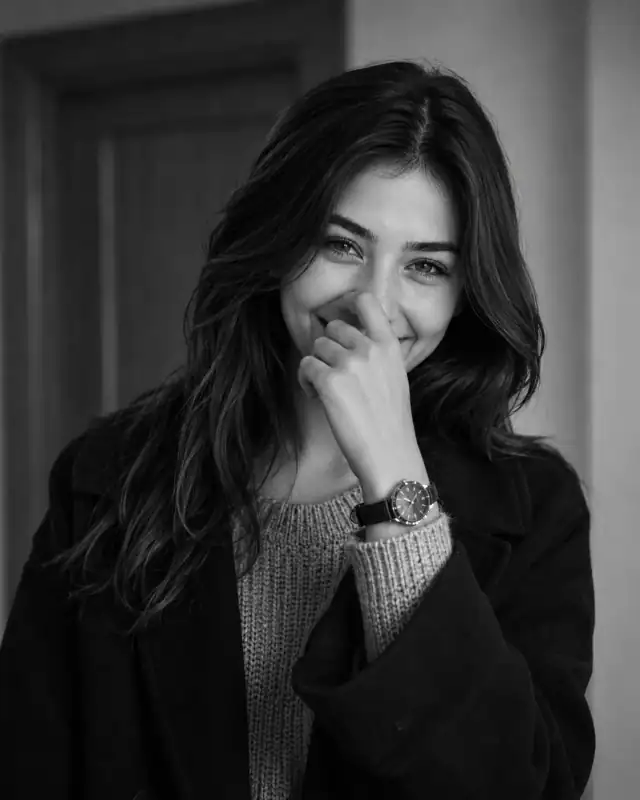
 Monochrome Candid Shy Laughing Chunky Knit Portrait PromptMonochrome Candid Shy Laughing Chunky Knit Portrait Prompt
By Abdul QudoosPublished Jun 24, 2026Updated Sep 17, 2026
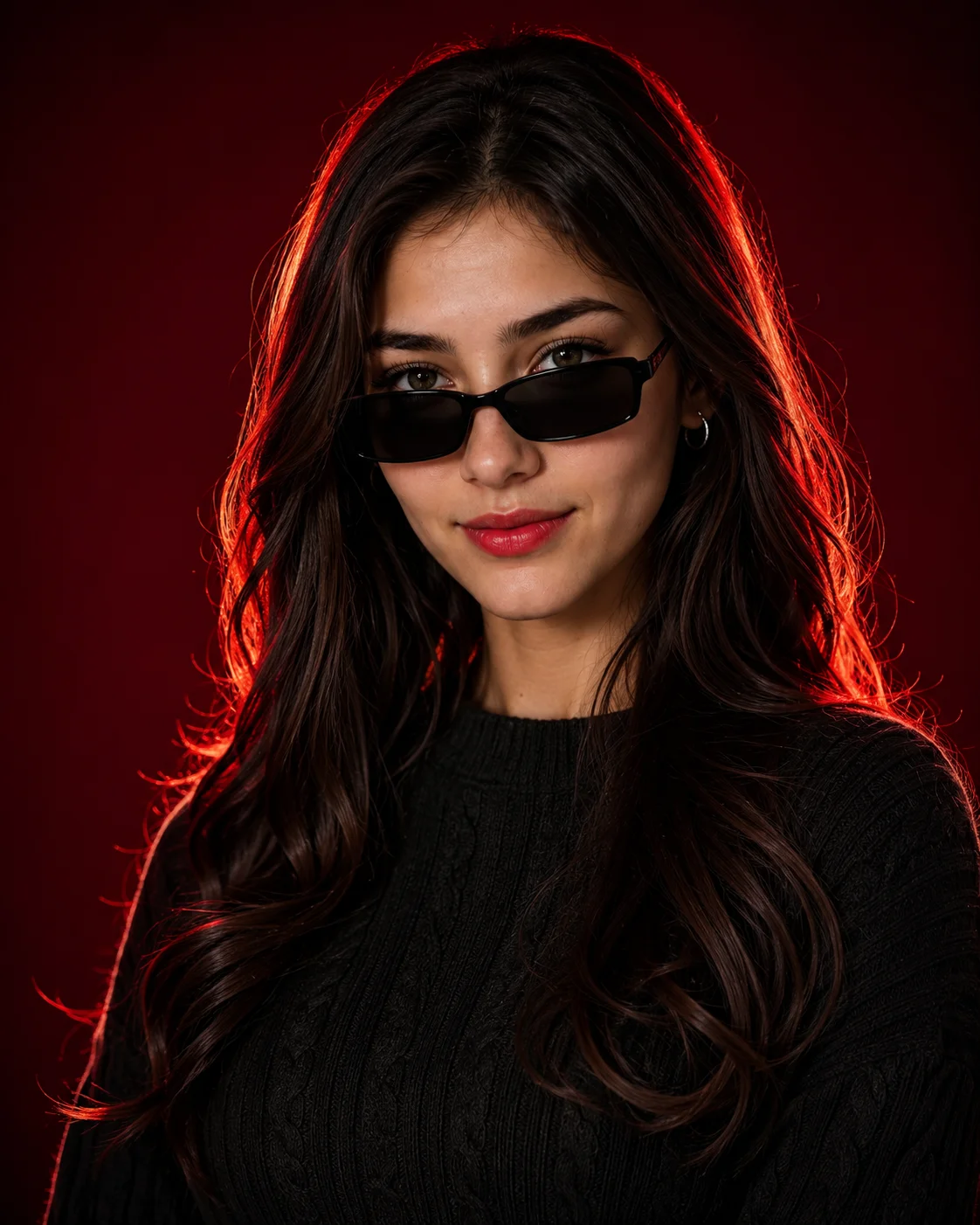
AI-edited example image for demonstration purposes.
Crimson Gradient Cable Knit Red Rim Light Prompt AI Prompt
Aspect Ratio
Select before copyingRecommended: 4:5 · 4:5 vertical framing captures the full-body composition from head to toe while maintaining portrait-style intimacy.
Dual-chromatic sub-surface scattering that blends a neutral 5500K front key light on the face with a deep 680nm crimson backlight, generating ultra-sharp edge definition along individual moving hair filaments.
Female Portrait Prompts
Identity preservationPhotorealistic outputEditorial lightingDepth of field
View Prompt
How to Use This Prompt
- Step 1: Copy the prompt using the Copy button above.
- Step 2: Open the AI tool that works best for your prompt.
- Step 3: If the tool supports reference images, upload your photo first, then paste the prompt.
- Step 4: Select the recommended aspect ratio before generating.
- Step 5: Adjust keywords like clothing color, background, or lighting to personalize the result.
About this Crimson Gradient Cable Knit Red Rim Light Prompt AI prompt
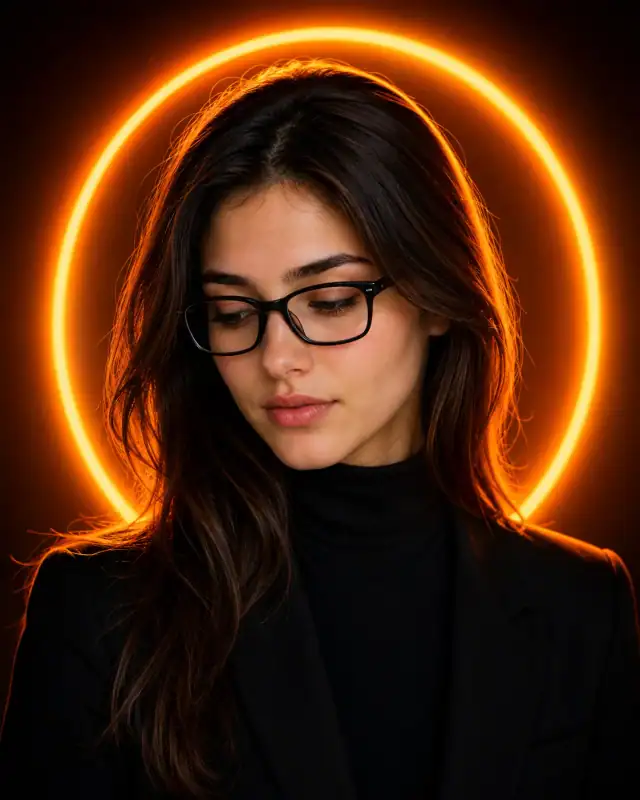
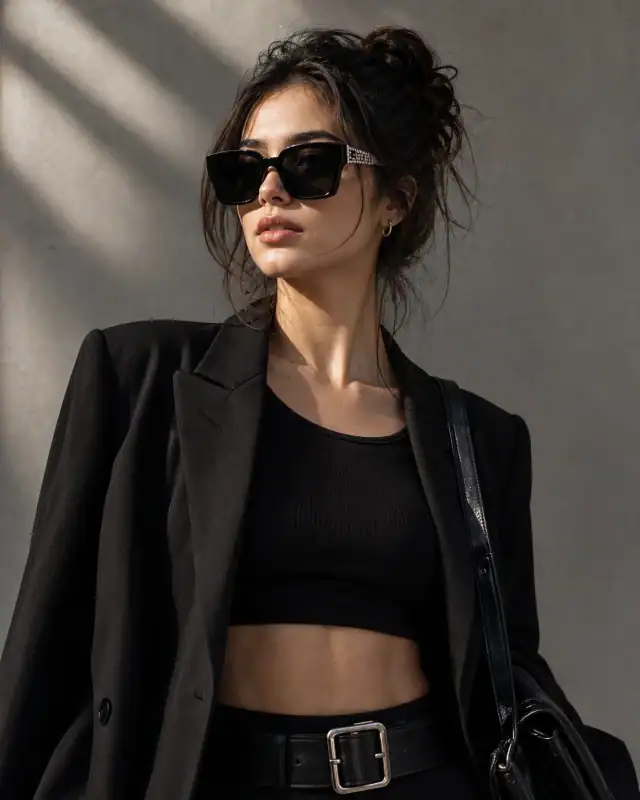
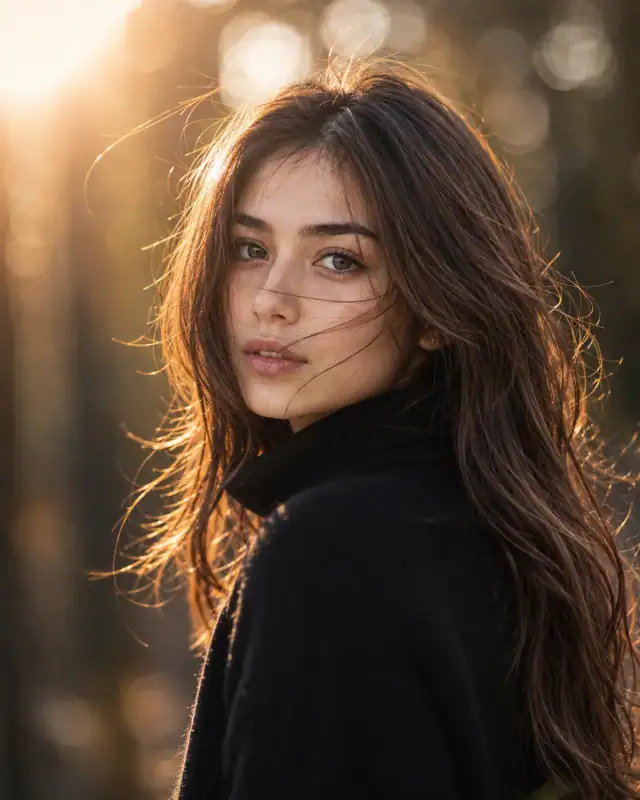
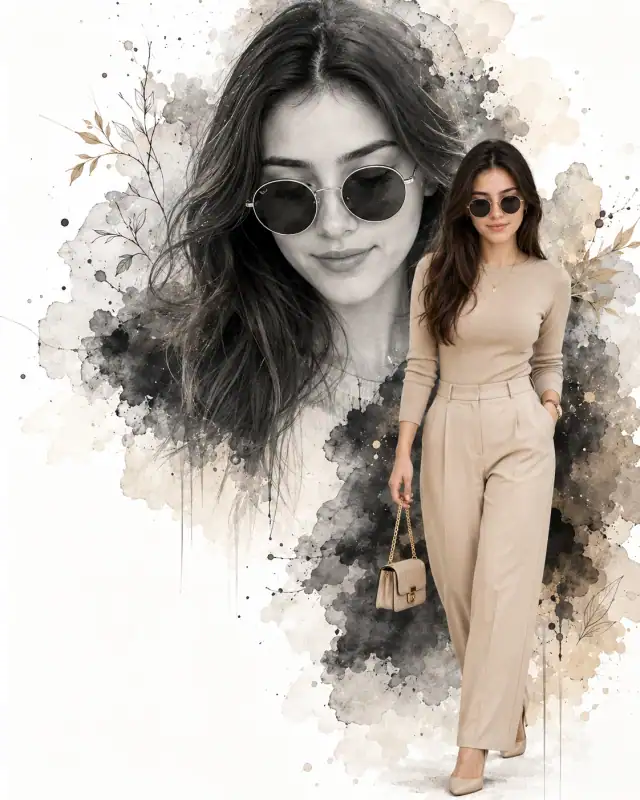
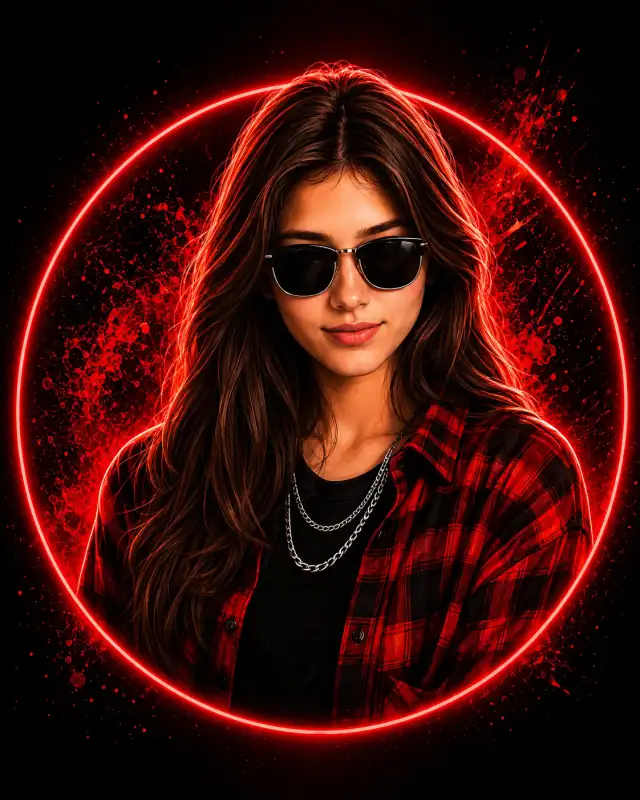
Ignite your website's high-contrast collection with this bold and fiery crimson studio prompt. By anchoring a detailed black cable-knit sweater and low-slung rectangular sunglasses against a rich, saturated red gradient backdrop, this composition radiates powerful dramatic energy. The intense red-and-orange backlighting wraps entirely around the subject's hair to create a striking silhouette outline, offering digital artists a carefully composed image template for designing commanding, moody social media avatars or high-impact fashion portfolio graphics.
Practical tips
- Specify the studio lighting setup — three-point for classic, clamshell for beauty, split for drama.
- Adjust the key-to-fill ratio — 2:1 for natural, 4:1 for dramatic, 8:1 for high contrast.
- Control the light modifier — softbox for soft, beauty dish for focused, bare bulb for hard.
Frequently asked questions
Do I need to upload a reference photo for this prompt to work?
Yes, this prompt is designed for reference-image workflows. Upload a clear, well-lit photo of the subject's face. A front-facing photo with visible facial features produces the best identity preservation. Removing the identity-preservation instructions will cause the model to generate a new face.
How do I make the studio background less flat and more dynamic?
Try adding a subtle gradient or texture to the backdrop: "dark grey gradient background with subtle texture, not pure black." You can also specify background lighting like "subtle backlight glow on the backdrop" for more depth.
Can I change the lens focal length without breaking the composition?
Yes. Replace the lens specification (e.g., "85mm") with a different focal length — wider (35mm) for more environment, tighter (135mm) for more compression. Keep the aperture (f-stop) consistent to maintain similar depth of field.
How do I make the silhouette more defined or more subtle?
For a sharper silhouette: "strong backlight, crisp edge definition, dark subject against bright background." For a softer look: "soft diffused backlight, gentle edge glow, semi-transparent silhouette effect."
Tags
#women narrow black rectangular sunglasses#black cable knit ribbed sweater look#deep crimson red gradient studio backdrop#fiery red orange hair halo lighting#subtle confident smile female portrait#high contrast moody red black aesthetic