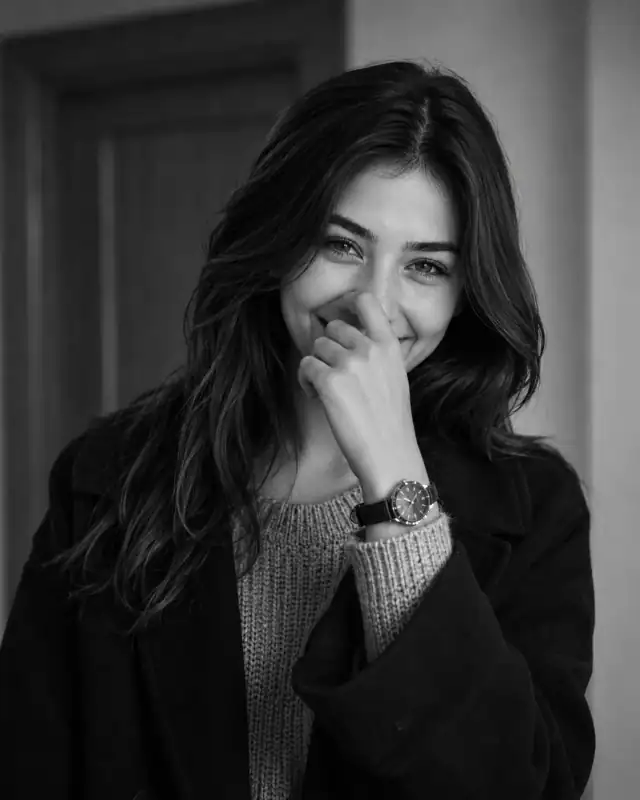
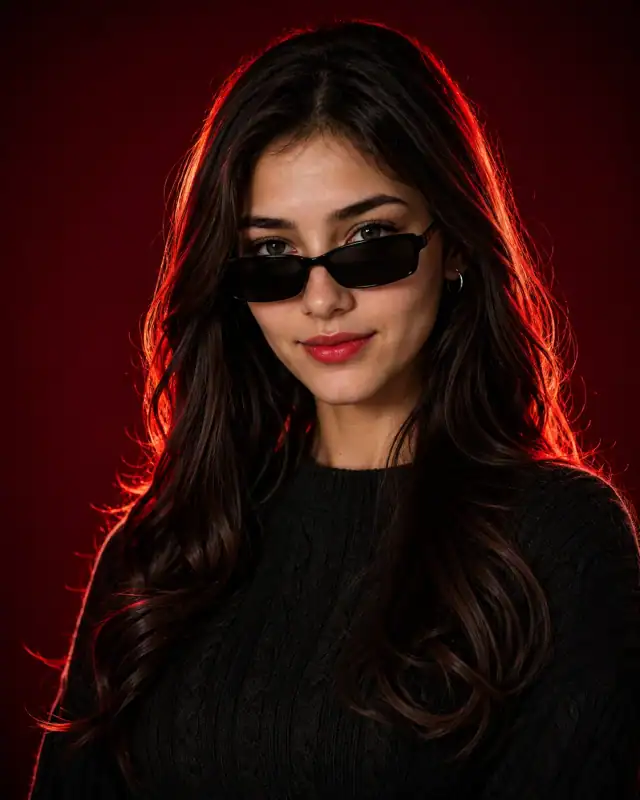
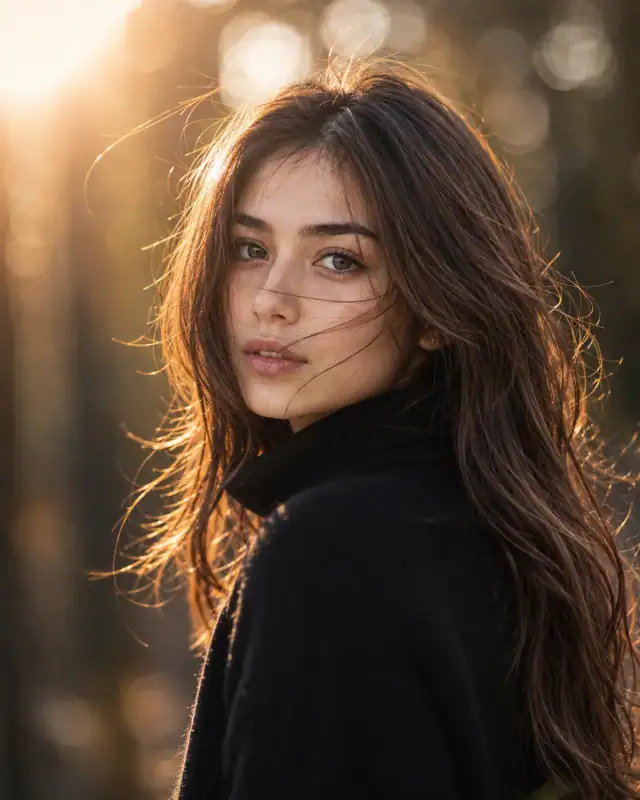
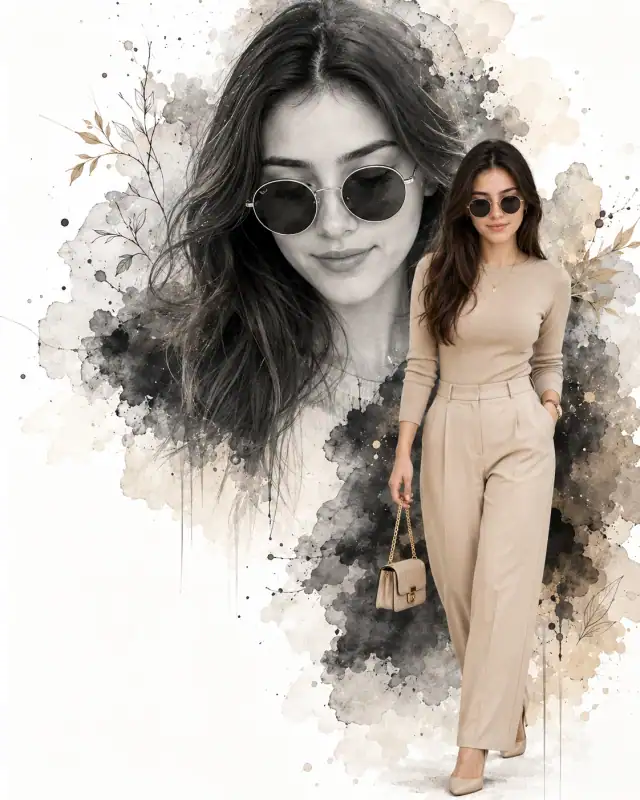
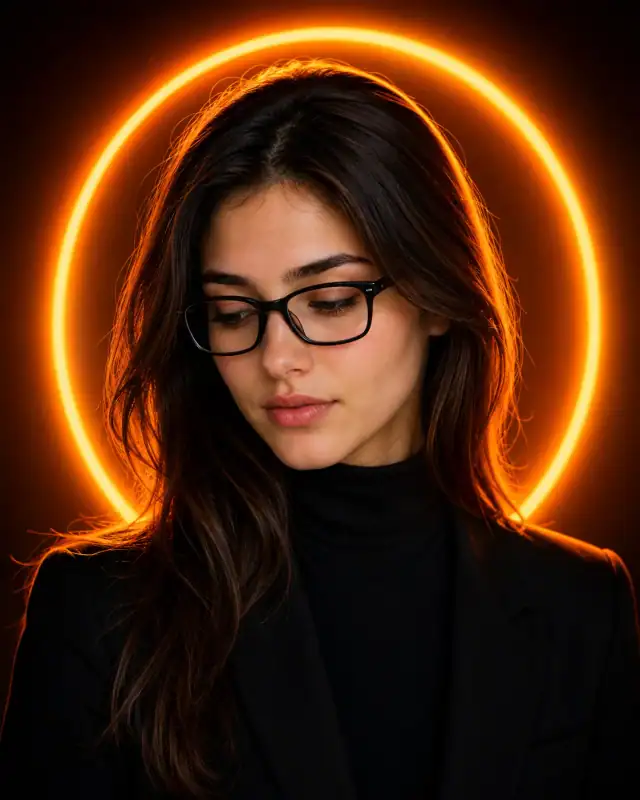
 Neon Orange Ring Tailored Blazer Editorial PromptNeon Orange Ring Tailored Blazer Editorial Prompt
By Abdul QudoosPublished Jun 24, 2026Updated Sep 17, 2026
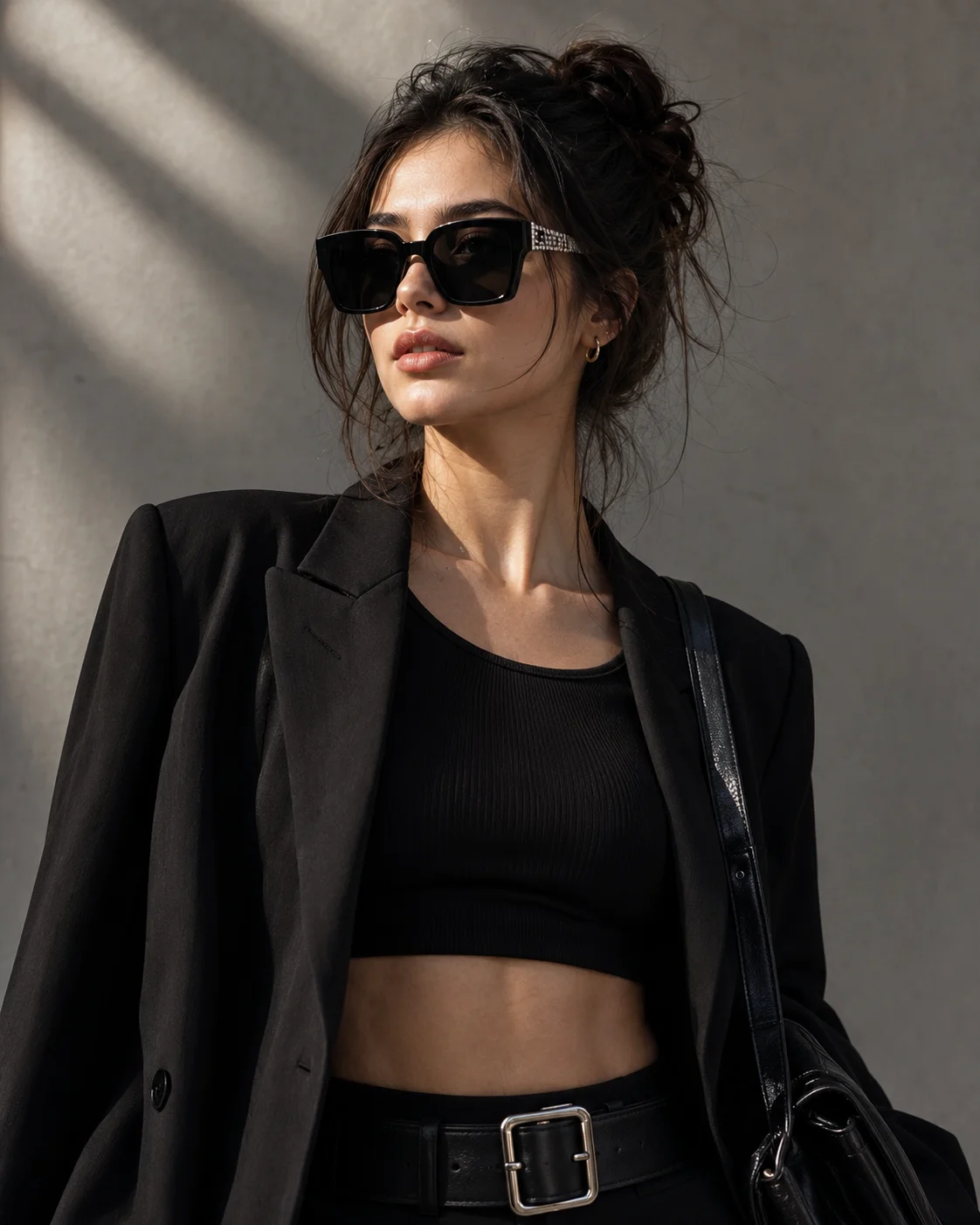
AI-edited example image for demonstration purposes.
Black Cropped Top Embellished Sunglasses Grey Wall Prompt AI Prompt
Aspect Ratio
Select before copyingRecommended: 4:5 · 4:5 is the standard portrait ratio for Instagram feeds, providing optimal vertical coverage while maintaining balanced composition with natural headroom.
Sub-pixel specular mapping that simulates the precise prism flare of miniature silver rhinestones under a high-intensity 5500K directional light source, while preserving rich fabric weave data on the ribbed cotton textures.
Female Portrait Prompts
Identity preservationPhotorealistic outputEditorial lightingDepth of field
View Prompt
How to Use This Prompt
- Step 1: Copy the prompt using the Copy button above.
- Step 2: Open the AI tool that works best for your prompt.
- Step 3: If the tool supports reference images, upload your photo first, then paste the prompt.
- Step 4: Select the recommended aspect ratio before generating.
- Step 5: Adjust keywords like clothing color, background, or lighting to personalize the result.
About this Black Cropped Top Embellished Sunglasses Grey Wall Prompt AI prompt
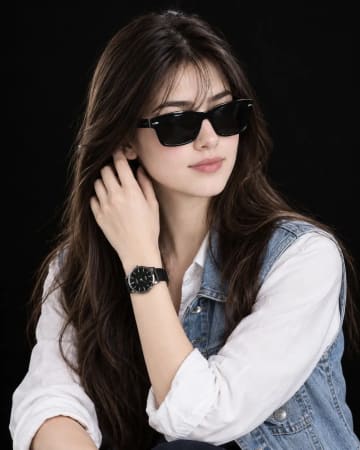
Anchor your next haute couture digital collection with this fierce, ultra-minimalist luxury streetwear prompt. Dominated by a striking monochrome palette, this composition balances an edgy black ribbed crop top and draped blazer against a clean, raw grey studio wall. The addition of rhinestone-embellished square sunglasses and a heavy silver-buckle utility belt injects a powerful high-fashion energy. It is an exceptional framework for users needing a cold, confident, and elite editorial aesthetic for modern influencer grids or digital modeling portfolios.
Practical tips
- Swap the black blazer for a silver alternative to shift the mood — different fabric colors dramatically change the overall tone of the portrait.
- Move the setting outdoors to a park or urban location to add environmental context and natural lighting variation.
- Add a colored rim light (warm amber or cool teal) to introduce cinematic color contrast without changing the composition.
- Change the expression from confident to direct eye contact for a more engaging, connection-driven portrait.
Frequently asked questions
Do I need to upload a reference photo for this prompt to work?
Yes, this prompt is designed for reference-image workflows. Upload a clear, well-lit photo of the subject's face. A front-facing photo with visible facial features produces the best identity preservation. Removing the identity-preservation instructions will cause the model to generate a new face.
How do I make the studio background less flat and more dynamic?
Try adding a subtle gradient or texture to the backdrop: "dark grey gradient background with subtle texture, not pure black." You can also specify background lighting like "subtle backlight glow on the backdrop" for more depth.
Can I change the lens focal length without breaking the composition?
Yes. Replace the lens specification (e.g., "85mm") with a different focal length — wider (35mm) for more environment, tighter (135mm) for more compression. Keep the aperture (f-stop) consistent to maintain similar depth of field.
What should I change if the subject looks distorted or unnatural?
Simplify the pose description and remove conflicting instructions. Add "natural relaxed pose, correct body proportions, anatomically coherent" at the beginning. If the face looks wrong, add "preserve exact facial structure and proportions" and use a higher-quality reference photo.
Tags
#women oversized black blazer crop top#embellished square sunglasses rhinestone#black leather belt silver buckle style#messy bun wispy hair strands portrait#light grey studio wall natural shadows#high contrast minimal all black fashion