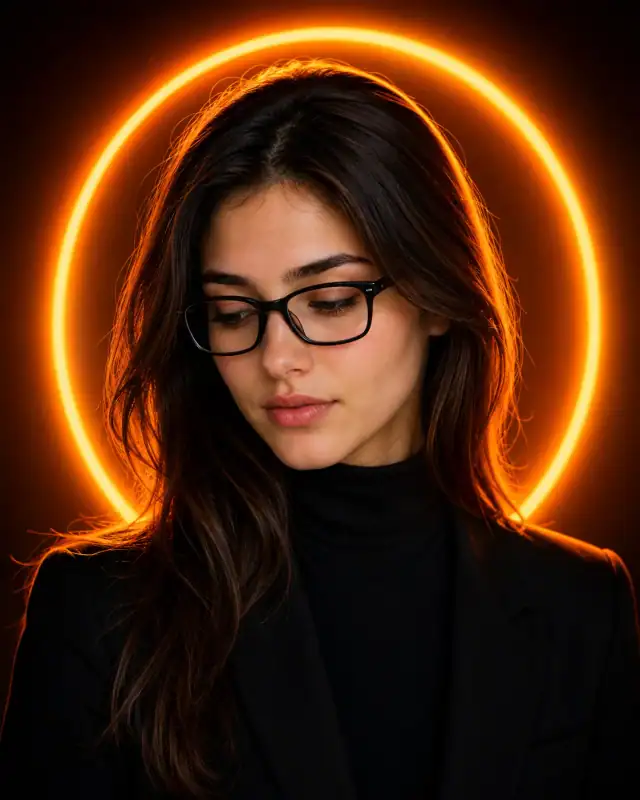
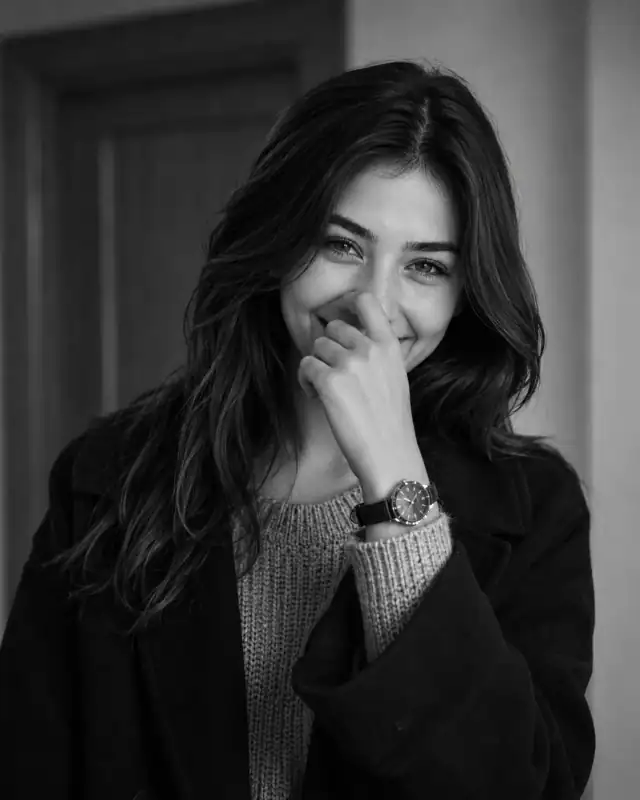
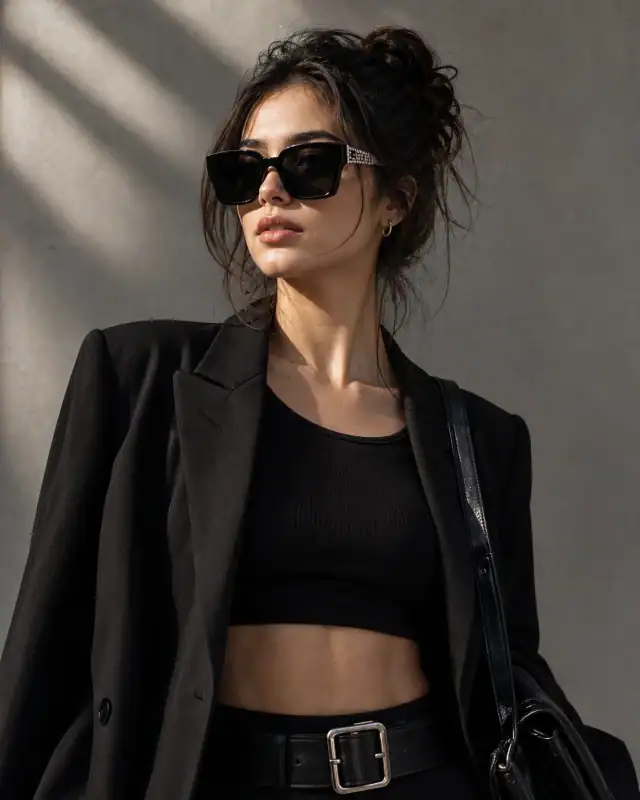
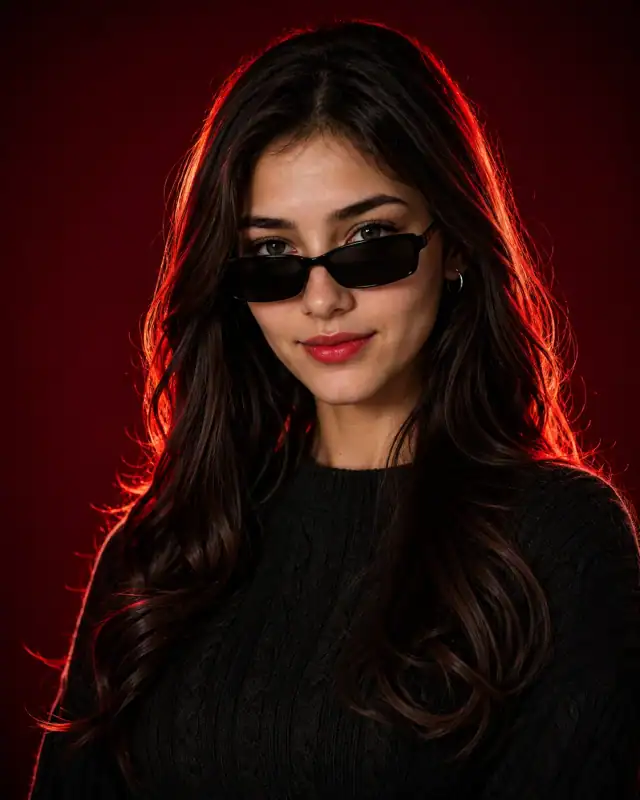
 Black Turtleneck Forest Bokeh Lens Flare PromptBlack Turtleneck Forest Bokeh Lens Flare Prompt
By Abdul QudoosPublished Jul 2, 2026Updated Sep 17, 2026
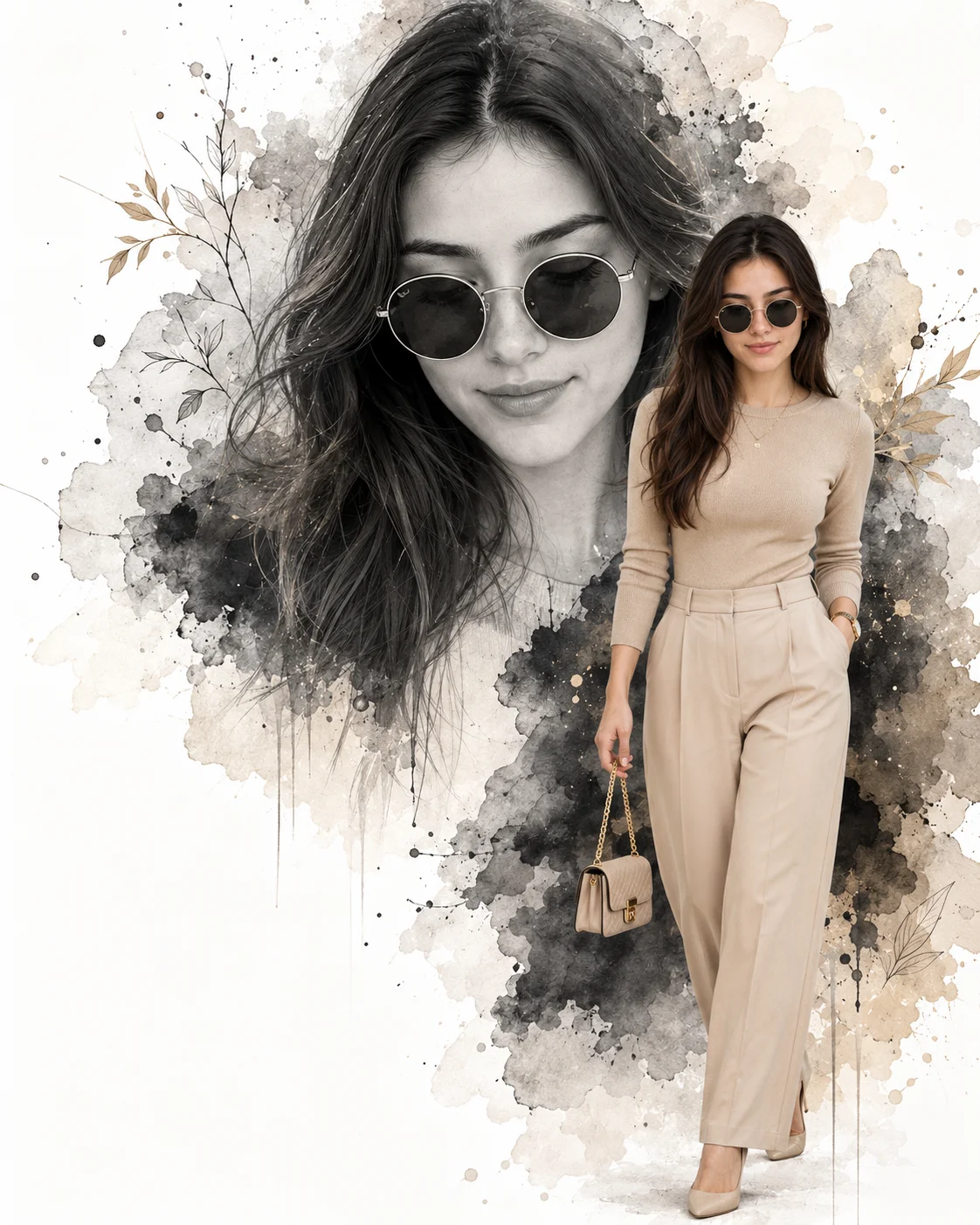
AI-edited example image for demonstration purposes.
Beige Monochrome Watercolor Split Editorial Prompt AI Prompt
Aspect Ratio
Select before copyingRecommended: 4:5 · 4:5 vertical frame accommodates the text overlay and the subject without either element feeling cramped or cropped.
Dual-render composite masking that marries a flat, high-fidelity monochromatic watercolor sketch canvas layer with a fully path-traced, hyper-realistic 3D foreground character file, maintaining shared specular light balance across both sets of sunglasses frames.
Female Portrait Prompts
Identity preservationPhotorealistic outputEditorial lightingDepth of field
View Prompt
How to Use This Prompt
- Step 1: Copy the prompt using the Copy button above.
- Step 2: Open the AI tool that works best for your prompt.
- Step 3: If the tool supports reference images, upload your photo first, then paste the prompt.
- Step 4: Select the recommended aspect ratio before generating.
- Step 5: Adjust keywords like clothing color, background, or lighting to personalize the result.
About this Beige Monochrome Watercolor Split Editorial Prompt AI prompt
Infuse your web archive with peak minimalist sophistication using this stunning beige monochrome dual-texture fashion poster prompt. Masterfully pulling inspiration from top-tier luxury editorial campaigns like Zara, Massimo Dutti, and COS, this layout anchors a crisp, full-body walking shot against a massive grayscale watercolor portrait background. Embellished with fine botanical line art, subtle gold ink splatters, and a dedicated text-free zone in the lower left, it acts as an elite template for customized birthday announcements, luxury brand promotions, or high-end social media lookbooks.
Practical tips
- Specify the studio floor — reflective for depth, matte for minimal, seamless for infinite look.
- Specify the season — spring blossoms, summer green, autumn foliage, winter bare branches.
- Control the depth of field — sharp background for environmental portrait, soft for dreamy isolation.
Frequently asked questions
Do I need to upload a reference photo to use this prompt?
Yes, this prompt is designed for reference-image workflows. Upload a clear, well-lit photo of the subject. If you remove the identity-preservation instructions, the model will generate a new face instead.
Why does the text in the generated image look wrong or misspelled?
AI image generators struggle with text rendering. Keep text to 1-3 words maximum, use simple fonts, and add "clean sharp text, no placeholder characters" to improve accuracy. For perfect text, consider adding it in post-processing.
What aspect ratio works best for this composition?
4:5 is recommended for Instagram feeds and portrait-style layouts. Use 1:1 for profile pictures or square-format social posts. 9:16 works for Stories and Reels covers, but may crop important composition elements.
The skin looks too smooth or artificial. How do I make it more realistic?
Add "natural skin texture with visible pores, subtle imperfections, realistic skin tone variation" to the prompt. Avoid words like "flawless" or "perfect skin" which push models toward artificial smoothness.
Tags
#women beige monochrome knit top trousers#black and white watercolor macro portrait#minimalist botanical line art poster design#designer mini handbag gold chain luxury#luxury fashion editorial diptych layout#zara campaign style empty typography space