family-friendly 3D animation stylized 3D animation Inspired Scrapbook Collage Portrait
Lifestyle Portraits
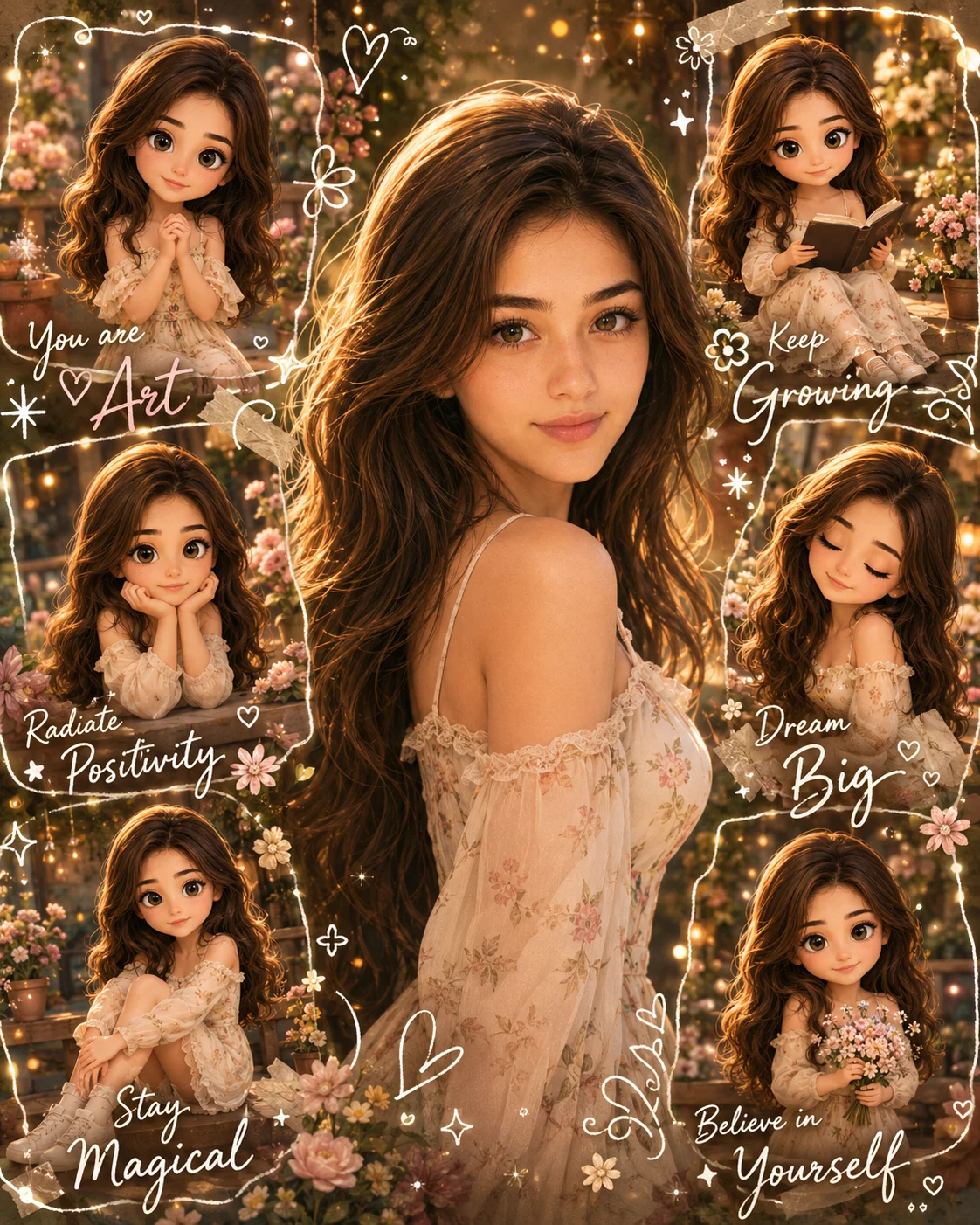
A dreamy, multi-asset digital scrapbook collage that masterfully translates a real-world facial architecture into a highly curated stylized 3D animation collection.
Recommended: 4:5 — 4:5 vertical framing comfortably accommodates two subjects while maintaining intimate composition and enough headroom for both faces.
Rate this prompt
Be the first to rate
Free prompt — one-click copy, no login required
Visual Character
Lighting
Lighting: Golden hour cinematic lighting, warm fairy lights, soft rim light, luxury beauty lighting, natural glowing skin
Color
Keep EXACTLY the same: Face shape, Jawline, Eye shape, Eye spacing, Nose shape, Lip shape, Smile, Eyebrows, Hairline, Hairstyle, Hair color,
family-friendly 3D animation Princess Inspired, stylized 3D animation, feature-animation, Luxury 3D Character Design, family-friendly 3D ani
Full Prompt
Best For
High-intent Pinterest viral mood boardscustom digital gift art cardsand highly personalized birthday celebration graphic layouts.
How To Use This Prompt
Step 01
Copy the prompt
Use the copy button above to grab the complete prompt with your selected aspect ratio.
Step 02
Open your AI tool
Use a generator that supports the input and reference-image features you need.
Step 03
Generate your image
Create variations, pick the best result, then download and use it in your content.
Common Output Problems
Issues you may encounter and how to fix them
One person's face is preserved correctly while the other looks different or generic+
Why it happens
Dual-subject identity preservation is significantly harder than single-subject — most models prioritize the face they detect first and treat the second as optional.
Fix
Specify separate identity-preservation instructions for each person (e.g., "person on the left must match reference face A, person on the right must match reference face B") and use a higher-quality reference photo for each.
The neon glow oversaturates the skin tones or washes out clothing texture+
Why it happens
Strong colored rim lighting can overpower natural skin rendering, especially when the glow color conflicts with the skin's natural undertones.
Fix
Add "preserve natural skin tone under colored lighting, subtle color cast on edges only, no full-scene color wash" to maintain realistic skin while keeping the neon effect.
The image lacks the professional quality or sharpness described in the prompt+
Why it happens
Some AI models prioritize artistic interpretation over photorealistic rendering, especially when the prompt contains both stylistic and technical instructions.
Fix
Move all camera and quality specifications to the beginning of the prompt and add "ultra-sharp focus on the subject, fine detail rendering, professional photography quality" to reinforce the desired output.
Customize This Prompt
Adapt these elements to fit your vision
Replace the flowers background with a minimalist studio backdrop to isolate the subject and create a cleaner, more focused composition.
Replace the golden hour lighting with cool blue-hour tones for a more moody, twilight atmosphere.
Change the expression from smiling to direct eye contact for a more engaging, connection-driven portrait.
Which AI Tools Can I Use?
This prompt works with popular AI image generators.
Links to official tool websites. Not a claim that this prompt was tested in every tool or model version.
Frequently Asked Questions
Quick answers before you copy this prompt
Do I need to upload a reference photo to use this prompt?+
Yes, this prompt is designed for reference-image workflows. Upload a clear, well-lit photo of the subject. If you remove the identity-preservation instructions, the model will generate a new face instead.
Why does the text in the generated image look wrong or misspelled?+
AI image generators struggle with text rendering. Keep text to 1-3 words maximum, use simple fonts, and add "clean sharp text, no placeholder characters" to improve accuracy. For perfect text, consider adding it in post-processing.
What aspect ratio works best for this composition?+
4:5 is recommended for Instagram feeds and portrait-style layouts. Use 1:1 for profile pictures or square-format social posts. 9:16 works for Stories and Reels covers, but may crop important composition elements.
The background looks too bright or washed out. How do I fix it?+
Add "retain background detail and texture, avoid blown-out highlights in the sky and bright areas" to the prompt. You can also specify "balanced exposure between subject and background" to prevent the golden-hour light from overexposing the scene.