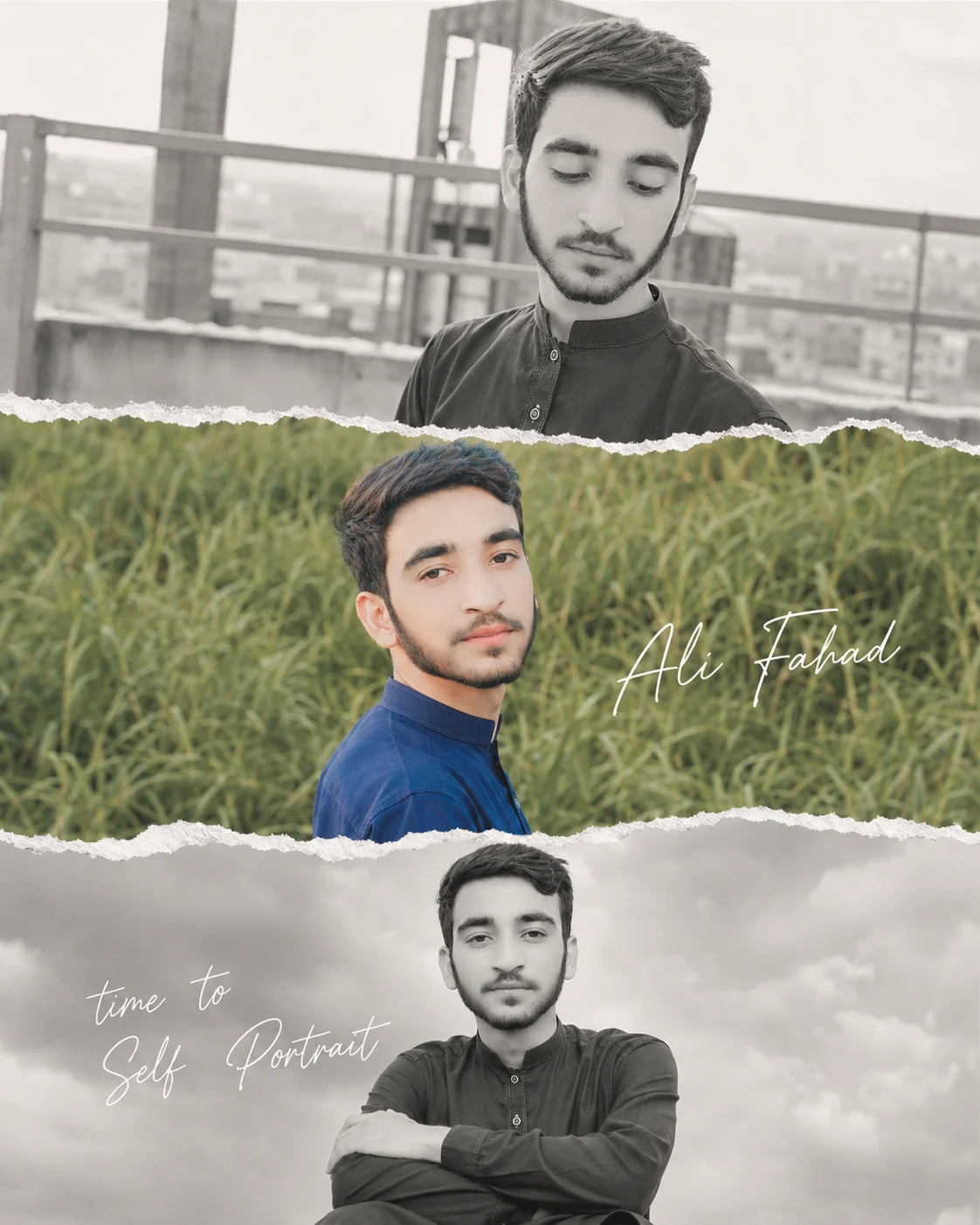
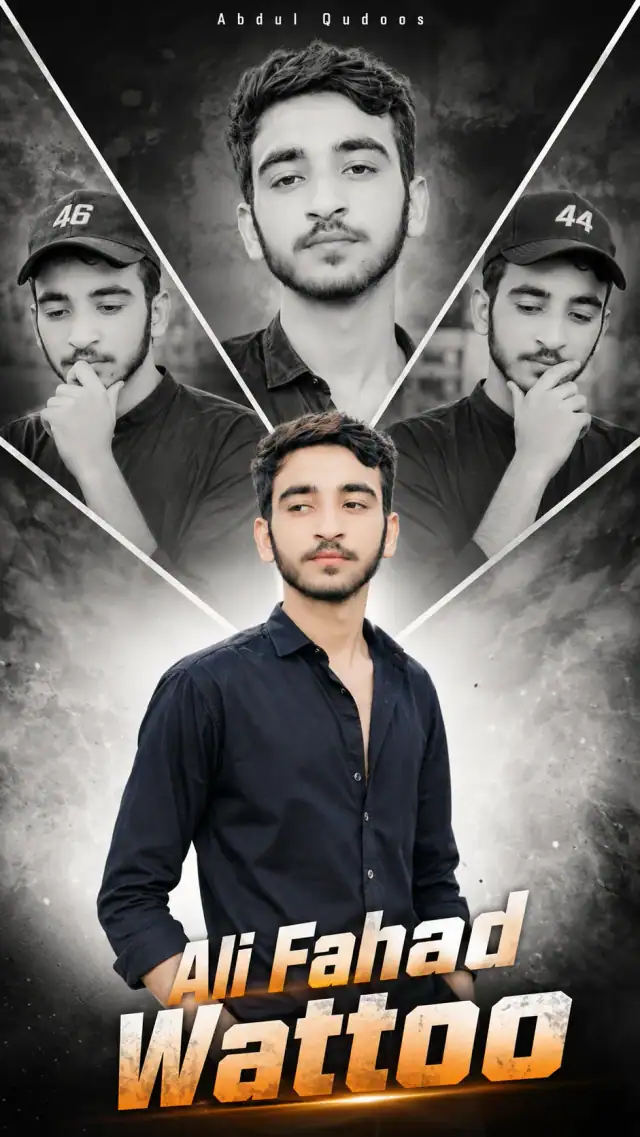
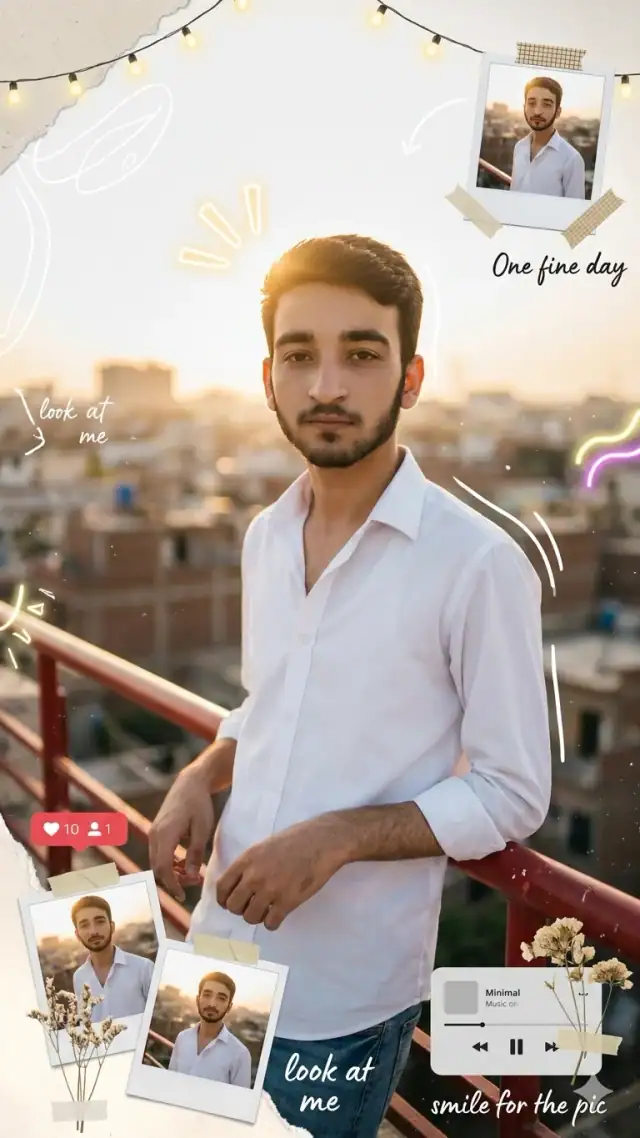
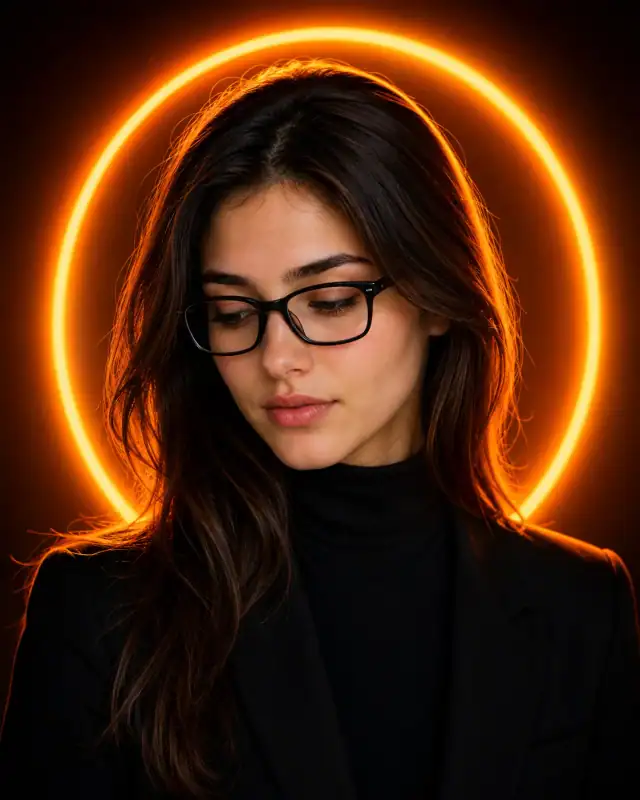
Ditch traditional grid layouts for this beautifully curated, scrapbook-inspired 'Torn Paper' editorial collage. This advanced prompt sections a vertical 4:5 frame into three distinct emotional chapters, alternating between moody black-and-white industrial aesthetics and warm, sunlit nature panels. Complete with integrated cursive typography placeholders, it creates a tactile, hand-crafted feel. It is an exceptional template for lifestyle creators, personal branding grids, and unique birthday moodboards that look like they were pulled straight from a luxury fashion magazine.
Identity preservationPhotorealistic outputEditorial lightingSocial-ready format
Aspect Ratio
Select before copying
Recommended: 4:5 — 4:5 vertical frame accommodates the text overlay and the subject without either element feeling cramped or cropped.
Rate this prompt
Be the first to rate
Free prompt — one-click copy, no login required
Visual Character
Lighting
Middle Panel: Vibrant full-color photo, the man is smiling and looking back over his shoulder against a lush green grass nature background u
Color
Top Panel: Black and white photo, chest-up shot of the man looking down in a candid pose, urban industrial background with metal railings, s
Composition
An aesthetic collage-style portrait photo edit with 3 distinct panels vertically stacked and separated by white torn paper edge effects
Full Prompt
Best For
Perfect for high-engagement Instagram carousel slidespersonalized birthday status designsand Pinterest lifestyle mood boards.
How To Use This Prompt
Step 01
Copy the prompt
Use the copy button above to grab the complete prompt with your selected aspect ratio.
Step 02
Open your AI tool
Use a generator that supports the input and reference-image features you need.
Step 03
Generate your image
Create variations, pick the best result, then download and use it in your content.
Common Output Problems
Issues you may encounter and how to fix them
The monochrome range produces a flat, lifeless image lacking depth and dimension+
Why it happens
AI generators may compress the tonal range when converting to monochrome, removing the natural depth that color provides.
Fix
Specify rich tonal depth with distinct zones — deep blacks, luminous midtones, and bright highlights for dimensional monochrome.
The monochrome texture of dark fabric becomes a featureless black mass+
Why it happens
Dark suits and garments lose all fabric texture and construction detail when the AI renders them as pure black.
Fix
Specify visible fabric texture within the dark tones — weave pattern, seam lines, and subtle light catching the material surface.
Customize This Prompt
Adapt these elements to fit your vision
Replace the railing background with a minimalist studio backdrop to isolate the subject and create a cleaner, more focused composition.
Adjust the lighting direction to create more dramatic shadows and depth — try moving the key light from front to a 45-degree angle.
Change the expression from candid to direct eye contact for a more engaging, connection-driven portrait.
Which AI Tools Can I Use?
This prompt works with popular AI image generators.
Links to official tool websites. Not a claim that this prompt was tested in every tool or model version.
Frequently Asked Questions
Quick answers before you copy this prompt
Can I use this prompt with a reference photo to preserve someone's face?+
Yes. Add identity-preservation instructions like "preserve exact facial features from the uploaded reference photo" at the beginning of the prompt. This works best with clear, front-facing reference images.
Why does the text in the generated image look wrong or misspelled?+
AI image generators struggle with text rendering. Keep text to 1-3 words maximum, use simple fonts, and add "clean sharp text, no placeholder characters" to improve accuracy. For perfect text, consider adding it in post-processing.
What aspect ratio works best for this composition?+
4:5 is recommended for Instagram feeds and portrait-style layouts. Use 1:1 for profile pictures or square-format social posts. 9:16 works for Stories and Reels covers, but may crop important composition elements.
The skin looks too smooth or artificial. How do I make it more realistic?+
Add "natural skin texture with visible pores, subtle imperfections, realistic skin tone variation" to the prompt. Avoid words like "flawless" or "perfect skin" which push models toward artificial smoothness.