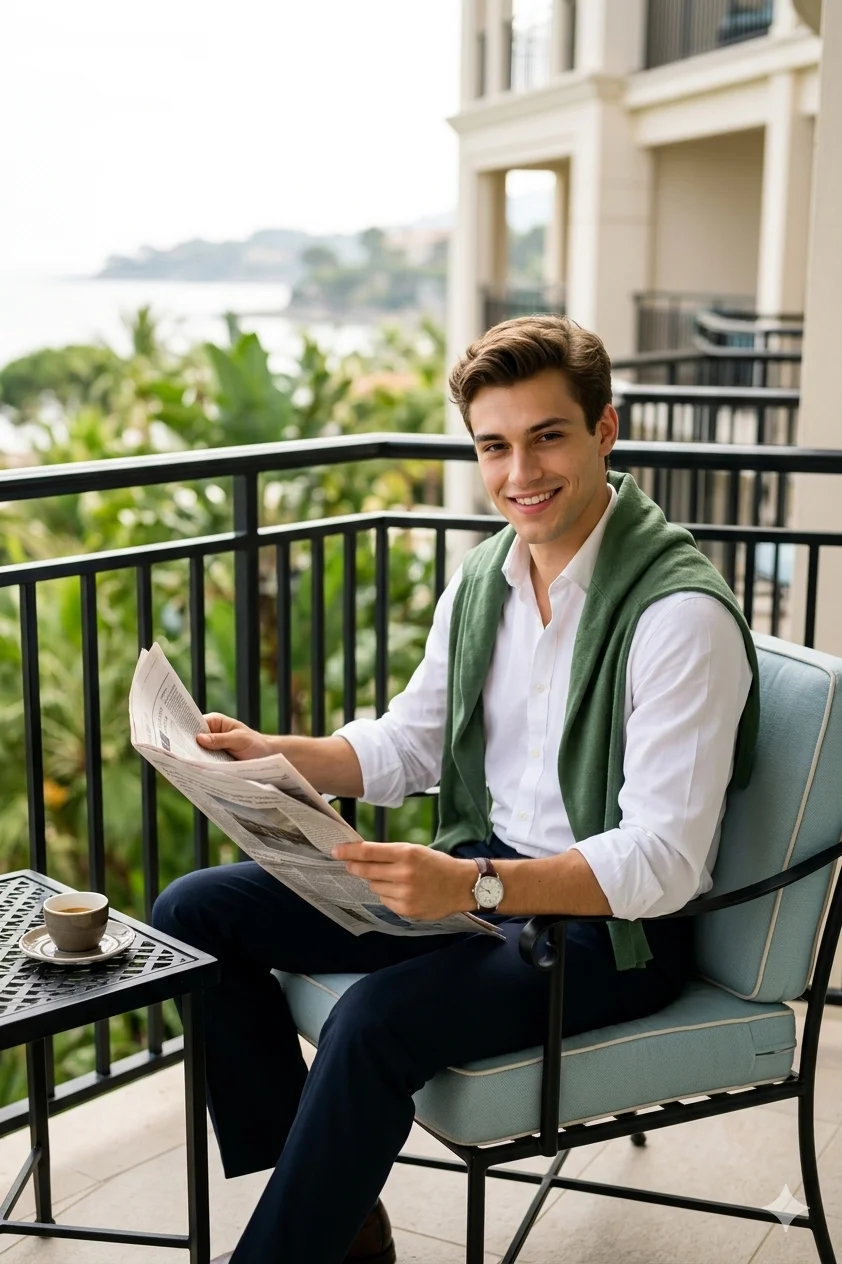
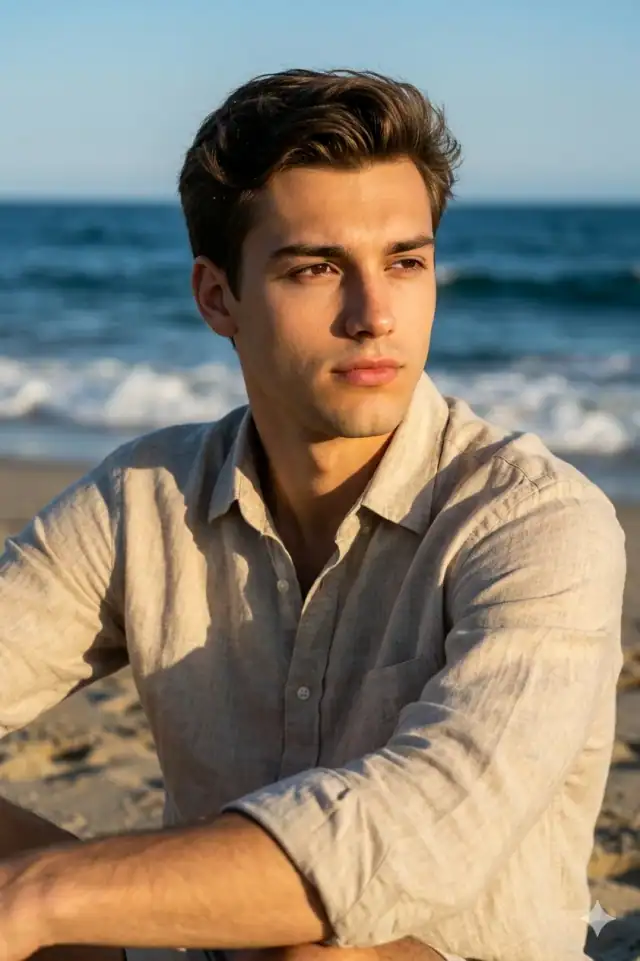
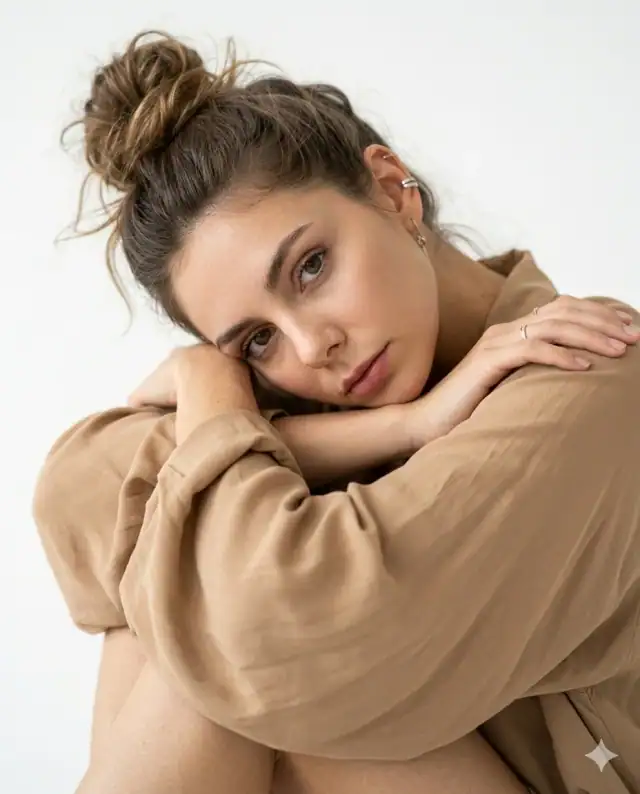
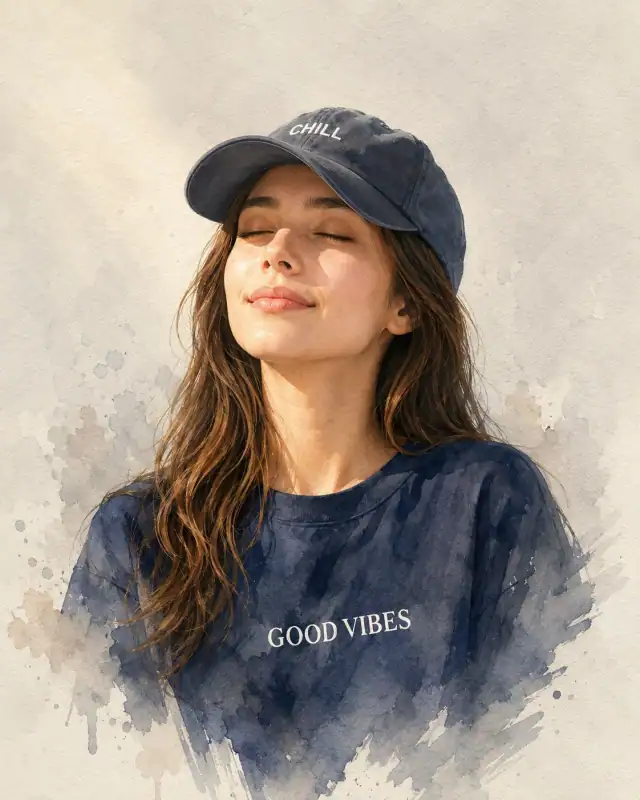
Effortless sophistication unfolds on a modern balcony with panoramic glass railings framing a soft-focus cityscape at sunset. Warm golden tones paint the scene as natural diffused light caresses relaxed pose and oversized beige shirt. Minimalist sandals and thin-framed sunglasses complete the casual-yet-refined aesthetic. The warm beige and muted gold palette creates inviting approachable content perfect for lifestyle creators.
Identity preservationPhotorealistic outputEditorial lightingSocial-ready format
Aspect Ratio
Select before copying
Recommended: 4:5 — 4:5 vertical framing comfortably accommodates two subjects while maintaining intimate composition and enough headroom for both faces.
Rate this prompt
Be the first to rate
Free prompt — one-click copy, no login required
Visual Character
Lighting
Lighting: natural, soft, diffused daylight with a subtle golden-hour glow, creating gentle shadows
Color
The background features a soft-focus urban cityscape with warm sunset tones
Camera
Shot on Sony A7IV, 85mm f/1
Composition
Create a color, high-detail, hyper-realistic portrait using the reference photos provided
Use the copy button above to grab the complete prompt with your selected aspect ratio.
Step 02
Open your AI tool
Use a generator that supports the input and reference-image features you need.
Step 03
Generate your image
Create variations, pick the best result, then download and use it in your content.
Common Output Problems
Issues you may encounter and how to fix them
One person's face is preserved correctly while the other looks different or generic+
Why it happens
Dual-subject identity preservation is significantly harder than single-subject — most models prioritize the face they detect first and treat the second as optional.
Fix
Specify separate identity-preservation instructions for each person (e.g., "person on the left must match reference face A, person on the right must match reference face B") and use a higher-quality reference photo for each.
The neon glow oversaturates the skin tones or washes out clothing texture+
Why it happens
Strong colored rim lighting can overpower natural skin rendering, especially when the glow color conflicts with the skin's natural undertones.
Fix
Add "preserve natural skin tone under colored lighting, subtle color cast on edges only, no full-scene color wash" to maintain realistic skin while keeping the neon effect.
The depth of field doesn't match the lens specifications described in the prompt+
Why it happens
AI models don't physically simulate lens optics — they interpret depth-of-field instructions as general blur rather than accurate f-stop rendering.
Fix
Be explicit about what should be sharp vs. blurred: "tack-sharp focus on the face, gradual blur beginning at the shoulders, creamy circular bokeh highlights in the background."
Customize This Prompt
Adapt these elements to fit your vision
Swap the beige shirt for a white alternative to shift the mood — different fabric colors dramatically change the overall tone of the portrait.
Replace the balcony background with a minimalist studio backdrop to isolate the subject and create a cleaner, more focused composition.
Replace the golden hour lighting with cool blue-hour tones for a more moody, twilight atmosphere.
Change the expression from confident to direct eye contact for a more engaging, connection-driven portrait.
Which AI Tools Can I Use?
This prompt works with popular AI image generators.
Do I need to upload a reference photo to use this prompt?+
Yes, this prompt is designed for reference-image workflows. Upload a clear, well-lit photo of the subject. If you remove the identity-preservation instructions, the model will generate a new face instead.
How do I get both people to look like their reference photos?+
Use separate reference photos for each person and specify which reference corresponds to which person in the prompt. For example: "the woman must match reference photo A, the man must match reference photo B." Quality reference photos with clear facial features work best.
Can I change the outfit or setting without breaking the prompt?+
Yes. Replace the specific clothing items and setting details with your preferred alternatives while keeping the lighting, composition, and camera instructions intact. The overall mood will shift but the portrait quality should remain consistent.
The background looks too bright or washed out. How do I fix it?+
Add "retain background detail and texture, avoid blown-out highlights in the sky and bright areas" to the prompt. You can also specify "balanced exposure between subject and background" to prevent the golden-hour light from overexposing the scene.