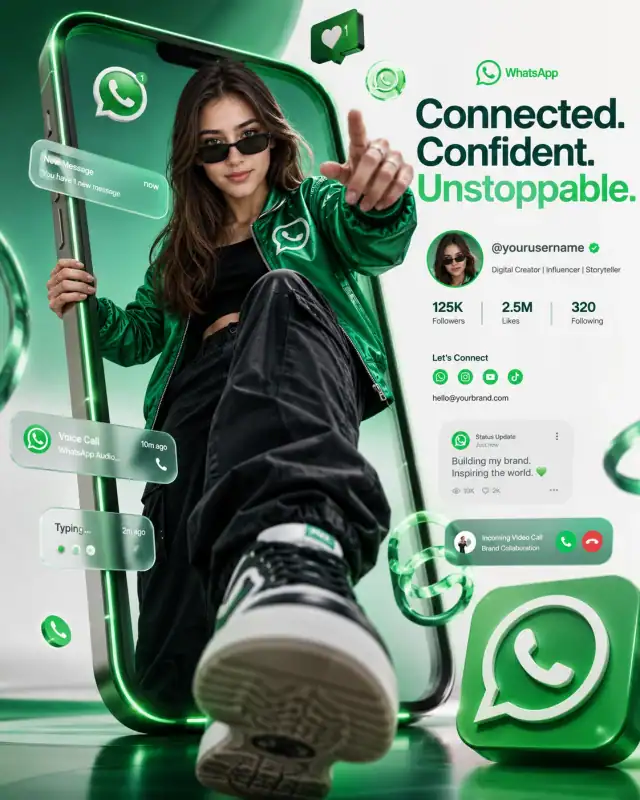
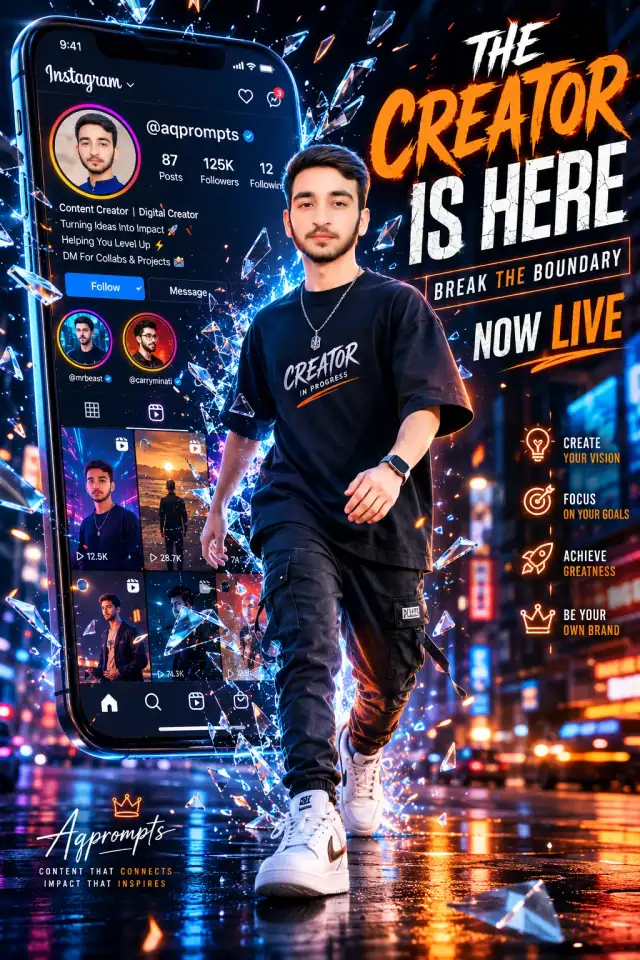
 3D Smartphone Breakout Creator Ad Poster Prompt3D Smartphone Breakout Creator Ad Poster Prompt
By Abdul QudoosPublished Jun 26, 2026Updated Sep 17, 2026
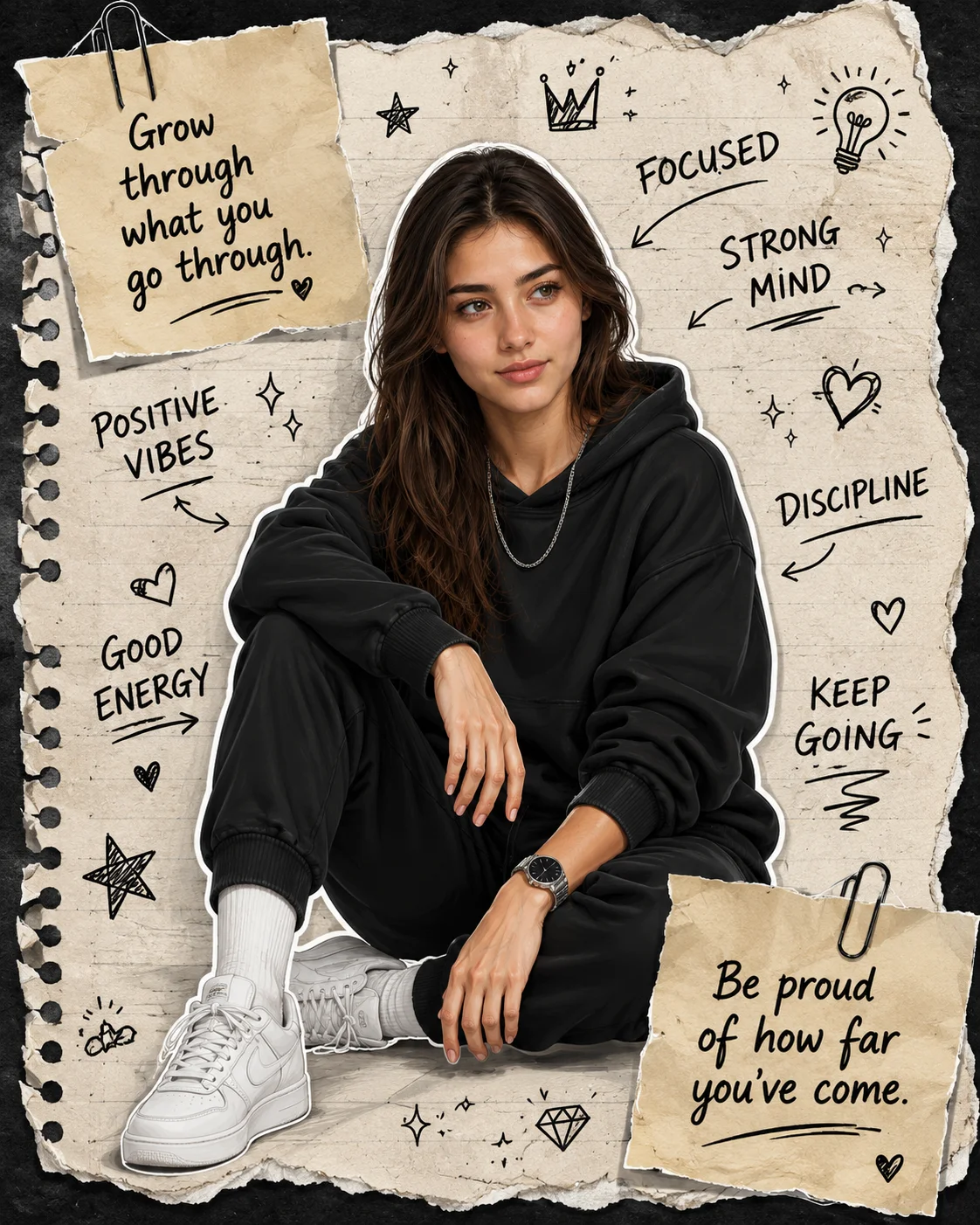
AI-edited example image for demonstration purposes.
Scrapbook Journal Torn Paper Doodle Poster Prompt AI Prompt
Aspect Ratio
Select before copyingRecommended: 4:5 · 4:5 vertical format suits digital artwork display on Instagram and portfolio platforms while providing balanced space for artistic composition.
Layered skew mapping that simulates true 3D volumetric shadows beneath the torn paper borders and metal paperclips, cast accurately over the scanned notebook paper lines while preserving clean vector hand-drawn annotation assets.
Photo Editing Prompts
Identity preservationPhotorealistic outputDepth of field
View Prompt
How to Use This Prompt
- Step 1: Copy the prompt using the Copy button above.
- Step 2: Open the AI tool that works best for your prompt.
- Step 3: If the tool supports reference images, upload your photo first, then paste the prompt.
- Step 4: Select the recommended aspect ratio before generating.
- Step 5: Adjust keywords like clothing color, background, or lighting to personalize the result.
About this Scrapbook Journal Torn Paper Doodle Poster Prompt AI prompt
Capture a deeply engaging, highly viral Pinterest aesthetic with this magnificent scrapbook journal fashion prompt. Merging premium digital fashion painting with mixed-media paper textures, this layout features a stylish, sticker-outlined character surrounded by raw hand-drawn doodles and realistic paperclipped notes. The contrast between deep matte-black streetwear and warm beige pulped paper makes it an unparalleled asset for creators looking to design relatable lifestyle graphics, unique merch prints, or highly shared motivational journal spreads.
Practical tips
- Swap the black hoodie for a black alternative to shift the mood — different fabric colors dramatically change the overall tone of the portrait.
- Adjust the lighting direction to create more dramatic shadows and depth — try moving the key light from front to a 45-degree angle.
- Change the expression from thoughtful to direct eye contact for a more engaging, connection-driven portrait.
- Remove the wristwatch for a cleaner, less accessorized look, or swap it for a different style to match your branding.
Frequently asked questions
Do I need to upload a reference photo for this prompt to work?
Yes, this prompt is designed for reference-image workflows. Upload a clear, well-lit photo of the subject's face. A front-facing photo with visible facial features produces the best identity preservation. Removing the identity-preservation instructions will cause the model to generate a new face.
How do I adapt this portrait for different social media platforms?
Use 4:5 for Instagram feed posts (best vertical coverage), 1:1 for profile pictures and square grids, and 9:16 for Stories and Reels. The portrait composition works well across most formats.
How do I keep the subject recognizable in the vector art style?
Emphasize "preserve the subject's unique facial proportions, eye shape, and bone structure within the vector art rendering style." The more specific the facial description, the better the identity preservation in stylized output.
How do I make the silhouette more defined or more subtle?
For a sharper silhouette: "strong backlight, crisp edge definition, dark subject against bright background." For a softer look: "soft diffused backlight, gentle edge glow, semi-transparent silhouette effect."
Tags
#scrapbook journal fashion illustration#torn notebook paper backdrop doodles#men oversized black hoodie joggers style#white sticker style cut out border portrait#handwritten motivational quote notes paperclip#pinterest aesthetic scrapbook collage layout