Day launch edition
Move the scene to a bright daylight city street with the same shattered glass for a cleaner commercial feel.
AI-generated example image for demonstration purposes.
Aspect Ratio
Select before copyingCopy this ready-to-use AI prompt and generate polished creator visuals in your favorite AI tool.
Photo Editing Prompts
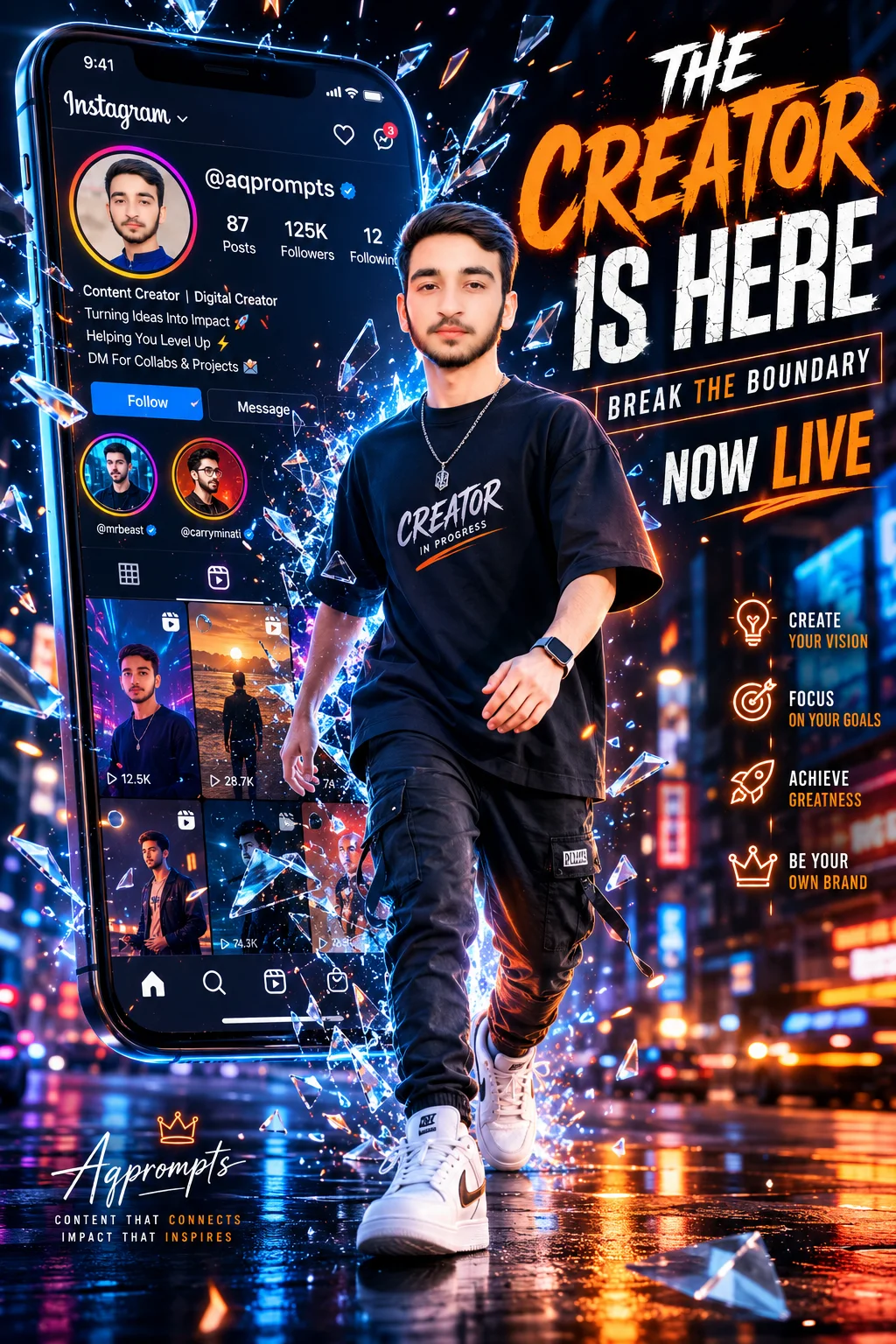
A 3D smartphone breakout prompt is built for one thing: making a creator look larger than life. This one stages a young male creator dramatically stepping out of a giant vertical smartphone screen, shattering the display glass as he crosses into the real world. Realistic flying shards, glowing sparks, particles, and motion effects sell the impact, while the phone itself shows a vibrant Instagram UI with reels and creator stories. He wears trendy streetwear: an oversized premium t-shirt, modern cargo trousers, stylish sneakers, and a luxury smartwatch. The scene sits in a futuristic urban night city with neon blue and orange lighting, volumetric light rays, and wet street reflections. Bold top typography reads THE CREATOR IS HERE and BREAK THE BOUNDARY with NOW LIVE in a premium orange and white scheme, so the whole piece works as a launch poster, not just a portrait.
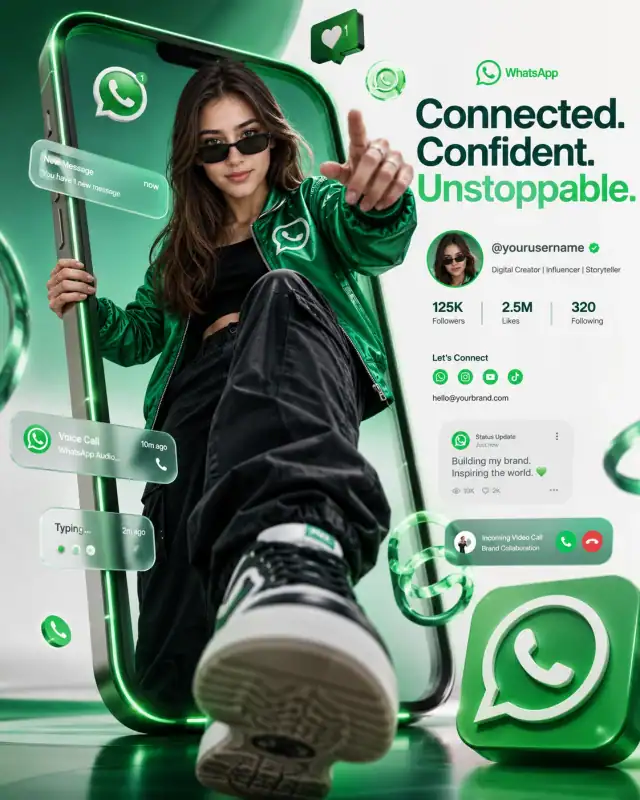
This prompt suits YouTubers, streamers, and personal brands announcing a channel launch, a milestone, or a rebrand. The composition is pure advertisement: the headline carries the message, the shattered glass carries the energy, and the neon city carries the mood. ChatGPT (https://chatgpt.com) is the recommended tool, and it was generation tested there, because the three headline texts need a generator that renders bold on image typography accurately. For a greener take on the breakout idea, see the WhatsApp green influencer smartphone breakout poster (https://www.aqprompts.com/tools/ai-image-prompts/p/whatsapp-green-influencer-smartphone-breakout-poster-prompt), or try the cinematic V panel blockbuster birthday poster (https://www.aqprompts.com/tools/ai-image-prompts/p/cinematic-v-panel-blockbuster-birthday-poster) for another poster style layout. Keep the headline wording exactly as written for the strongest impact.
Three bold headline texts, a vibrant Instagram UI on the phone screen, and small creator story details all demand accurate text rendering. ChatGPT's image model keeps multi line typography legible and correctly spelled, while still delivering the cinematic glass shatter and neon city atmosphere. This prompt was generation tested on ChatGPT.
Move the scene to a bright daylight city street with the same shattered glass for a cleaner commercial feel.
Drop the city and place the phone against a dark studio gradient so the creator and headline carry the whole poster.
Swap the blue and orange neon for your brand colors and recolor the headline scheme to match.
Yes. Upload a clear front facing photo and add "preserve exact facial features from the uploaded reference photo" at the start. The prompt already includes photorealistic face preservation wording.
Add "glass shards flying outward away from the face" and regenerate. If it persists, simplify by reducing the shard density words before your next attempt.
Yes. Replace THE CREATOR IS HERE, BREAK THE BOUNDARY, and NOW LIVE with your own launch message. Keep each line short, since short lines render more accurately.
Yes. Without a reference photo the model creates a new creator face. The composition, lighting, and typography stay the same.