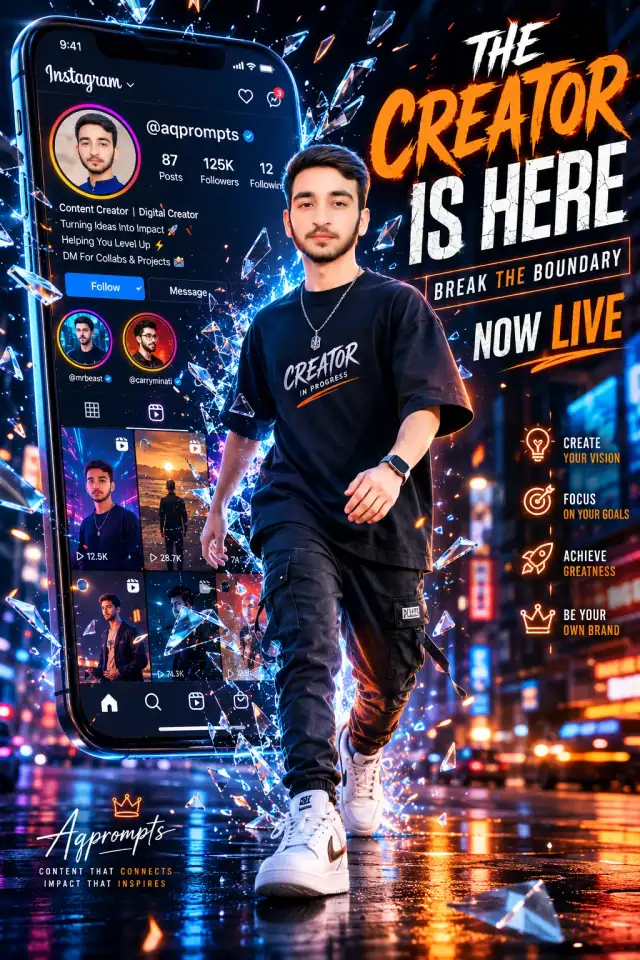
Dark mode edition
Swap the white background for deep charcoal with the same neon green glow for a premium night look.
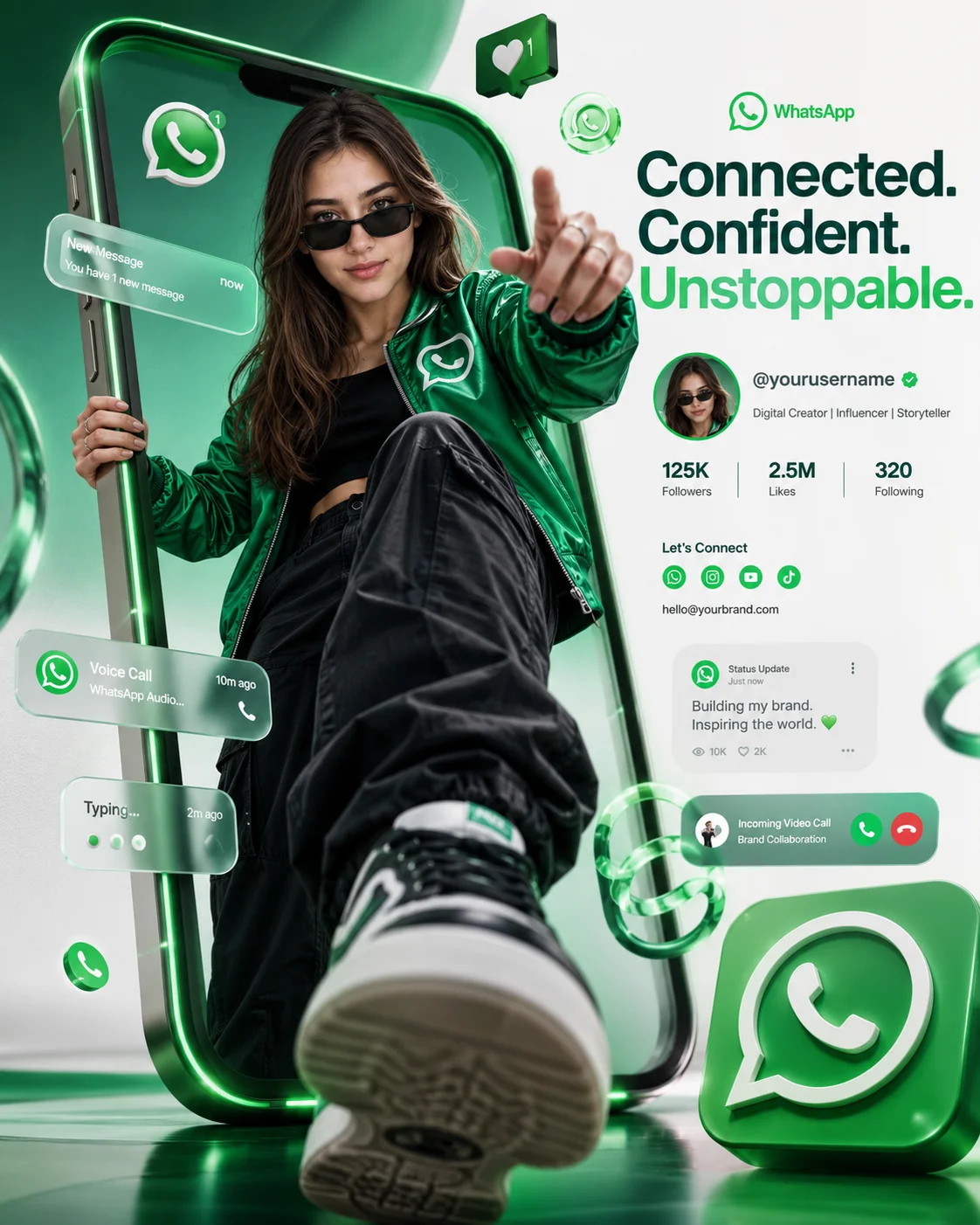
AI-generated example image for demonstration purposes.
Aspect Ratio
Select before copyingCopy this ready-to-use AI prompt and generate polished creator visuals in your favorite AI tool.
Photo Editing Prompts
A WhatsApp green influencer poster prompt takes the most recognizable messaging color on the planet and turns it into a personal branding poster. This one shows a young male influencer stepping out of a giant luxury smartphone screen in a dramatic low angle shot, with one sneaker pushed into the foreground for an exaggerated sense of depth. He wears a green satin bomber jacket over a black luxury streetwear outfit with premium sunglasses, striking a confident pose. Floating around him are WhatsApp inspired notification bubbles, chat icons, message alerts, call icons, and glowing green engagement elements, mixed with abstract metallic green shapes in a glassmorphism style. The clean white and emerald green background carries a soft neon green glow around the phone frame, and a professional branding section on the right holds the username and social details.
This layout suits tech influencers, community builders, and creators launching chat based channels or broadcast lists. The green palette does the branding work instantly, so the poster reads as messaging first and portrait second. ChatGPT (https://chatgpt.com) is the recommended tool, and it was generation tested there, because the username and social details in the branding section need crisp, accurate on image text. For a blue and orange take on the breakout concept, try the 3D smartphone breakout creator ad poster (https://www.aqprompts.com/tools/ai-image-prompts/p/3d-smartphone-breakout-creator-ad-poster-prompt), or see the luxury 3D Instagram showcase portfolio display (https://www.aqprompts.com/tools/ai-image-prompts/p/luxury-3d-instagram-showcase-portfolio-display-prompt) for another profile style poster. Keep the branding section text short so every word renders cleanly.
The right side branding section with a username and social details, plus small chat and call icons, needs precise text rendering that most models garble. ChatGPT's image model keeps short text blocks legible and holds the emerald green palette consistently across the poster. This prompt was generation tested on ChatGPT.
Swap the white background for deep charcoal with the same neon green glow for a premium night look.
Restyle the influencer and bomber jacket for a female creator while keeping the green palette and icon set.
Remove the floating icons and keep only the phone, the pose, and the branding section for a cleaner corporate poster.
No. It is inspired by the WhatsApp green palette and messaging icon style, but it is an original AI generated poster concept, not affiliated with or endorsed by WhatsApp.
Yes. Replace the username and social details with your own handles. Keep them short, since short text renders more accurately.
Yes. Upload a clear photo and add "preserve exact facial features from the uploaded reference photo" at the start of the prompt.
Yes. Delete the sunglasses line for a more personal look, or describe a different eyewear style. The confident pose and green palette carry the poster either way.