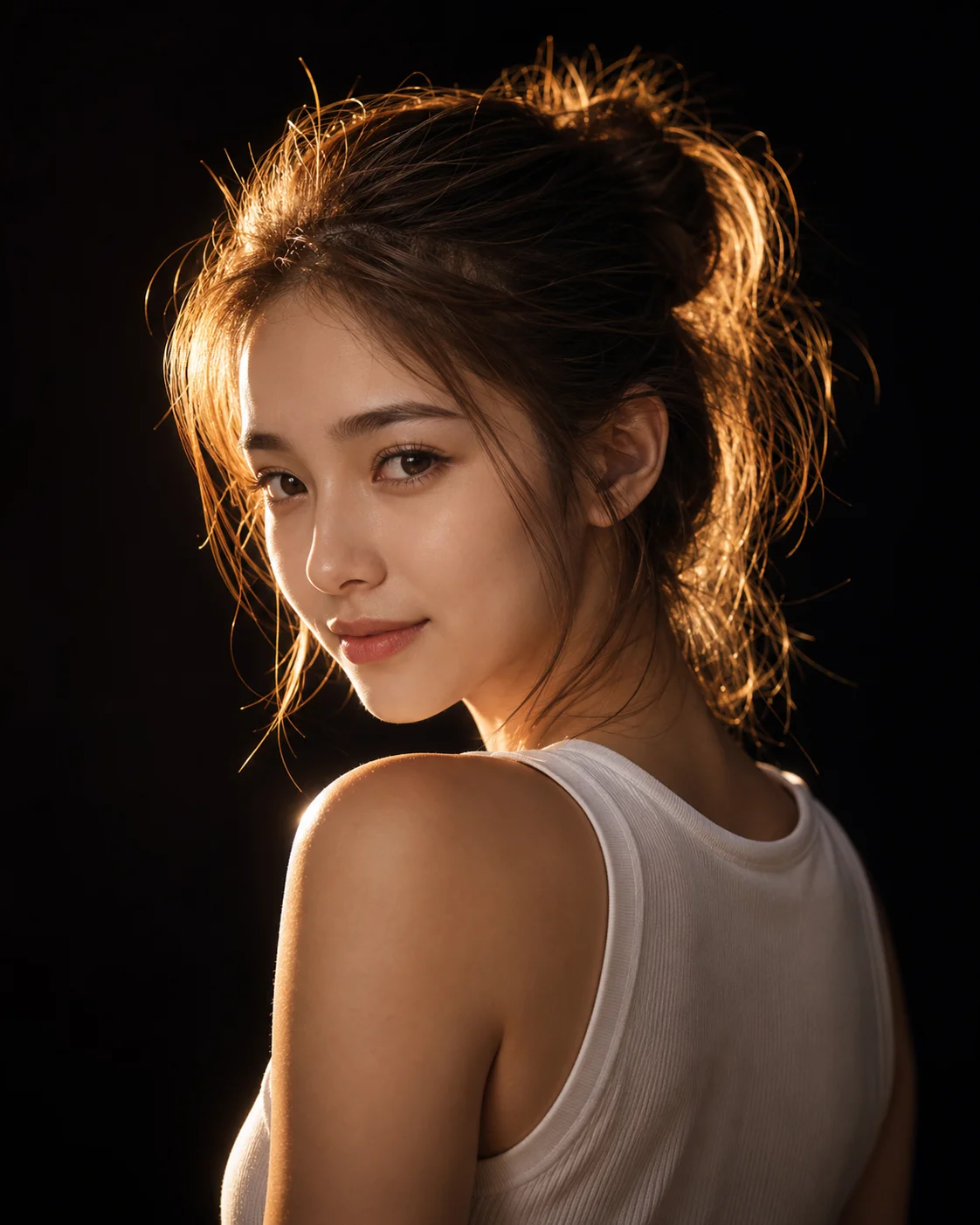
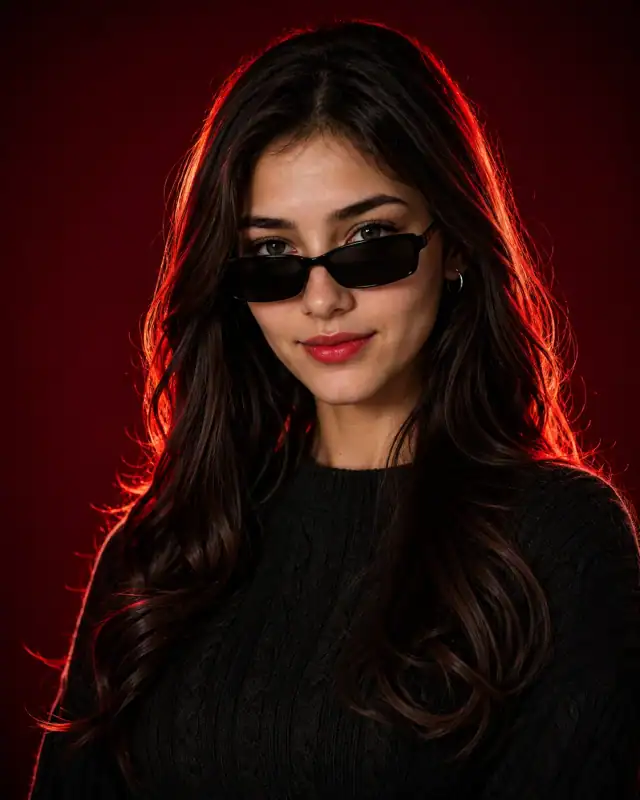
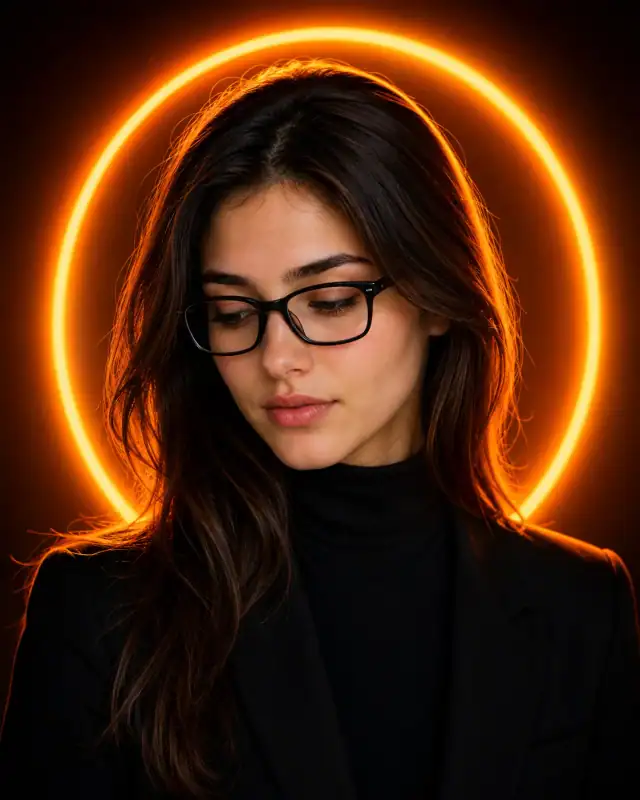
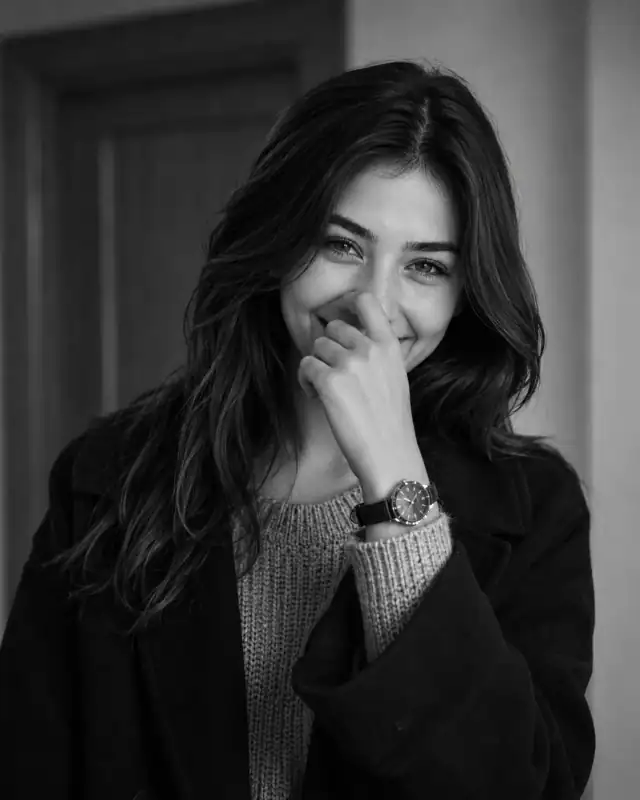
Master the balance of minimalism and high drama with this elegant chiaroscuro studio portrait prompt. By pairing a simple, clean wardrobe choice like a white tank top with an intricate, glowing messy bun silhouette, this composition pulls immense artistic power out of negative space. A single, heavy backlight traces the contours of the subject's hair and shoulder in pure gold, while subtle side-wrap lighting delicately reveals facial expressions against a deep, pure black void. It is a stunning asset for fine-art portfolios, high-end lifestyle curation, or sophisticated online handles.
Identity preservationEditorial lightingDepth of field
Aspect Ratio
Select before copying
Recommended: 4:5 — 4:5 is the standard portrait ratio for Instagram feeds, providing optimal vertical coverage while maintaining balanced composition with natural headroom.
Rate this prompt
Be the first to rate
Free prompt — one-click copy, no login required
Visual Character
Lighting
Features high-contrast chiaroscuro rim lighting with a single warm light source positioned behind her, creating a glowing golden outline aro
Background
Cinematic dramatic studio portrait of a young Asian woman looking over her shoulder with a subtle soft smile
Camera
Shot with an 85mm portrait lens at f/1
Full Prompt
Best For
Fine-art portrait galleriespremium minimalist personal brandingand high-impact cinematic cover photography.
How To Use This Prompt
Step 01
Copy the prompt
Use the copy button above to grab the complete prompt with your selected aspect ratio.
Step 02
Open your AI tool
Use a generator that supports the input and reference-image features you need.
Step 03
Generate your image
Create variations, pick the best result, then download and use it in your content.
Common Output Problems
Issues you may encounter and how to fix them
The background competes with the subject for attention instead of complementing the portrait+
Why it happens
Busy or detailed backgrounds can pull focus away from the subject, especially when background elements have similar contrast levels to the person.
Fix
Strengthen subject-background separation by adding "strong subject focus, background elements at reduced contrast and detail, clear visual hierarchy" to the prompt.
The depth of field doesn't match the lens specifications described in the prompt+
Why it happens
AI models don't physically simulate lens optics — they interpret depth-of-field instructions as general blur rather than accurate f-stop rendering.
Fix
Be explicit about what should be sharp vs. blurred: "tack-sharp focus on the face, gradual blur beginning at the shoulders, creamy circular bokeh highlights in the background."
Customize This Prompt
Adapt these elements to fit your vision
Move the setting outdoors to a park or urban location to add environmental context and natural lighting variation.
Add a colored rim light (warm amber or cool teal) to introduce cinematic color contrast without changing the composition.
Change the expression from moody to direct eye contact for a more engaging, connection-driven portrait.
Which AI Tools Can I Use?
This prompt works with popular AI image generators.
Links to official tool websites. Not a claim that this prompt was tested in every tool or model version.
Frequently Asked Questions
Quick answers before you copy this prompt
Can I add a reference photo to preserve someone's face in this portrait?+
Yes. Add identity-preservation instructions like "preserve exact facial features from the uploaded reference photo" at the beginning of the prompt. This works best with clear, front-facing reference images.
How do I make the studio background less flat and more dynamic?+
Try adding a subtle gradient or texture to the backdrop: "dark grey gradient background with subtle texture, not pure black." You can also specify background lighting like "subtle backlight glow on the backdrop" for more depth.
Can I change the lens focal length without breaking the composition?+
Yes. Replace the lens specification (e.g., "85mm") with a different focal length — wider (35mm) for more environment, tighter (135mm) for more compression. Keep the aperture (f-stop) consistent to maintain similar depth of field.
How do I make the silhouette more defined or more subtle?+
For a sharper silhouette: "strong backlight, crisp edge definition, dark subject against bright background." For a softer look: "soft diffused backlight, gentle edge glow, semi-transparent silhouette effect."