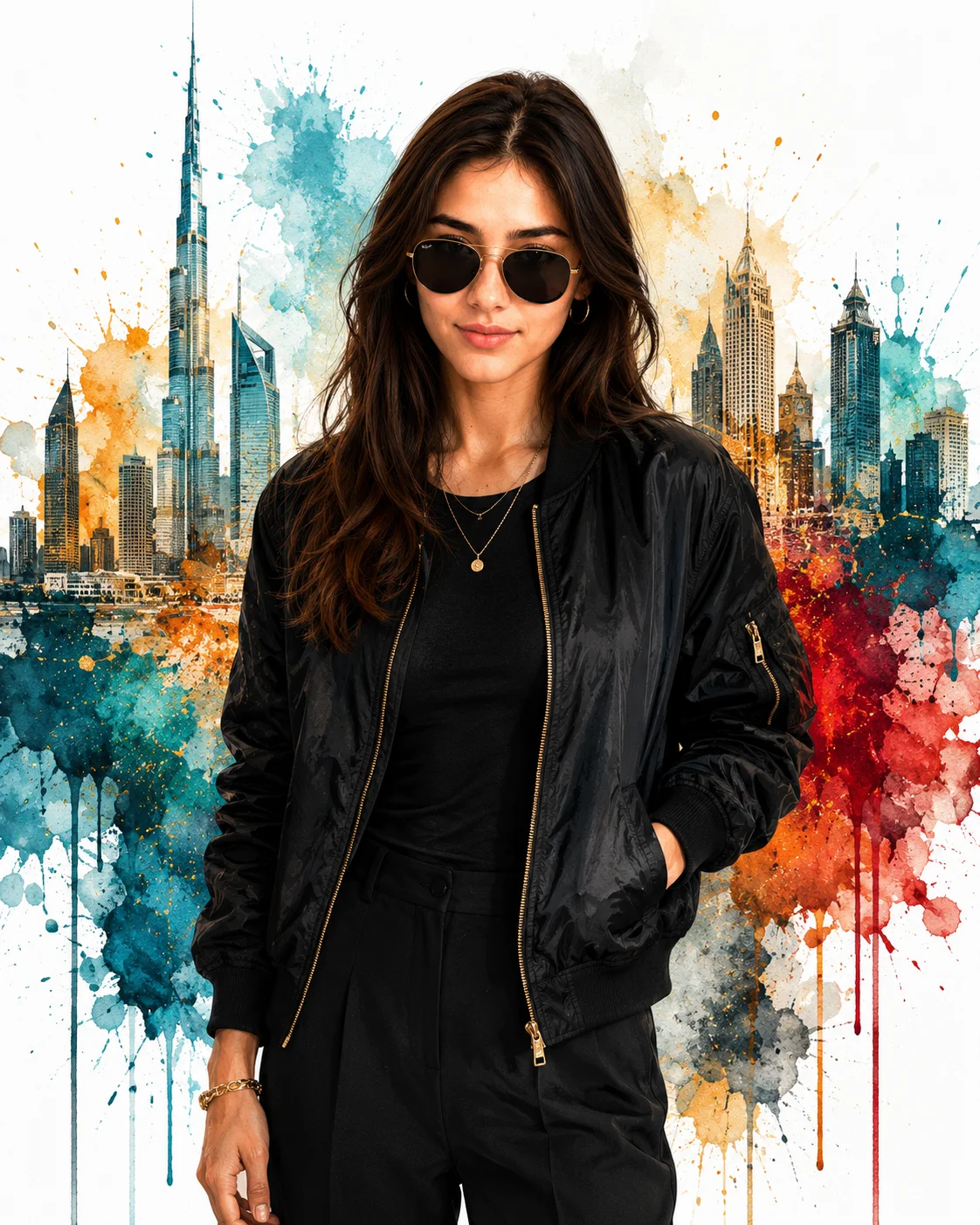
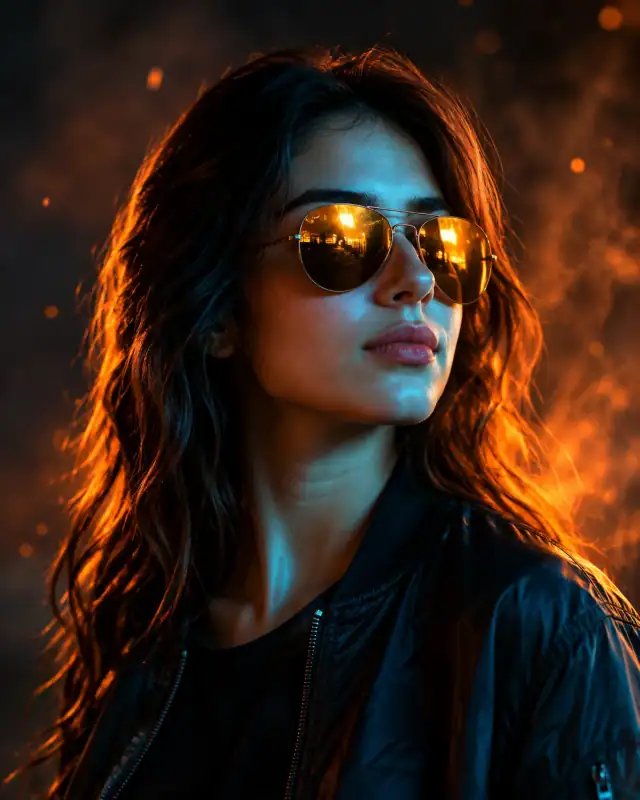
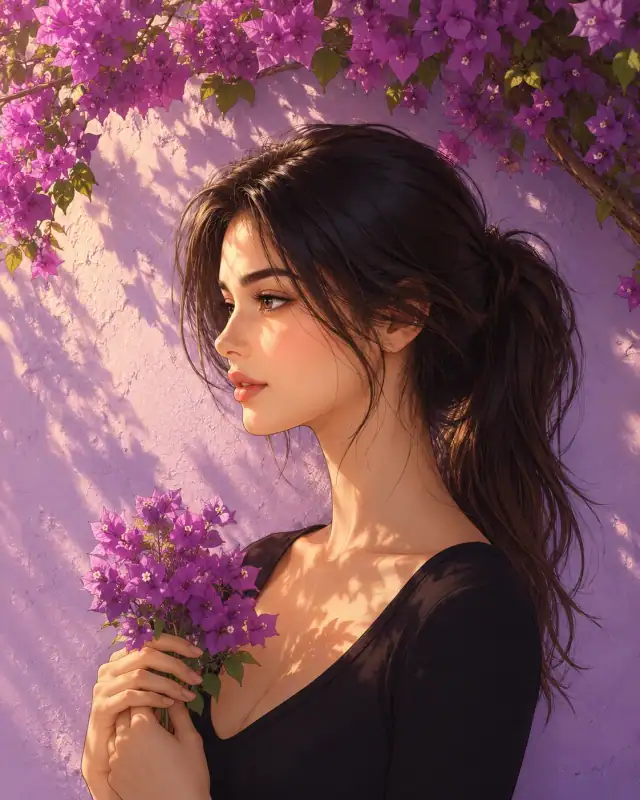
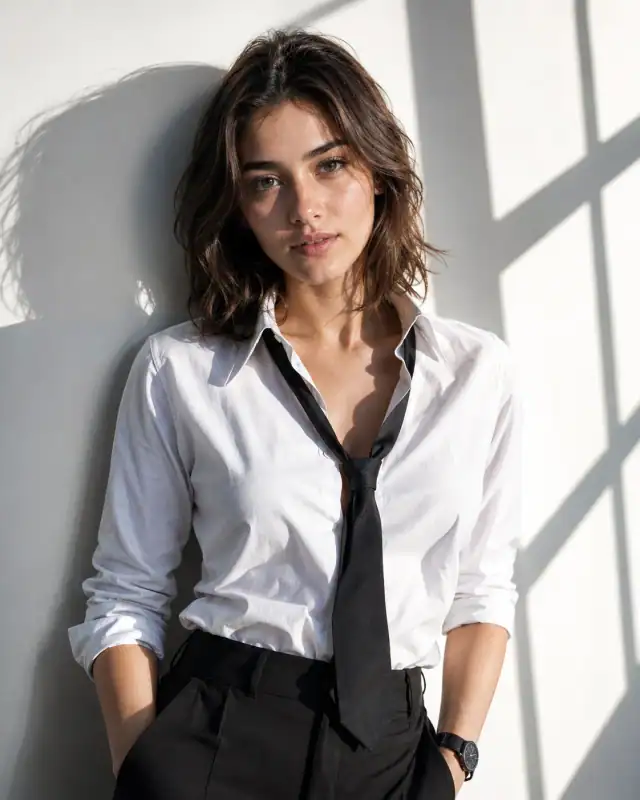
Ignite a massive creative spark in your web gallery with this high-end, colorful mixed-media female portrait prompt. Splitting the difference between crisp, minimalist streetwear and explosive expressionist watercolor canvas art, this template frames an all-black bomber jacket ensemble with an intricate rainbow-tinted city skyline. The dynamic paint drips and watercolor brush strokes create an upscale, gallery-ready visual footprint that digital artists, fashion content creators, and portrait designers can deploy for instant engagement.
Identity preservationPhotorealistic outputEditorial lightingDepth of field
Aspect Ratio
Select before copying
Recommended: 4:5 — 4:5 vertical framing captures the outdoor setting context while keeping the subject prominently centered in the composition.
Rate this prompt
Be the first to rate
Free prompt — one-click copy, no login required
Visual Character
Lighting
Premium digital painting with soft artistic textures, cinematic lighting, high-resolution, 4:5 aspect ratio
Color
Premium fashion illustration of a young woman, preserving 100% exact facial structure, hairstyle, skin tone, and features from a reference p
Background
Set against a clean white background featuring a vibrant watercolor splash composition of a modern city skyline with skyscrapers and ink spl
Full Prompt
Best For
Aesthetic personal branding graphicspremium fashion lookbooksmodern digital gallery printsand high-visibility social media avatar cards.
How To Use This Prompt
Step 01
Copy the prompt
Use the copy button above to grab the complete prompt with your selected aspect ratio.
Step 02
Open your AI tool
Use a generator that supports the input and reference-image features you need.
Step 03
Generate your image
Create variations, pick the best result, then download and use it in your content.
Common Output Problems
Issues you may encounter and how to fix them
The Bomber visual element renders with inconsistent detail or quality across the composition+
Why it happens
AI generators may interpret the Bomber concept with varying fidelity, producing inconsistent visual quality.
Fix
Specify the exact Bomber visual style and regenerate 3-5 times to select the most consistent result.
The Bomber element competes with the subject for visual attention in the composition+
Why it happens
AI generators may over-emphasize the Bomber element, drawing focus away from the primary subject.
Fix
Reduce the Bomber element visual prominence or add clear visual hierarchy with subject as focal point.
Customize This Prompt
Adapt these elements to fit your vision
Swap the black trousers for a gold alternative to shift the mood — different fabric colors dramatically change the overall tone of the portrait.
Replace the skyline background with a minimalist studio backdrop to isolate the subject and create a cleaner, more focused composition.
Adjust the lighting direction to create more dramatic shadows and depth — try moving the key light from front to a 45-degree angle.
Change the expression from confident to direct eye contact for a more engaging, connection-driven portrait.
Which AI Tools Can I Use?
This prompt works with popular AI image generators.
Links to official tool websites. Not a claim that this prompt was tested in every tool or model version.
Frequently Asked Questions
Quick answers before you copy this prompt
Do I need to upload a reference photo for this prompt to work?+
Yes, this prompt is designed for reference-image workflows. Upload a clear, well-lit photo of the subject's face. A front-facing photo with visible facial features produces the best identity preservation. Removing the identity-preservation instructions will cause the model to generate a new face.
How do I control which background elements appear?+
Specify what you want: "clean background with blurred buildings" or "minimal background with only architectural lines." Avoid vague descriptions which can introduce unwanted signs, people, or vehicles.
How do I keep the subject recognizable in the vector art style?+
Emphasize "preserve the subject's unique facial proportions, eye shape, and bone structure within the vector art rendering style." The more specific the facial description, the better the identity preservation in stylized output.
What should I change if the subject looks distorted or unnatural?+
Simplify the pose description and remove conflicting instructions. Add "natural relaxed pose, correct body proportions, anatomically coherent" at the beginning. If the face looks wrong, add "preserve exact facial structure and proportions" and use a higher-quality reference photo.