 Monochromatic Red Designer Suit Luxury Editorial PromptMonochromatic Red Designer Suit Luxury Editorial Prompt
By Abdul QudoosPublished Jul 1, 2026Updated Sep 17, 2026
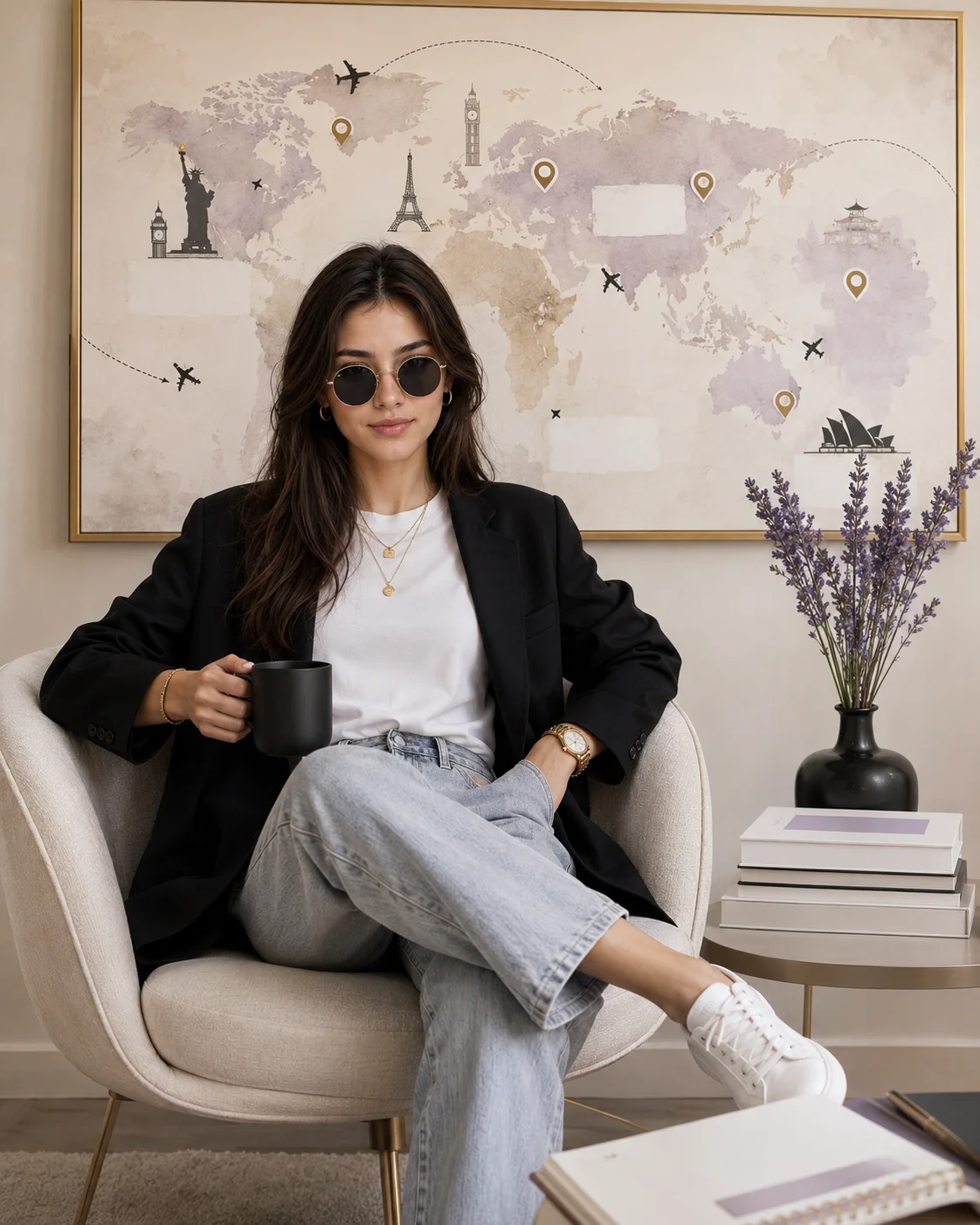
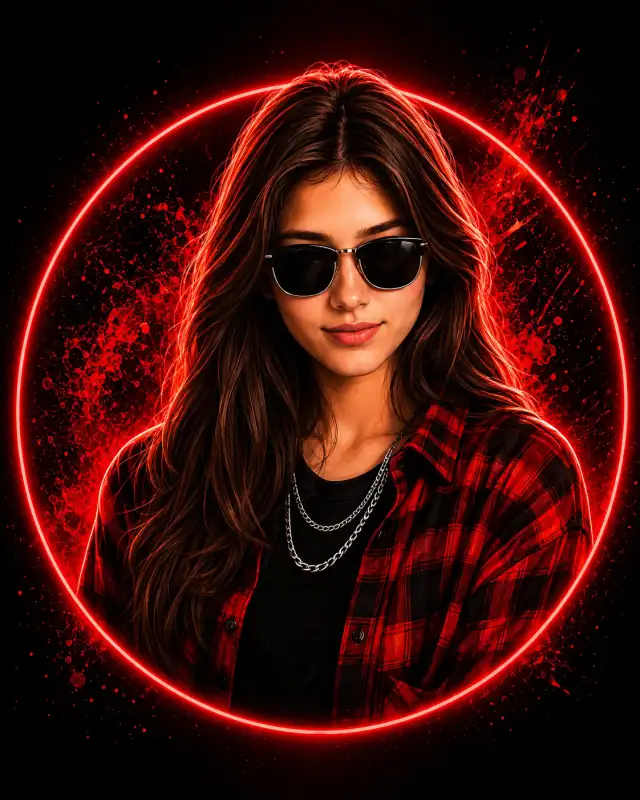
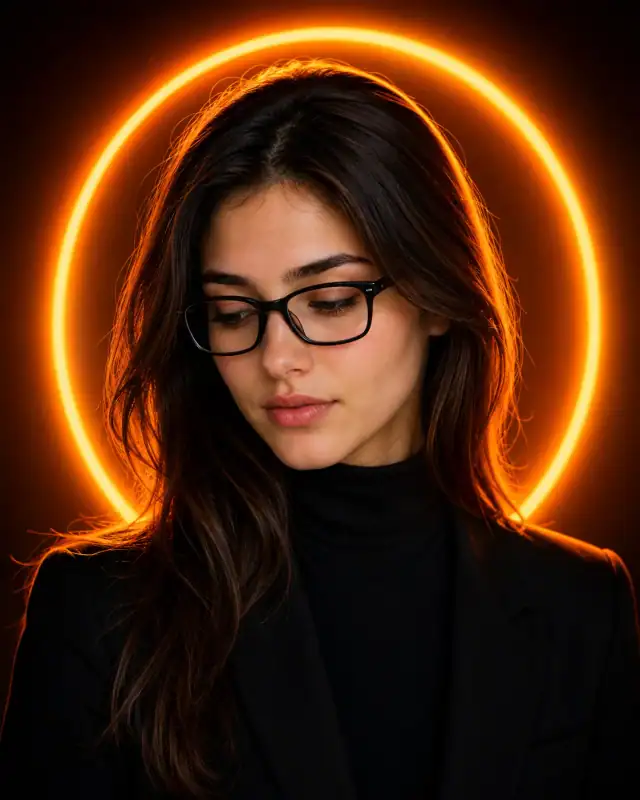
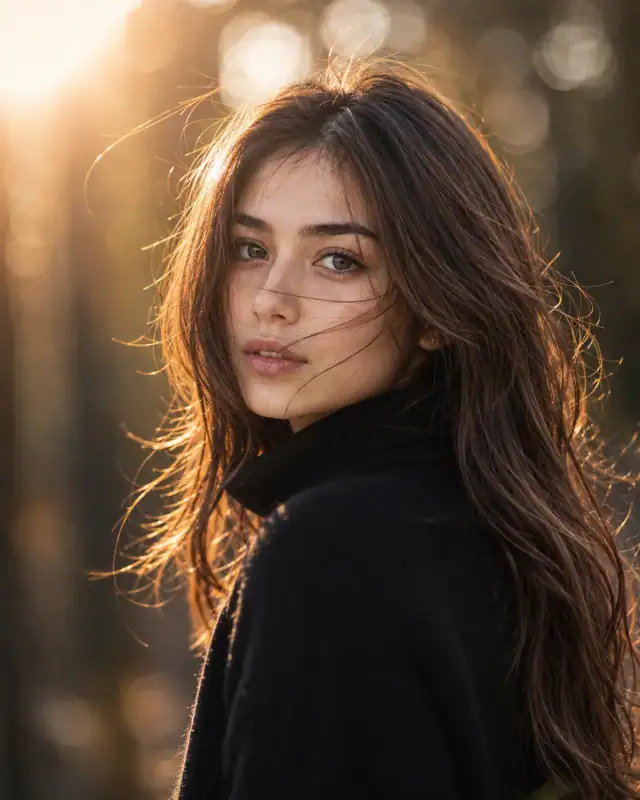
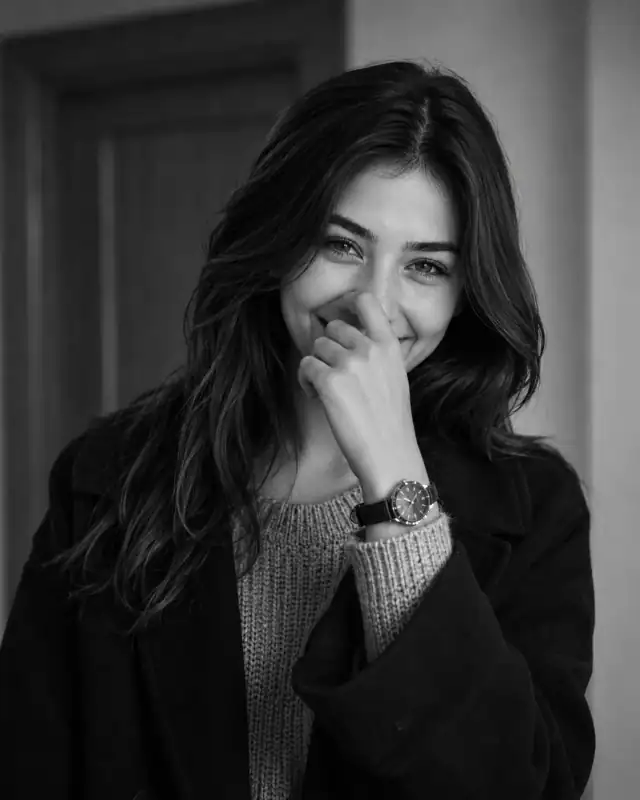
AI-edited example image for demonstration purposes.
Minimalist Vision Board Lounge Chair Office Prompt AI Prompt
Aspect Ratio
Select before copyingRecommended: 4:5 · 4:5 vertical frame accommodates the text overlay and the subject without either element feeling cramped or cropped.
Multi-planar vector layout reservation that locks down three separate raster texture coordinates (the textile chest zone, the book jackets, and the framed map graphic) under a unified 4300K soft natural window light wrap, allowing for flawless sub-pixel graphic overlays.
Business Portraits
Identity preservationPhotorealistic outputEditorial lightingDepth of field
View Prompt
How to Use This Prompt
- Step 1: Copy the prompt using the Copy button above.
- Step 2: Open the AI tool that works best for your prompt.
- Step 3: If the tool supports reference images, upload your photo first, then paste the prompt.
- Step 4: Select the recommended aspect ratio before generating.
- Step 5: Adjust keywords like clothing color, background, or lighting to personalize the result.
About this Minimalist Vision Board Lounge Chair Office Prompt AI prompt
Capture a powerful wave of digital traction with this premium, vision-board workspace prompt engineered for the modern aesthetic entrepreneur. Perfectly blending relaxed Scandinavian interior minimalism with elite fashion editorial staples—like the oversized black blazer and layered gold jewelry—this composition is a carefully composed image of intentional design. By incorporating multi-zone text-free customization areas across the t-shirt front, the background world map, and the side-table book covers, this asset serves as an unparalleled template for creators to superimpose personal goals, travel bucket lists, or financial freedom launch copy.
Practical tips
- Swap the black blazer for a white alternative to shift the mood — different fabric colors dramatically change the overall tone of the portrait.
- Adjust the lighting direction to create more dramatic shadows and depth — try moving the key light from front to a 45-degree angle.
- Change the expression from calm to direct eye contact for a more engaging, connection-driven portrait.
- Remove the sunglasses for a cleaner, less accessorized look, or swap it for a different style to match your branding.
Frequently asked questions
Do I need to upload a reference photo to use this prompt?
Yes, this prompt is designed for reference-image workflows. Upload a clear, well-lit photo of the subject. If you remove the identity-preservation instructions, the model will generate a new face instead.
Why does the text in the generated image look wrong or misspelled?
AI image generators struggle with text rendering. Keep text to 1-3 words maximum, use simple fonts, and add "clean sharp text, no placeholder characters" to improve accuracy. For perfect text, consider adding it in post-processing.
What aspect ratio works best for this composition?
4:5 is recommended for Instagram feeds and portrait-style layouts. Use 1:1 for profile pictures or square-format social posts. 9:16 works for Stories and Reels covers, but may crop important composition elements.
The skin looks too smooth or artificial. How do I make it more realistic?
Add "natural skin texture with visible pores, subtle imperfections, realistic skin tone variation" to the prompt. Avoid words like "flawless" or "perfect skin" which push models toward artificial smoothness.
Tags
#women oversized black blazer jeans#designer lounge chair aesthetic workspace#vision board world map mockup#blank graphic t-shirt text space#round designer sunglasses laptop lifestyle#pinterest style neutral cream scandinavian office