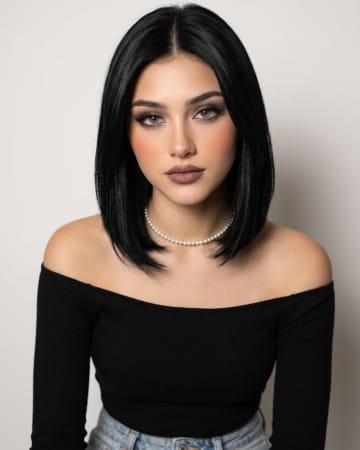
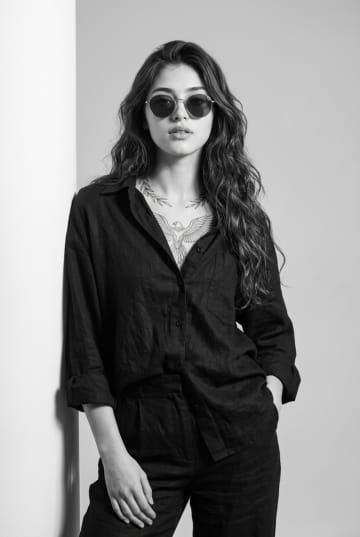
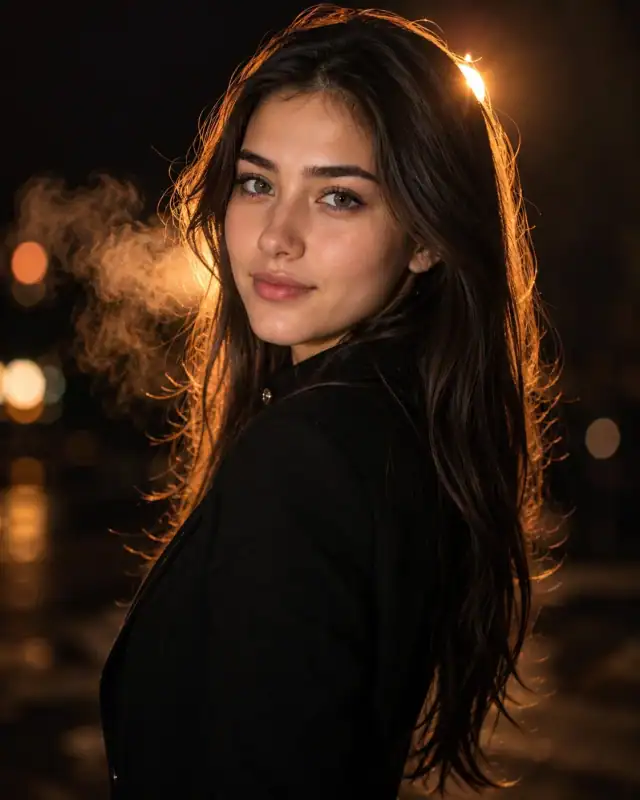
 Cinematic Night Portrait With Golden Rim Light AI PromptCinematic Night Portrait With Golden Rim Light AI Prompt
By Abdul QudoosPublished Sep 8, 2026Updated Oct 23, 2026Reviewed Sep 8, 2026

AI-generated example image for demonstration purposes.
Executive Portrait Prompt with Dramatic Studio Lighting AI Prompt
Aspect Ratio
Select before copyingRecommended: 4:5 · This vertical ratio suits close-up portrait framing and displays well on LinkedIn, Instagram, and website bio sections without excessive cropping.
The interplay of warm key light against a pure black background gives the portrait a cinematic, almost editorial quality rarely seen in standard corporate headshots. The chin-resting hand pose adds natural personality and approachability without sacrificing authority. Its shallow depth of field and controlled color palette make it easy to keep consistent across a full branding shoot.
LinkedIn profile photos, corporate headshots, and executive bio pages for business professionals and entrepreneurs.
Identity preservationPhotorealistic outputEditorial lightingProfessional quality
View Prompt
How to Use This Prompt
- Step 1: Copy the prompt using the Copy button above.
- Step 2: Open the AI tool that works best for your prompt.
- Step 3: If the tool supports reference images, upload your photo first, then paste the prompt.
- Step 4: Select the recommended aspect ratio before generating.
- Step 5: Adjust keywords like clothing color, background, or lighting to personalize the result.
About this Executive Portrait Prompt with Dramatic Studio Lighting AI prompt
This prompt captures a refined executive portrait built around dramatic, single-source studio lighting and a moody black backdrop. It's designed for creators who want a corporate image with editorial polish rather than a flat, evenly lit headshot. The result feels confident, warm, and camera-ready for professional branding use.
Practical tips
- Swap the black blazer for a cream or camel-toned coat to shift the mood from bold corporate to soft editoria
- Change the backdrop to a warm gradient studio tone instead of black for a friendlier, less dramatic brand feel.
Frequently asked questions
Can this prompt be adapted for male subjects?
Yes, simply adjust the hairstyle and pose description while keeping the blazer, lighting setup, and black background instructions the same.
Will this work well for a square Instagram profile crop?
The prompt is optimized for vertical framing, but you can request a 1:1 aspect ratio and the composition will still hold since the subject is centered with generous headroom.
How do I get the same warm rim-light effect consistently?
Keep the lighting language specific, mentioning a single warm key light, black background light absorption, and rim light along the jaw and shoulder, since vague lighting terms produce flatter results.
Tags
#business portrait#corporate headshot#executive branding#studio lighting#black background portrait#professional woman#dramatic lighting#linkedin photo#editorial portrait#blazer style
Explore More AI Image Prompts
Generation tested: Gemini — 2026-09-08