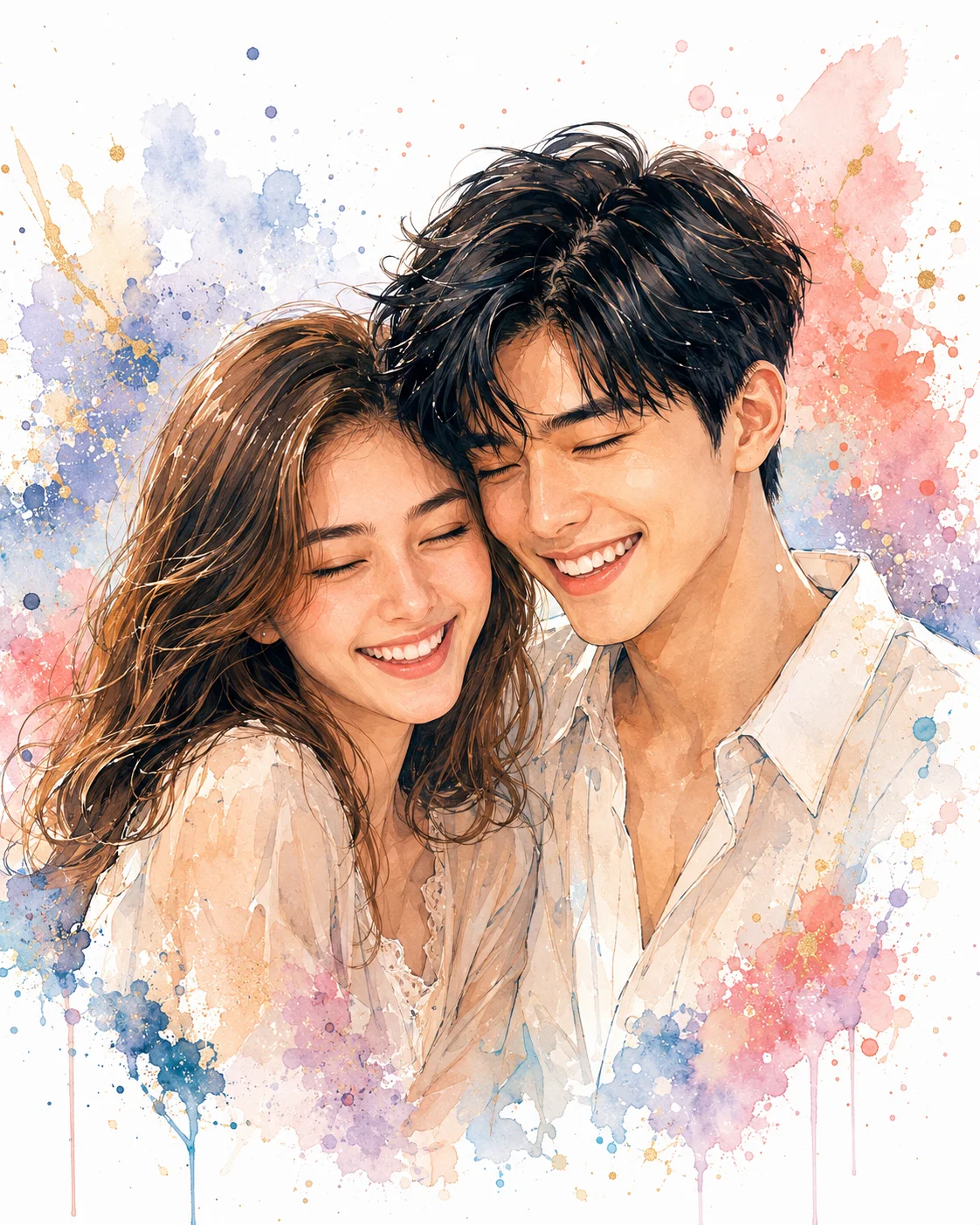
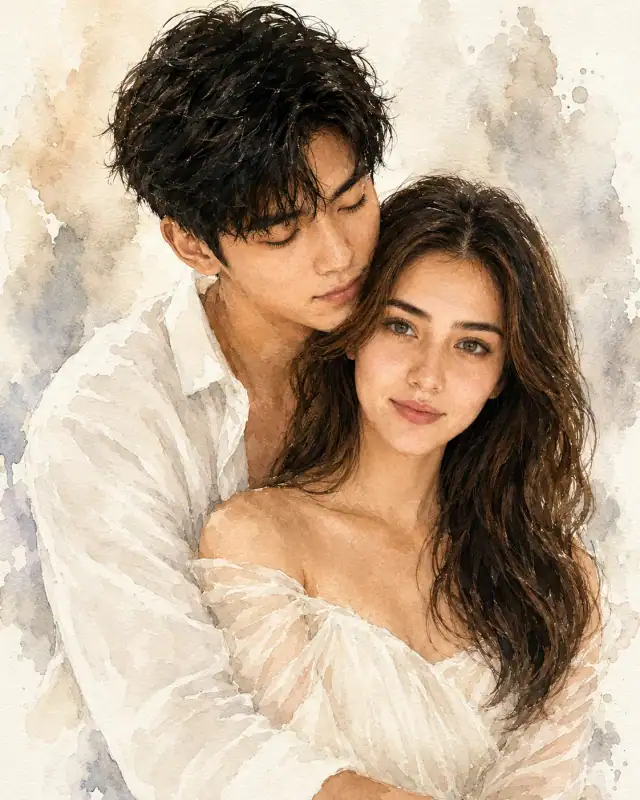
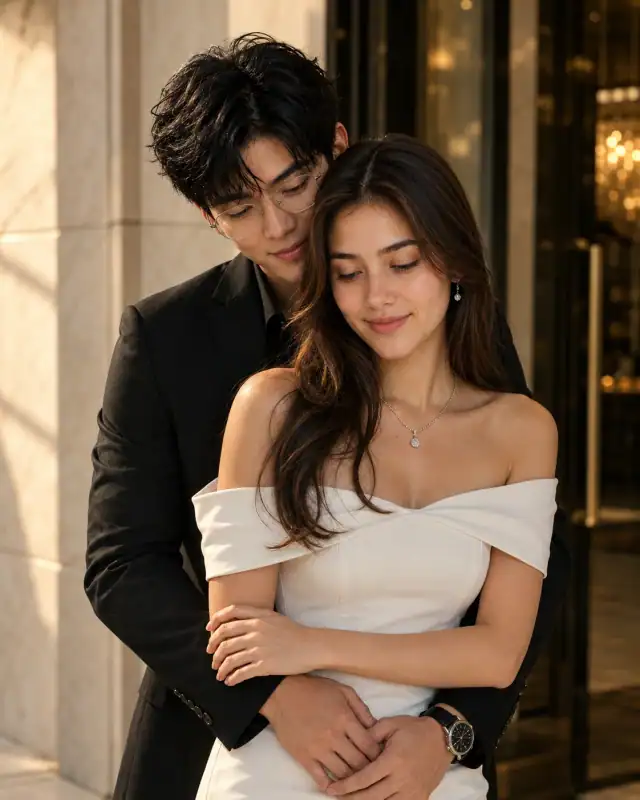
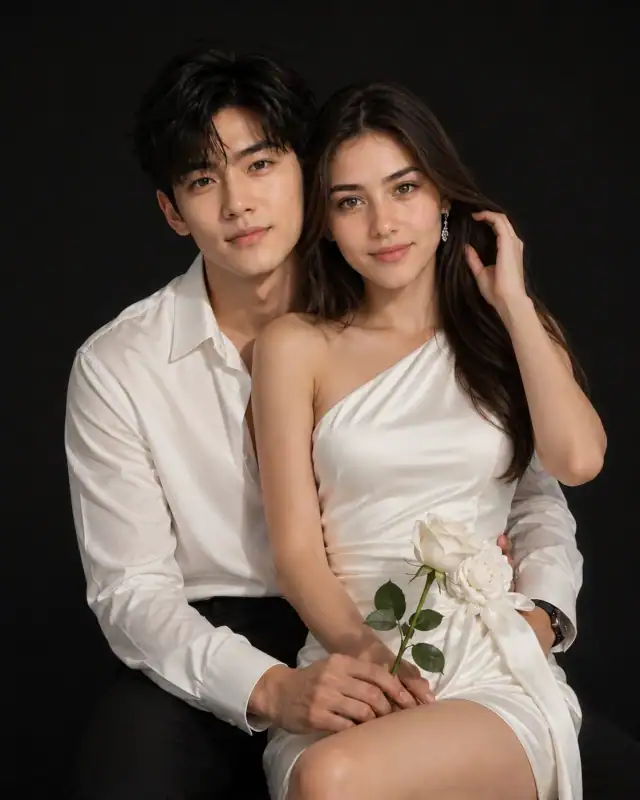
Recommended: 4:5 — 4:5 vertical framing comfortably accommodates two subjects while maintaining intimate composition and enough headroom for both faces.
Rate this prompt
Be the first to rate
Free prompt — one-click copy, no login required
Visual Character
Lighting
Soft studio lighting, natural skin tones, warm highlights, luxury beauty lighting, gentle color transitions
Color
Keep EXACTLY the same: Face shape, Jawline, Eye shape, Eye spacing, Eye color, Nose shape, Lip shape, Smile, Eyebrows, Hairline, Hairstyle,
Background
Only transform: Art style, Background, Color palette, Clothing texture
Composition
Luxury Watercolor Splash Portrait, Modern Vector Illustration, Contemporary Digital Painting, Minimalist Fine Art, Premium Couple Artwork, P
Full Prompt
Best For
Custom premium wall art printshigh-end anniversary gift modulesand highly shareable relationship milestones for lifestyle curation boards.
How To Use This Prompt
Step 01
Copy the prompt
Use the copy button above to grab the complete prompt with your selected aspect ratio.
Step 02
Open your AI tool
Use a generator that supports the input and reference-image features you need.
Step 03
Generate your image
Create variations, pick the best result, then download and use it in your content.
Common Output Problems
Issues you may encounter and how to fix them
The Couple visual element renders with inconsistent detail or quality across the composition+
Why it happens
AI generators may interpret the Couple concept with varying fidelity, producing inconsistent visual quality.
Fix
Specify the exact Couple visual style and regenerate 3-5 times to select the most consistent result.
The Couple element competes with the subject for visual attention in the composition+
Why it happens
AI generators may over-emphasize the Couple element, drawing focus away from the primary subject.
Fix
Reduce the Couple element visual prominence or add clear visual hierarchy with subject as focal point.
Customize This Prompt
Adapt these elements to fit your vision
Move the setting outdoors to a park or urban location to add environmental context and natural lighting variation.
Add a colored rim light (warm amber or cool teal) to introduce cinematic color contrast without changing the composition.
Change the expression from laughing to direct eye contact for a more engaging, connection-driven portrait.
Which AI Tools Can I Use?
This prompt works with popular AI image generators.
Links to official tool websites. Not a claim that this prompt was tested in every tool or model version.
Frequently Asked Questions
Quick answers before you copy this prompt
Do I need to upload a reference photo to use this prompt?+
Yes, this prompt is designed for reference-image workflows. Upload a clear, well-lit photo of the subject. If you remove the identity-preservation instructions, the model will generate a new face instead.
How do I get both people to look like their reference photos?+
Use separate reference photos for each person and specify which reference corresponds to which person in the prompt. For example: "the woman must match reference photo A, the man must match reference photo B." Quality reference photos with clear facial features work best.
How do I adapt this for different social media platforms?+
Use 4:5 for Instagram feed posts (best vertical coverage), 1:1 for profile pictures and square grids, and 9:16 for Stories and Reels. For landscape platforms like Twitter/X, try 16:9 but note the full-body composition may need adjustment.
How do I get more dramatic lighting on the face?+
Specify the light position and intensity: "dramatic key light from 45-degree angle, deep shadows on the opposite side, subtle fill light to prevent total blackness" for more cinematic, moody studio lighting.