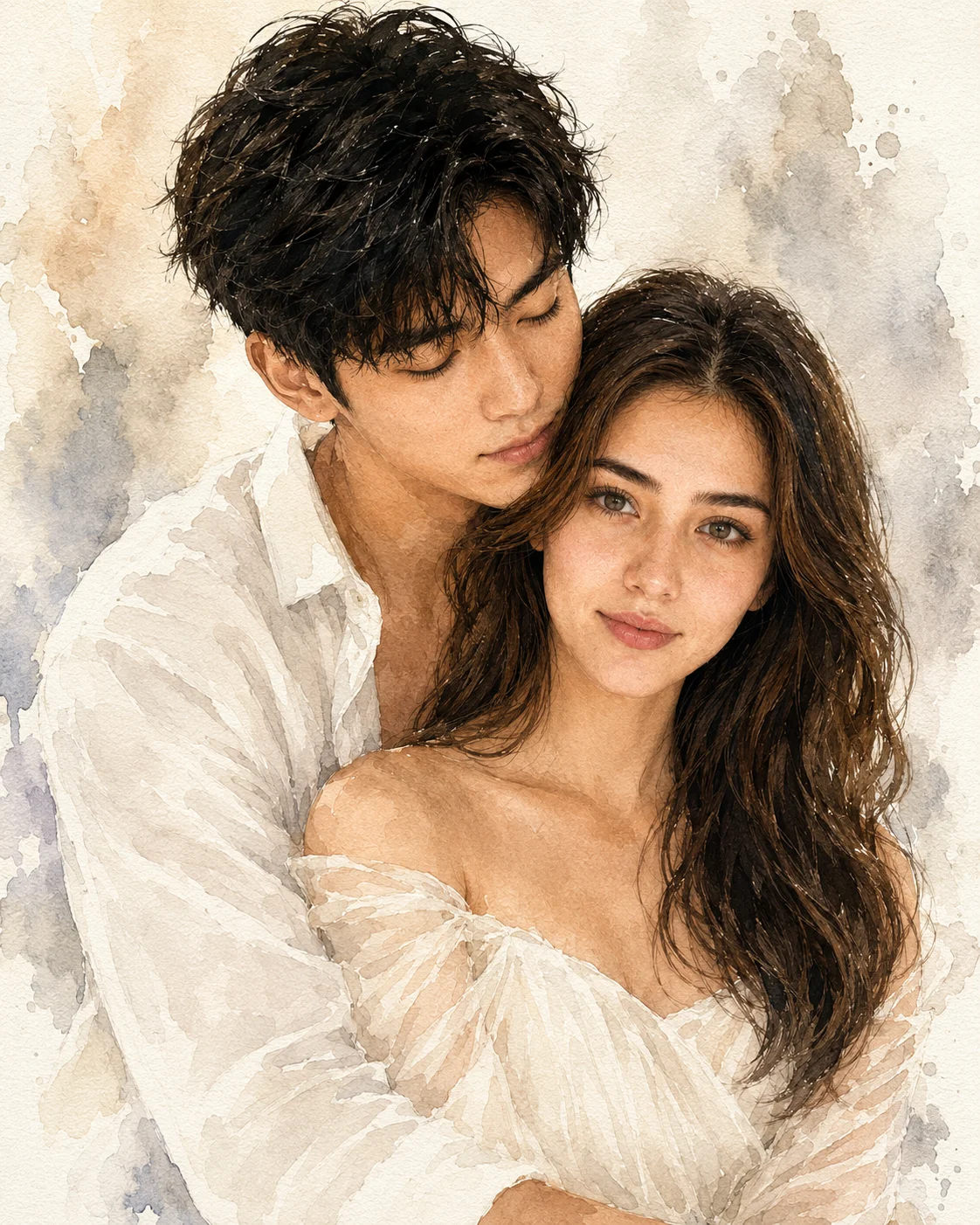
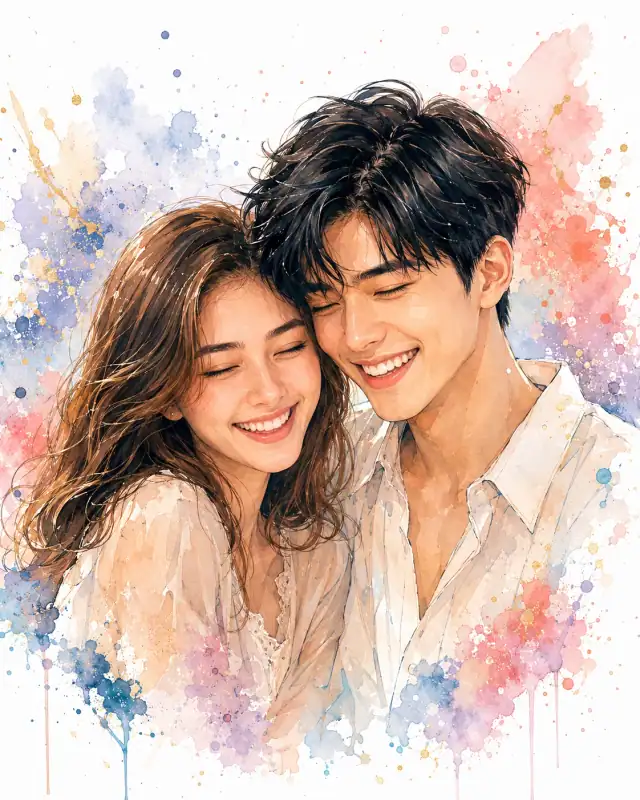
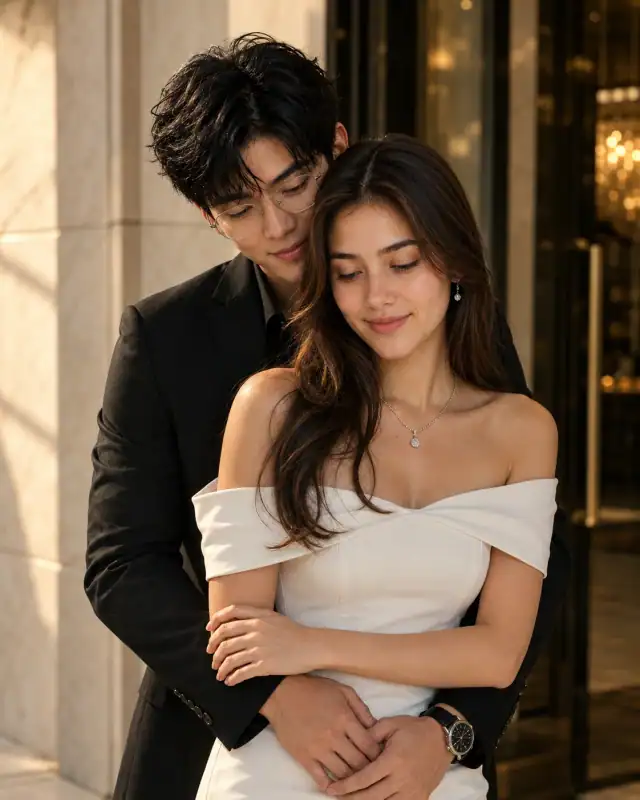
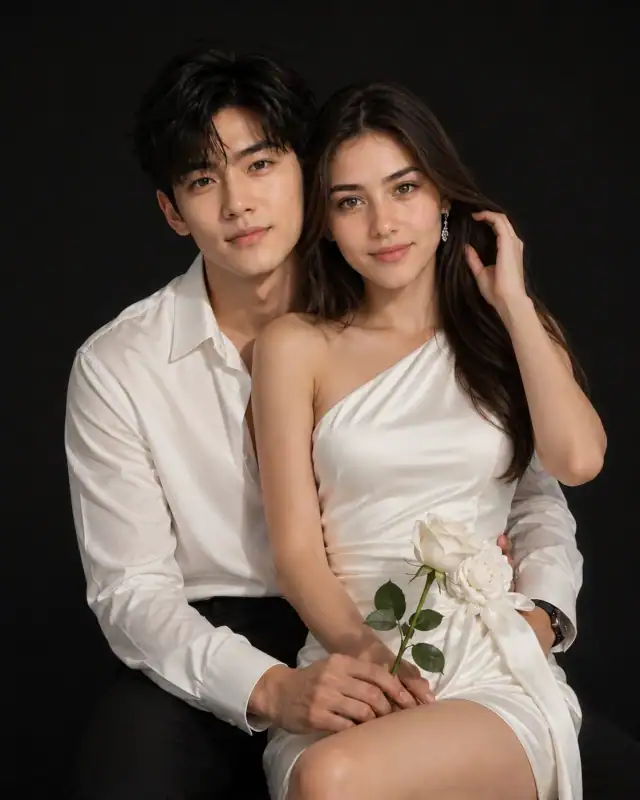
Recommended: 4:5 — 4:5 vertical framing comfortably accommodates two subjects while maintaining intimate composition and enough headroom for both faces.
Rate this prompt
Be the first to rate
Free prompt — one-click copy, no login required
Visual Character
Lighting
Only change: Pose, Clothing, Background, Lighting, Art style
Color
Keep EXACTLY the same: Face shape, Jawline, Eyes, Eye color, Eye spacing, Nose shape, Lips, Smile, Eyebrows, Skin tone, Hairline, Hairstyle,
Camera
Camera composition: Chest-up portrait, vertical composition, centered framing, 85mm portrait perspective, soft depth of field
Composition
Luxury Watercolor Couple Portrait, Soft Fine Art Painting, Luxury Editorial Illustration, Dreamy Romantic Portrait, Luxury Wedding Artwork,
Use the copy button above to grab the complete prompt with your selected aspect ratio.
Step 02
Open your AI tool
Use a generator that supports the input and reference-image features you need.
Step 03
Generate your image
Create variations, pick the best result, then download and use it in your content.
Common Output Problems
Issues you may encounter and how to fix them
The Fine element appears visually disconnected from the overall scene+
Why it happens
AI generators may render the Fine element without proper integration into the scene lighting and perspective.
Fix
Ensure the Fine element shares the same lighting direction and color temperature as the rest of the scene.
The dress and shirt render with identical texture density in the monochrome palette, making the layered garments indistinguishable+
Why it happens
When two garments share similar tonal values in monochrome, AI generators may collapse them into a single undifferentiated mass rather than showing distinct fabric layers.
Fix
Specify different fabric textures for the dress and shirt — matte versus sheen, smooth versus textured — to maintain visual separation in monochrome.
Customize This Prompt
Adapt these elements to fit your vision
Swap the chiffon dress for a ivory alternative to shift the mood — different fabric colors dramatically change the overall tone of the portrait.
Soften the neon glow to a warm amber tone for a more natural, editorial feel while maintaining the dramatic edge.
Change the expression from calm to direct eye contact for a more engaging, connection-driven portrait.
Which AI Tools Can I Use?
This prompt works with popular AI image generators.
Links to official tool websites. Not a claim that this prompt was tested in every tool or model version.
Frequently Asked Questions
Quick answers before you copy this prompt
Do I need to upload a reference photo to use this prompt?+
Yes, this prompt is designed for reference-image workflows. Upload a clear, well-lit photo of the subject. If you remove the identity-preservation instructions, the model will generate a new face instead.
How do I get both people to look like their reference photos?+
Use separate reference photos for each person and specify which reference corresponds to which person in the prompt. For example: "the woman must match reference photo A, the man must match reference photo B." Quality reference photos with clear facial features work best.
Can I change the outfit or setting without breaking the prompt?+
Yes. Replace the specific clothing items and setting details with your preferred alternatives while keeping the lighting, composition, and camera instructions intact. The overall mood will shift but the portrait quality should remain consistent.
The skin looks too smooth or artificial. How do I make it more realistic?+
Add "natural skin texture with visible pores, subtle imperfections, realistic skin tone variation" to the prompt. Avoid words like "flawless" or "perfect skin" which push models toward artificial smoothness.