Luxury 3D Instagram Showcase Portfolio Display Prompt
Photo Editing Prompts
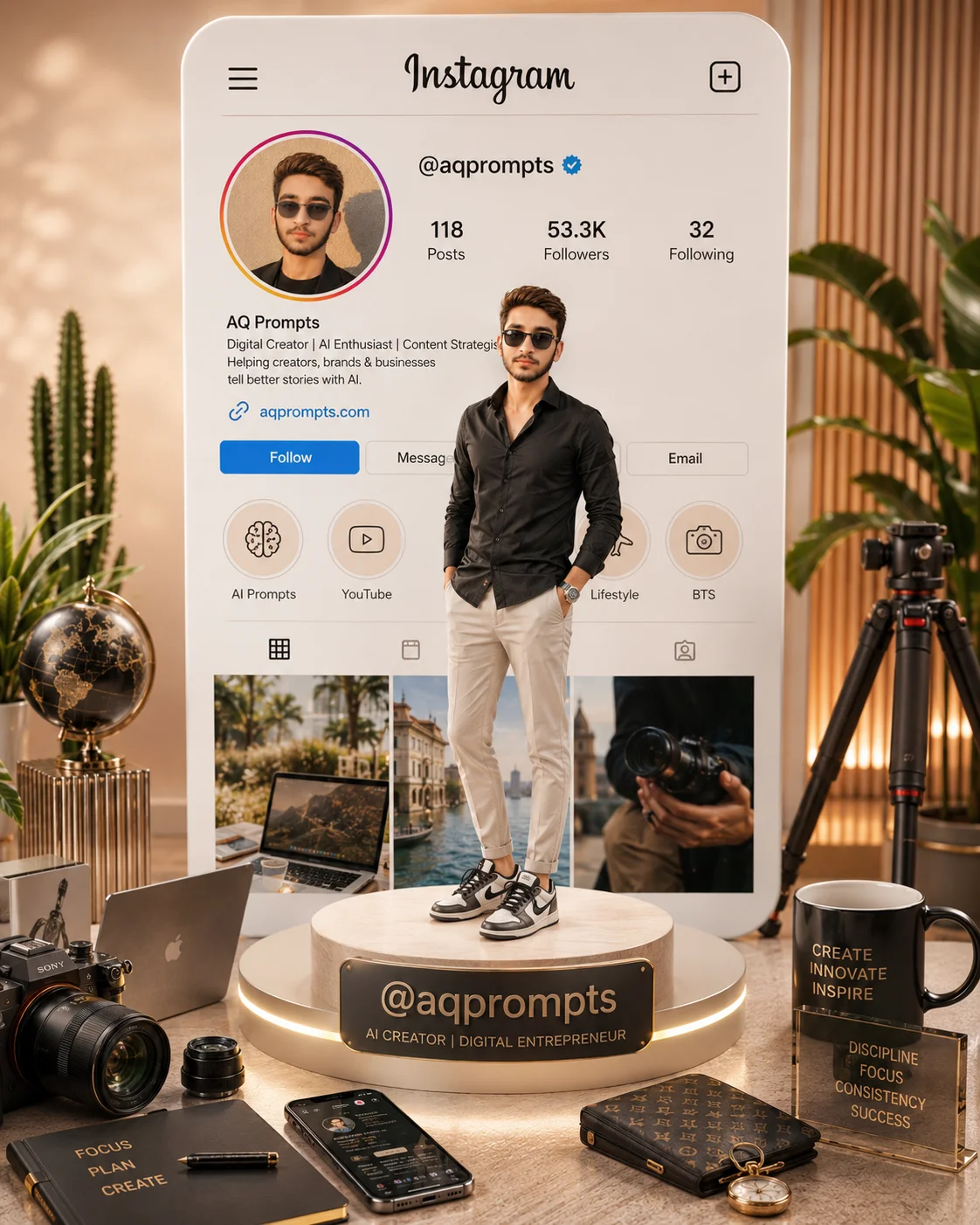
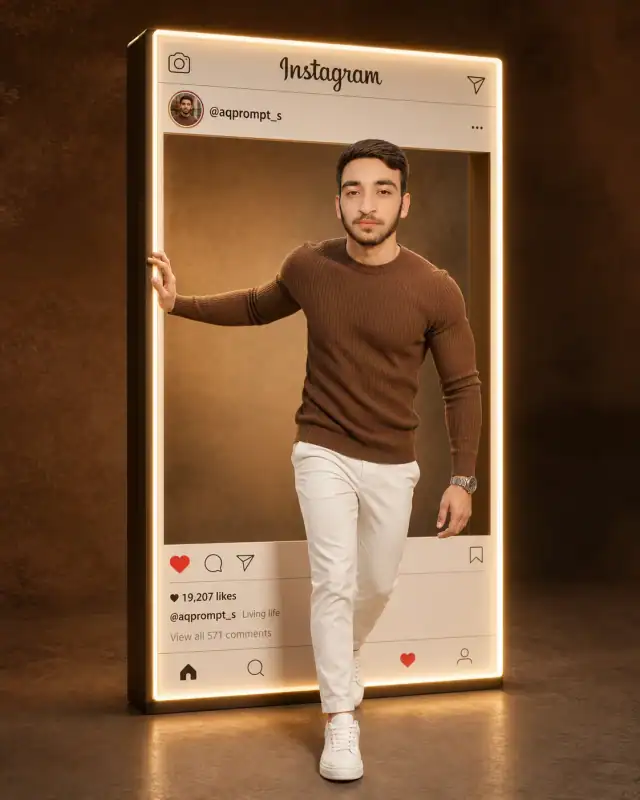
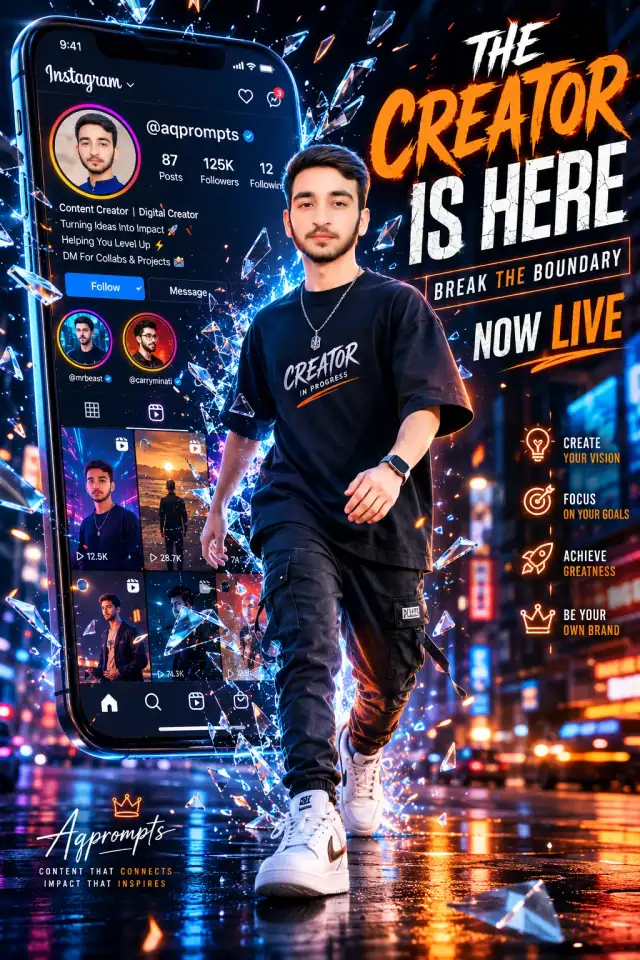
Redefine personal branding with this carefully composed image-level 3D profile showcase prompt, meticulously designed for high-tier digital creators and brand builders. This unique composition transforms a standard digital profile layout into a tangible, high-end luxury advertisement. By placing a sharply detailed, photorealistic character on a premium exhibition podium surrounded by curated creator tools, it communicates elite authority, creative skill, and ultimate sophistication. It provides designers with a world-class layout engineered to serve as a stunning portfolio homepage banner or pinned profile introduction.
Identity preservationPhotorealistic outputEditorial lightingSocial-ready format
Aspect Ratio
Select before copying
Recommended: 4:5 — 4:5 is the standard portrait ratio for Instagram feeds, providing optimal vertical coverage while maintaining balanced composition with natural headroom.
Rate this prompt
Be the first to rate
Free prompt — one-click copy, no login required
Visual Character
Lighting
Cinematic studio lighting, global illumination, realistic reflections on the glossy UI elements, realistic skin and fabric textures, sharp f
Color
Color palette of soft beige, cream, warm white, and pastel gold accents
Background
Background features a giant premium vertical Instagram profile card with a modern layout displaying the username '@aqprompts', exact profile
Use the copy button above to grab the complete prompt with your selected aspect ratio.
Step 02
Open your AI tool
Use a generator that supports the input and reference-image features you need.
Step 03
Generate your image
Create variations, pick the best result, then download and use it in your content.
Common Output Problems
Issues you may encounter and how to fix them
The face doesn't look like the reference photo or appears distorted+
Why it happens
AI models sometimes reinterpret facial features rather than preserving them exactly, especially with complex poses, unusual lighting, or low-quality reference images.
Fix
Use a well-lit, front-facing reference photo with clear facial features. Add "preserve exact facial structure, proportions, and likeness from the reference" at the beginning of the prompt.
The background competes with the subject for attention instead of complementing the portrait+
Why it happens
Busy or detailed backgrounds can pull focus away from the subject, especially when background elements have similar contrast levels to the person.
Fix
Strengthen subject-background separation by adding "strong subject focus, background elements at reduced contrast and detail, clear visual hierarchy" to the prompt.
The image lacks the professional quality or sharpness described in the prompt+
Why it happens
Some AI models prioritize artistic interpretation over photorealistic rendering, especially when the prompt contains both stylistic and technical instructions.
Fix
Move all camera and quality specifications to the beginning of the prompt and add "ultra-sharp focus on the subject, fine detail rendering, professional photography quality" to reinforce the desired output.
Customize This Prompt
Adapt these elements to fit your vision
Move the setting outdoors to a park or urban location to add environmental context and natural lighting variation.
Add a colored rim light (warm amber or cool teal) to introduce cinematic color contrast without changing the composition.
Remove the sunglasses for a cleaner, less accessorized look, or swap it for a different style to match your branding.
Which AI Tools Can I Use?
This prompt works with popular AI image generators.
Links to official tool websites. Not a claim that this prompt was tested in every tool or model version.
Frequently Asked Questions
Quick answers before you copy this prompt
Can I add a reference photo to preserve someone's face in this portrait?+
Yes. Add identity-preservation instructions like "preserve exact facial features from the uploaded reference photo" at the beginning of the prompt. This works best with clear, front-facing reference images.
How do I make the studio background less flat and more dynamic?+
Try adding a subtle gradient or texture to the backdrop: "soft grey gradient backdrop with gentle tonal variation." You can also specify background lighting like "subtle backlight glow on the backdrop" for more depth.
Which AI image generator produces the best results with this prompt?+
This prompt works with ChatGPT, Midjourney, and Leonardo AI. ChatGPT tends to follow composition rules closely, Midjourney excels at color grading and mood, and Leonardo AI handles photorealistic textures and fine details well. Test with 2-3 generations on each platform to find the best match.
What should I change if the subject looks distorted or unnatural?+
Simplify the pose description and remove conflicting instructions. Add "natural relaxed pose, correct body proportions, anatomically coherent" at the beginning. If the face looks wrong, add "preserve exact facial structure and proportions" and use a higher-quality reference photo.