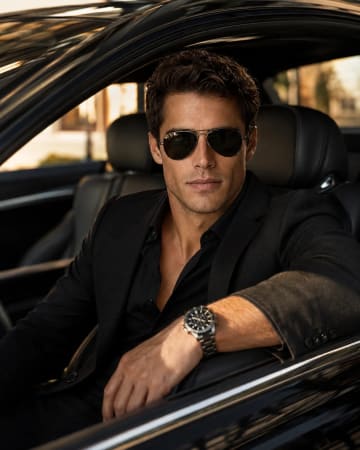
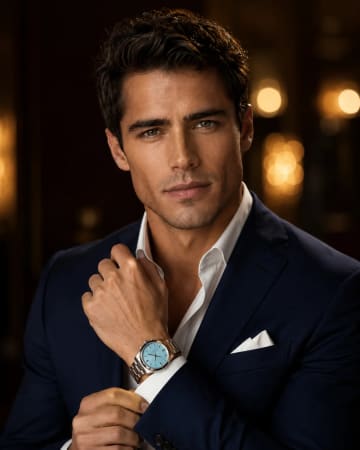
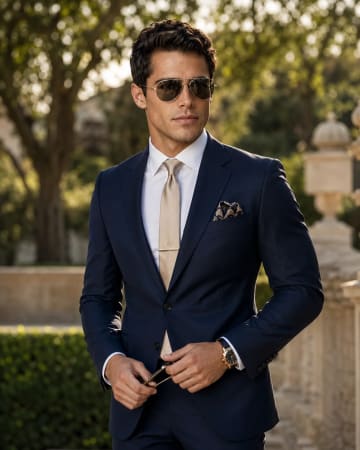
Golden-hour color
remove the monochrome lock and change to "warm golden-hour color grade", same pose and palm shadows, with sunset glow instead of film noir.

AI-generated example image for demonstration purposes.
Aspect Ratio
Select before copyingCopy this ready-to-use AI prompt and generate polished creator visuals in your favorite AI tool.
Luxury Fashion Editorial
Some portraits don't need color to command attention. They need shadow. This black-and-white fashion editorial pairs a young man in dark linen against a rough concrete wall with razor-sharp palm-leaf shadows raking across the frame, and the result is pure mood: high contrast, grainy film texture, and that timeless masculine energy fashion magazines have chased for decades. This prompt is built for men's fashion creators, style pages and photographers who want editorial-grade imagery without a location scout. Palm shadows do the heavy lifting: they add pattern, depth and drama to an otherwise simple setup, turning a plain wall into a graphic backdrop. It performs beautifully as Instagram grid art, lookbook imagery and moody profile pictures that stand out in a feed full of color. The technical challenge is discipline: many generators sneak color back in or soften the shadows into a blurry mess. This prompt doubles down on monochrome wording and demands hard directional sunlight, so the palm fronds cut crisp diagonals instead of melting into grey. The dark-on-dark wardrobe keeps the figure grounded while bright highlights carve out the face and shirt folds. Shot full-body at 4:5, it's a complete editorial frame. No cropping needed, no color grading required.
Midjourney's film-grain rendering and contrast control are unmatched for monochrome editorials, its black-and-white output genuinely looks like 35mm film rather than a desaturated photo. ChatGPT obeys the dual monochrome lock reliably, and Flux handles full-body composition with natural shadow falloff. On Midjourney, add --ar 4:5 --style raw for the grittiest result.
remove the monochrome lock and change to "warm golden-hour color grade", same pose and palm shadows, with sunset glow instead of film noir.
change to "chest-up portrait" with "palm shadows falling across the face", more intense and great for profile pictures.
change to "a young woman with long dark hair in a black slip dress" leaning on the wall, same shadows, high-fashion editorial mood.
Keep both "black-and-white" and "monochrome" in the prompt plus "color, sepia" in the negative prompt. If a tool still colorizes, add "pure grayscale, no color tint", but don't remove the original locks.
The light quality. "Hard directional sunlight" creates crisp shadows; if your tool renders them soft, strengthen that phrase or add "midday sun, sharp shadow edges".
Excellent. Dark linen, concrete texture and palm shadows are core men's-editorial visual language. It reads premium and timeless, and the 4:5 frame is native to Instagram.
Yes, high-contrast black-and-white with film grain prints beautifully. Upscale the 4:5 output before printing; just confirm your image tool's license allows commercial print use.