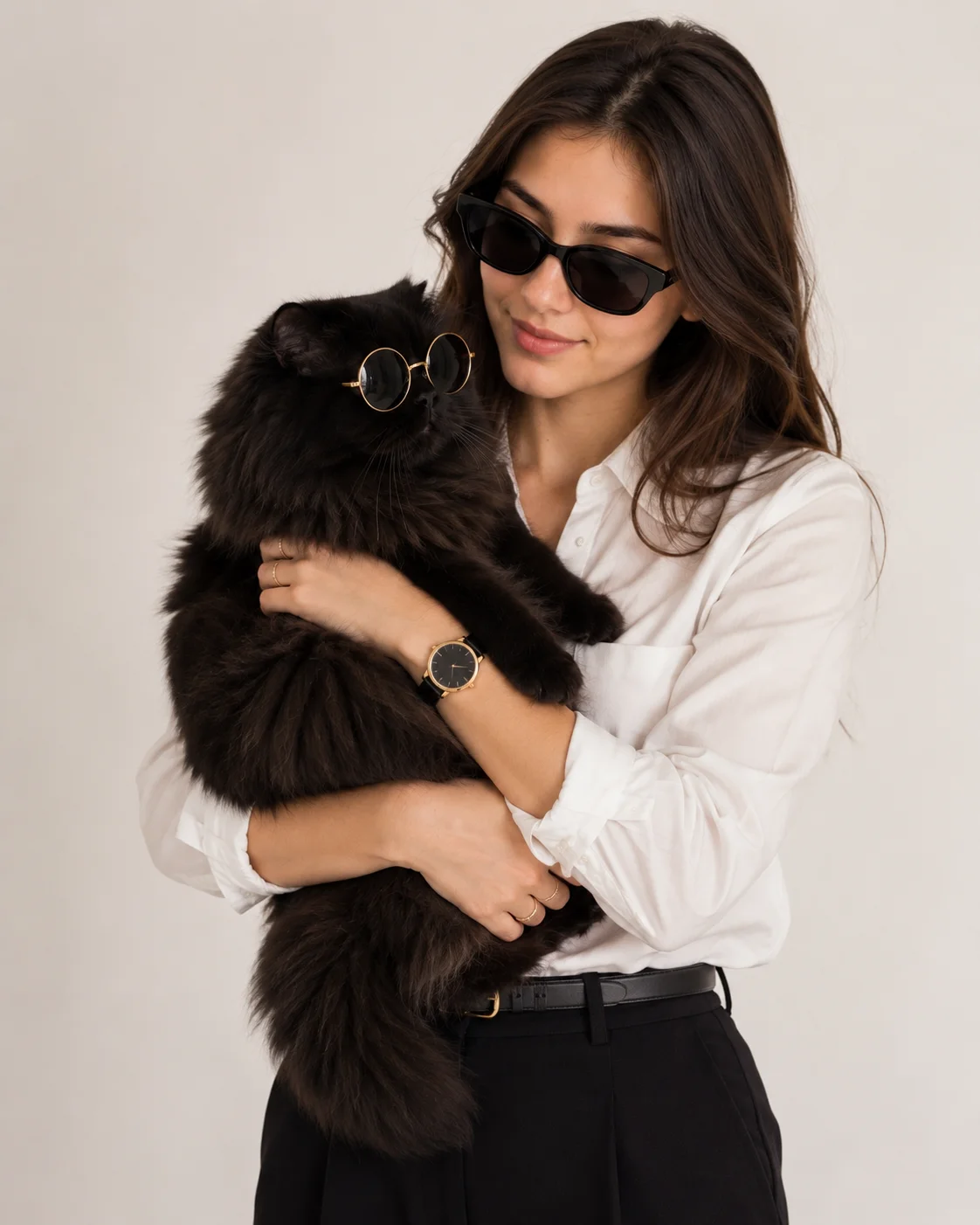
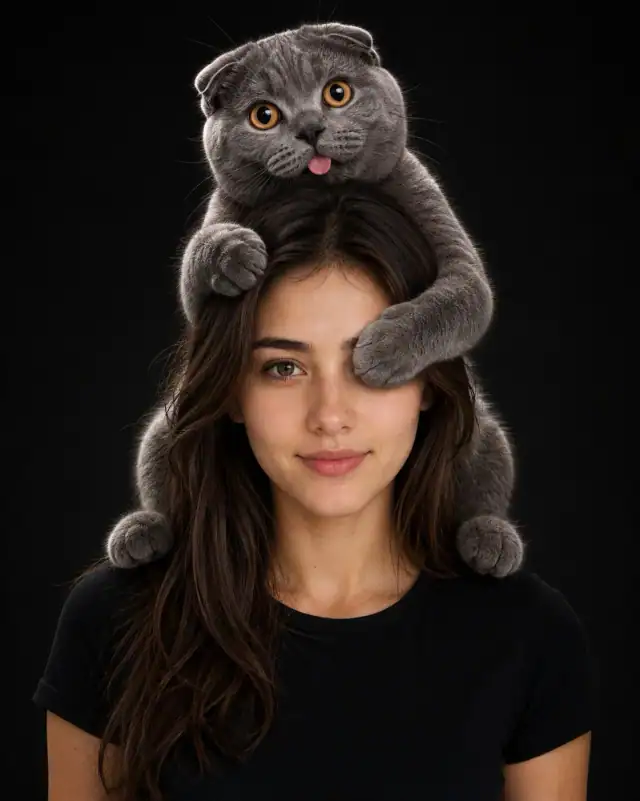
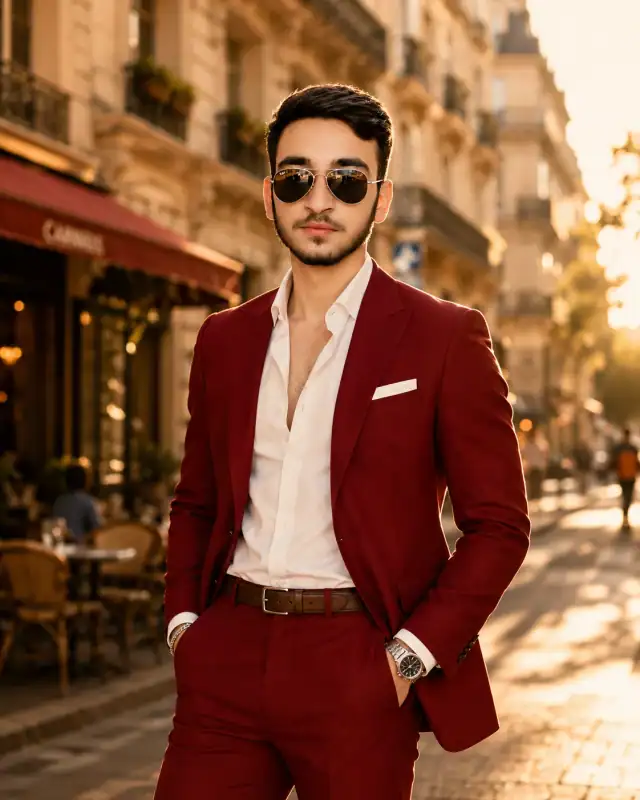
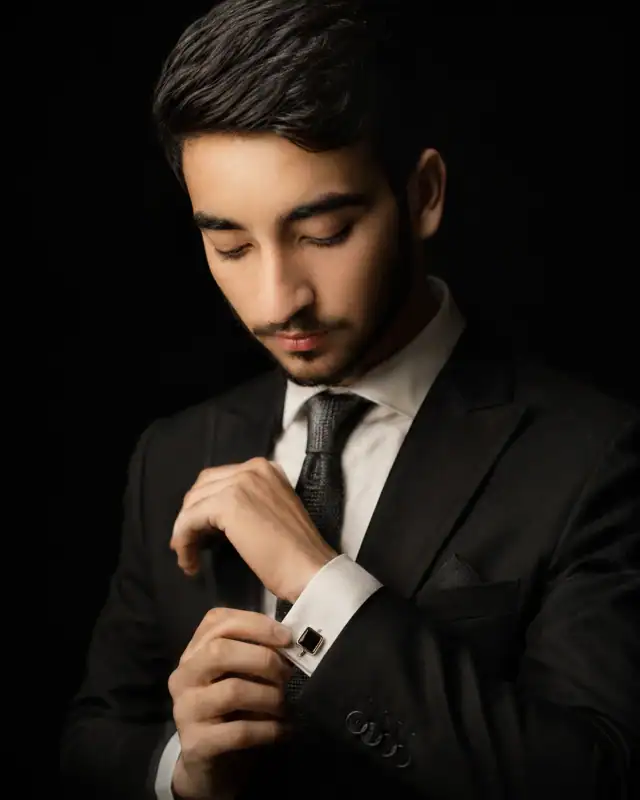
Luxury Long Sleeve Black Persian Cat Sunglasses Prompt
Male Portrait Prompts
Inject an unforgettable, high-engagement concept into your menswear collection with this ultra-luxurious lifestyle prompt. Perfectly blending high-fashion editorial styling with a playful, charismatic pet companion, this template places a sharply dressed subject alongside a fluffy black Persian cat matching his energy in custom round sunglasses. Set against a pure, bright white studio backdrop with elite softbox illumination, this design delivers a warm, sophisticated, and instantly shareable visual anchor for premium lifestyle branding.
Recommended: 4:5 — 4:5 is the standard portrait ratio for Instagram feeds, providing optimal vertical coverage while maintaining balanced composition with natural headroom.
Rate this prompt
Be the first to rate
Free prompt — one-click copy, no login required
Visual Character
Lighting
Set against a clean solid white studio background with a bright minimalist luxury aesthetic, professional softbox studio lighting, 85mm lens
Color
Ultra-realistic luxury lifestyle portrait photograph of a young man, preserving 100% exact facial structure, hairstyle, skin tone, and featu
Texture
The cat rests comfortably looking confidently to the side, showcasing incredibly soft, fluffy, and highly detailed black fur texture with re
Camera
He is lovingly holding a large fluffy black Persian cat in his arms, where the cat is wearing stylish round luxury sunglasses with subtle le
Full Prompt
Best For
High-visibility Instagram influencer grid assetspremium lifestyle blog featurescreative menswear lookbooksand high-end pet fashion campaign mockups.
How To Use This Prompt
Step 01
Copy the prompt
Use the copy button above to grab the complete prompt with your selected aspect ratio.
Step 02
Open your AI tool
Use a generator that supports the input and reference-image features you need.
Step 03
Generate your image
Create variations, pick the best result, then download and use it in your content.
Common Output Problems
Issues you may encounter and how to fix them
The shirt lapels or structural details render asymmetrically in the studio setting+
Why it happens
Structured garments require bilateral symmetry that AI generators approximate unevenly, especially in studio lighting.
Fix
Add perfectly symmetrical shirt construction with clean lines and regenerate to select the most balanced frame.
The soft lighting creates visible hotspots on the shirt fabric surface+
Why it happens
Direct soft lights can create specular highlights on shirt fabric that AI generators may exaggerate.
Fix
Add diffused soft lighting with no shirt hotspots or use a larger light modifier.
Customize This Prompt
Adapt these elements to fit your vision
Enhance luxury cues — swap to shirt in cashmere or silk, add a minimal watch, or shift the setting.
Add or remove studio props — chair, stool, pillar, fabric drape — for compositional anchors.
Add or remove rim light for subject separation from the background.
Which AI Tools Can I Use?
This prompt works with popular AI image generators.
Links to official tool websites. Not a claim that this prompt was tested in every tool or model version.
Frequently Asked Questions
Quick answers before you copy this prompt
Do I need to upload a reference photo for this prompt to work?+
Yes, this prompt is designed for reference-image workflows. Upload a clear, well-lit photo of the subject's face. A front-facing photo with visible facial features produces the best identity preservation. Removing the identity-preservation instructions will cause the model to generate a new face.
How do I make the studio background less flat and more dynamic?+
Try adding a subtle gradient or texture to the backdrop: "dark grey gradient background with subtle texture, not pure black." You can also specify background lighting like "subtle backlight glow on the backdrop" for more depth.
Can I change the lens focal length without breaking the composition?+
Yes. Replace the lens specification (e.g., "85mm") with a different focal length — wider (35mm) for more environment, tighter (135mm) for more compression. Keep the aperture (f-stop) consistent to maintain similar depth of field.
What should I change if the subject looks distorted or unnatural?+
Simplify the pose description and remove conflicting instructions. Add "natural relaxed pose, correct body proportions, anatomically coherent" at the beginning. If the face looks wrong, add "preserve exact facial structure and proportions" and use a higher-quality reference photo.