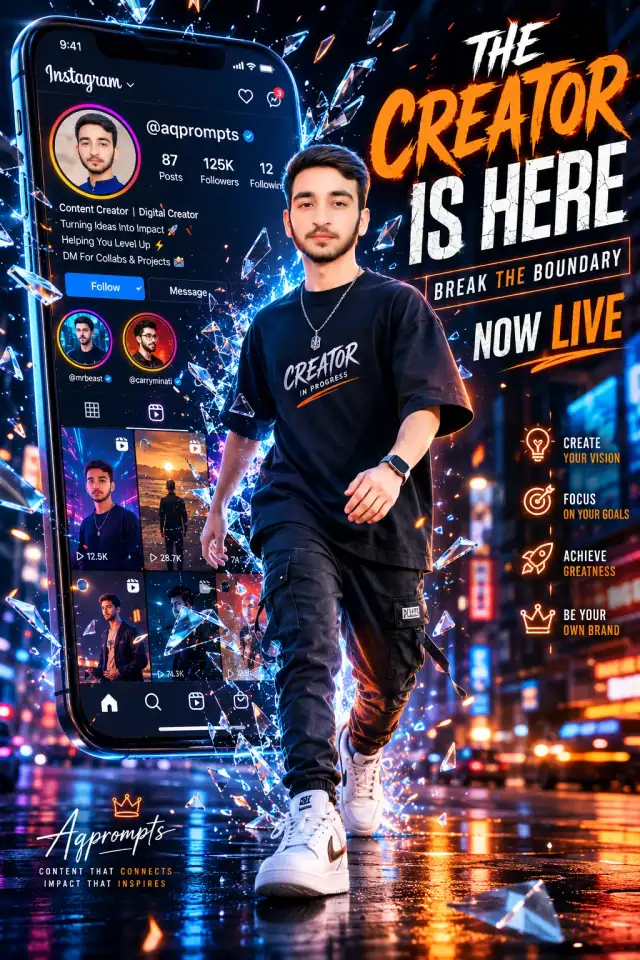
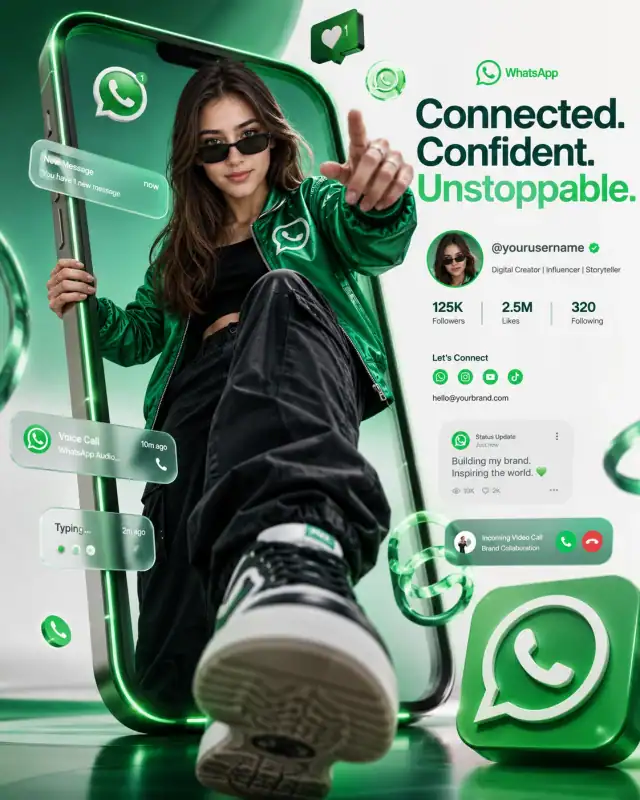
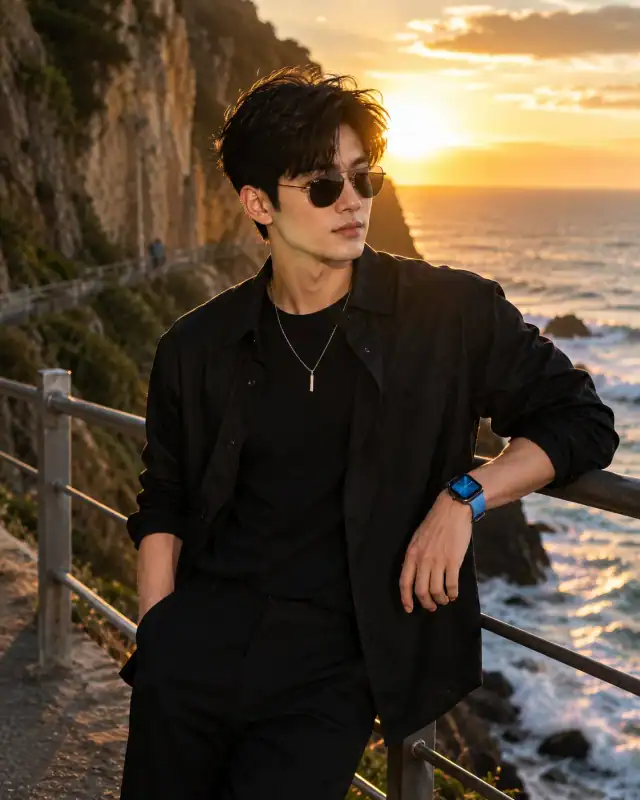
Female creator edition
Restyle the character, outfit, and handwritten words for a female creator journal page.
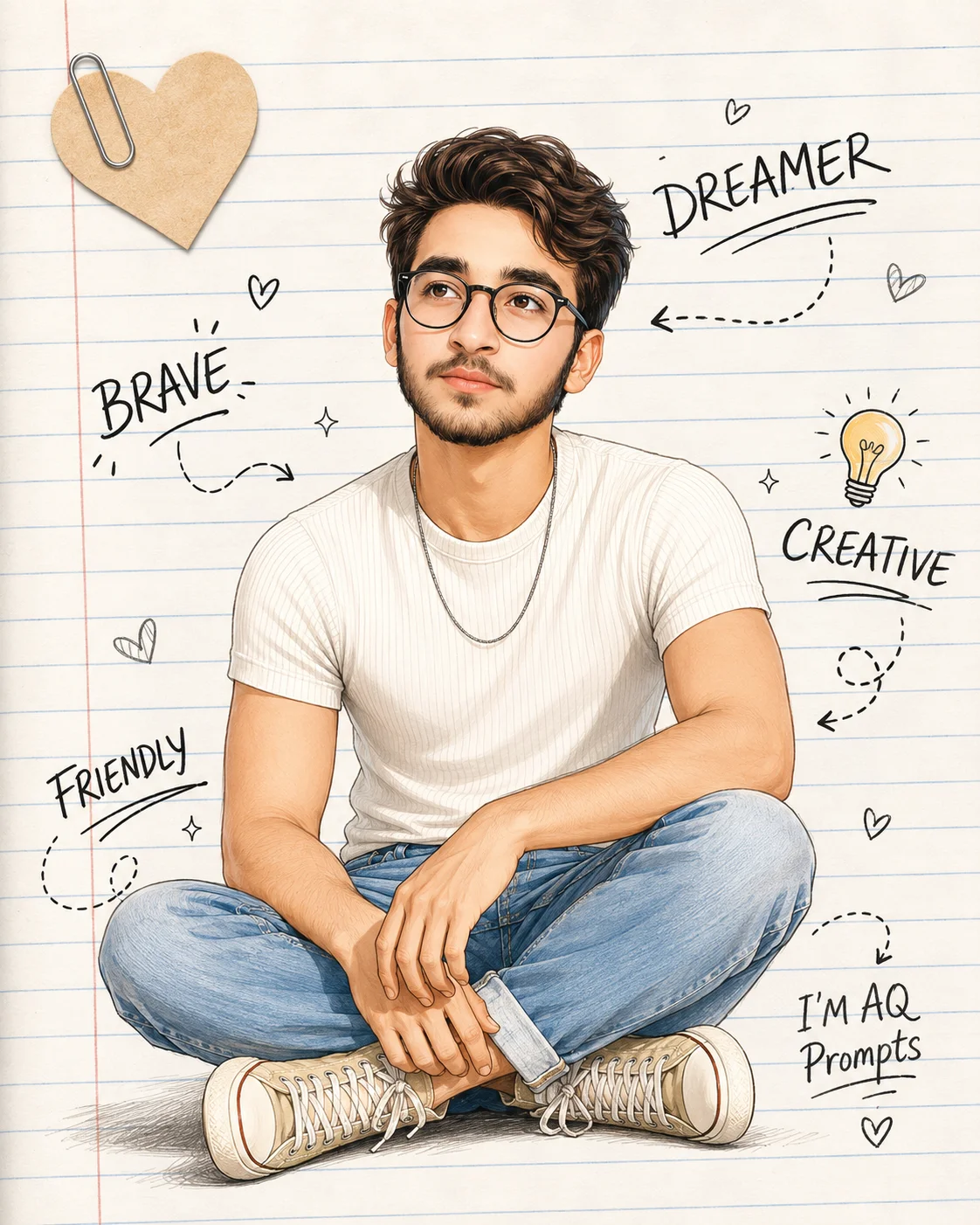
AI-generated example image for demonstration purposes.
Aspect Ratio
Select before copyingCopy this ready-to-use AI prompt and generate polished creator visuals in your favorite AI tool.
Photo Editing Prompts
A journal sketch notebook portrait prompt feels like a page torn from a creative's personal diary. This one draws a stylish young man sitting cross legged on the floor, centered on a white notebook paper background with soft blue ruled lines and a faint red margin line. He has medium length wavy brown hair, a neatly trimmed beard and mustache, black round eyeglasses, and a calm dreamy expression with thoughtful eyes looking slightly upward. His outfit is a fitted white ribbed t-shirt, light blue rolled up jeans, beige high top canvas sneakers, and a thin chain necklace. Around him float hand drawn doodles: arrows, hearts, sparkles, curved dashed lines, and a small light bulb icon. Handwritten English words label the scene: BRAVE on the left, DREAMER upper right, CREATIVE near the light bulb, FRIENDLY lower left, and I'M AQ Prompts lower right. A beige paper heart pinned with a silver paperclip sits in the top left corner. The warm neutral palette mixes soft watercolor with clean comic style shading at a 4:5 ratio.
This style suits creators who want a human, approachable avatar instead of another hyper realistic headshot: about pages, newsletter headers, and personal brand posts. The handwritten words are the personality of the piece, so they need to read clearly. ChatGPT (https://chatgpt.com) is the recommended tool, and it was generation tested there, because five separate handwritten words plus the paperclip note demand text accuracy that most generators cannot hold. For another illustrated portrait, try the anime style lavender wall art floral portrait (https://www.aqprompts.com/tools/ai-image-prompts/p/anime-style-lavender-wall-art-floral-portrait-prompt), or see the miniature action figure keychain lifestyle product (https://www.aqprompts.com/tools/ai-image-prompts/p/miniature-action-figure-keychain-lifestyle-product-prompt) for a different personalized concept. Keep the handwritten words short and spelled exactly as you want them.
Five handwritten words scattered around the character, plus a pinned paper heart note, make this a typography stress test. ChatGPT's image model renders multiple short handwritten style text elements far more accurately than typical illustration models, while keeping the watercolor and comic shading soft and clean. This prompt was generation tested on ChatGPT.
Restyle the character, outfit, and handwritten words for a female creator journal page.
Shift the palette to warm browns and aged paper tones for a moodier vintage journal feel.
Replace the five handwritten words with your own values or taglines for a personalized brand sheet.
Yes. Replace BRAVE, DREAMER, CREATIVE, FRIENDLY, and I'M AQ Prompts with your own words. Keep each one short, since short words render most reliably.
The generator copied your prompt text, so check your spelling first. Then add "clean sharp handwritten text" and regenerate. For perfect lettering, fix it in an editor afterward.
Partially. Upload a reference photo and add identity preservation wording, but expect a stylized illustrated likeness rather than a photorealistic match, since this is a sketch style.
About page portraits, newsletter headers, personal brand avatars, and creative portfolio intros. The 4:5 ratio also works well as a pinned post.