Dynamic Football Poster Multi Composition Country Template
Photo Editing Prompts
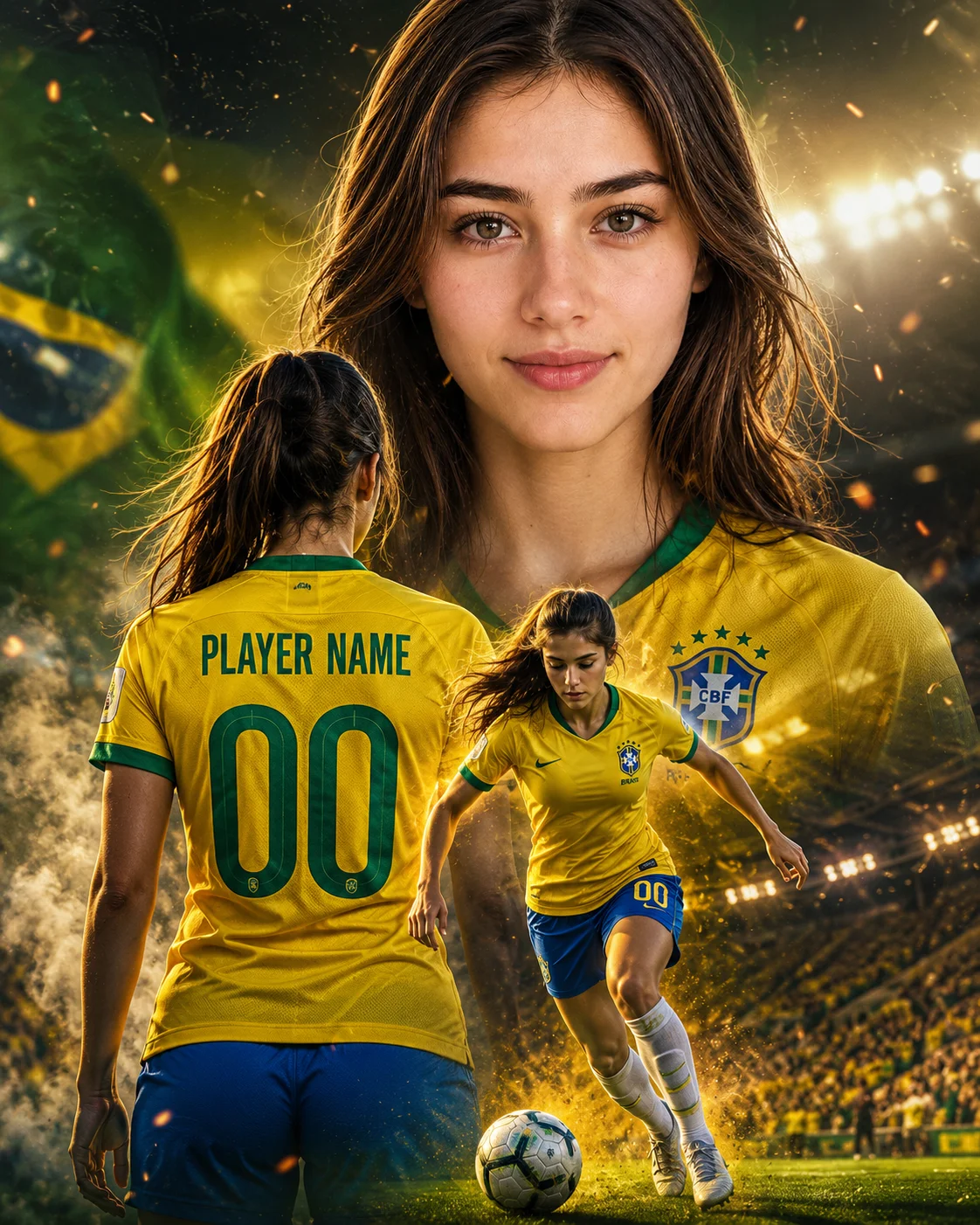
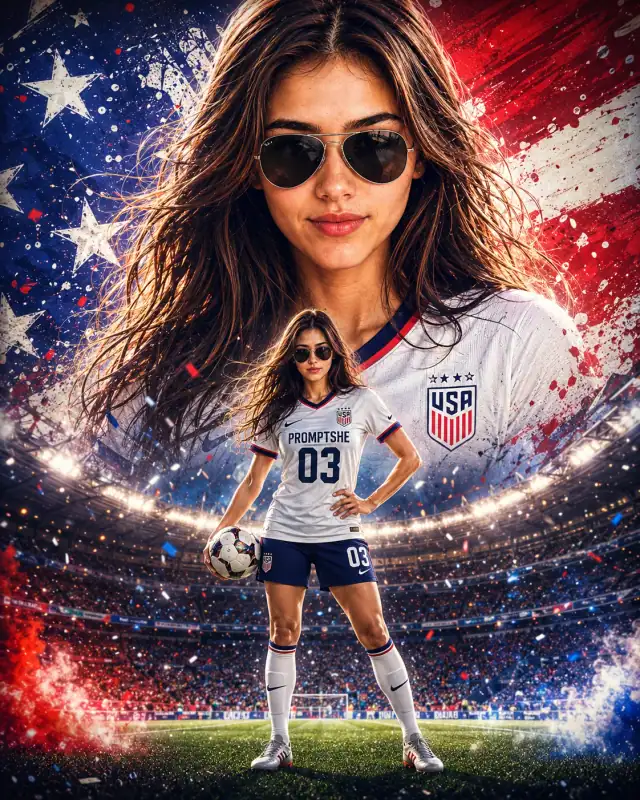
Dominate the sports graphic market with this explosive, triple-exposure football campaign poster prompt. Engineered using standard sports advertising layout principles from elite brands like Nike and EA Sports FC, this template allows digital creators to seamlessly map a subject's face onto a premium athletic profile. Complete with centralized text placeholders on the uniform back and a dynamic full-body action pose against a smoky stadium backdrop, it serves as an invaluable asset for sports-themed app templates, customized wallpaper bundles, and athletic personal branding promotions.
Identity preservationPhotorealistic outputEditorial lightingDepth of field
Aspect Ratio
Select before copying
Recommended: 4:5 — 4:5 vertical frame accommodates the text overlay and the subject without either element feeling cramped or cropped.
Rate this prompt
Be the first to rate
Free prompt — one-click copy, no login required
Visual Character
Lighting
Features three seamlessly blended layers: TOP SECTION displays a massive ultra-detailed close-up hero portrait looking confidently into the
Background
Set against a dramatic football stadium atmosphere background with intense cinematic floodlights, volumetric light rays, glowing smoke parti
Mood
Premium cinematic football poster inspired by modern sports campaign artwork, featuring a young man with 100% exact facial structure and hai
Full Prompt
Best For
Custom sports team jersey wallpaper mockupsprofessional athletic tournament promotion bannersand high-visibility digital fan art merchandise templates.
How To Use This Prompt
Step 01
Copy the prompt
Use the copy button above to grab the complete prompt with your selected aspect ratio.
Step 02
Open your AI tool
Use a generator that supports the input and reference-image features you need.
Step 03
Generate your image
Create variations, pick the best result, then download and use it in your content.
Common Output Problems
Issues you may encounter and how to fix them
The face doesn't look like the reference photo or appears distorted+
Why it happens
AI models sometimes reinterpret facial features rather than preserving them exactly, especially with complex poses, unusual lighting, or low-quality reference images.
Fix
Use a well-lit, front-facing reference photo with clear facial features. Add "preserve exact facial structure, proportions, and likeness from the reference" at the beginning of the prompt.
The text appears misspelled, generates placeholder text, or has inconsistent font styling+
Why it happens
AI image generators are notoriously unreliable with text rendering — they often garble words, mix fonts, or invent characters.
Fix
Keep text extremely short (1-3 words maximum). Specify the exact text in quotes and add "clean sans-serif font, sharp vector edges, no placeholder text" to improve accuracy.
The image lacks the professional quality or sharpness described in the prompt+
Why it happens
Some AI models prioritize artistic interpretation over photorealistic rendering, especially when the prompt contains both stylistic and technical instructions.
Fix
Move all camera and quality specifications to the beginning of the prompt and add "ultra-sharp focus on the subject, fine detail rendering, professional photography quality" to reinforce the desired output.
Customize This Prompt
Adapt these elements to fit your vision
Use a monochromatic color palette — head-to-toe in one tone reads as more expensive and curated.
Add a single statement accessory — a watch, cufflink, or ring — for understated luxury signaling.
Simplify the composition — luxury editorial often uses negative space and minimal props for sophistication.
Which AI Tools Can I Use?
This prompt works with popular AI image generators.
Links to official tool websites. Not a claim that this prompt was tested in every tool or model version.
Frequently Asked Questions
Quick answers before you copy this prompt
Do I need to upload a reference photo to use this prompt?+
Yes, this prompt is designed for reference-image workflows. Upload a clear, well-lit photo of the subject. If you remove the identity-preservation instructions, the model will generate a new face instead.
Why does the text in the generated image look wrong or misspelled?+
AI image generators struggle with text rendering. Keep text to 1-3 words maximum, use simple fonts, and add "clean sharp text, no placeholder characters" to improve accuracy. For perfect text, consider adding it in post-processing.
What aspect ratio works best for this composition?+
4:5 is recommended for Instagram feeds and portrait-style layouts. Use 1:1 for profile pictures or square-format social posts. 9:16 works for Stories and Reels covers, but may crop important composition elements.
The skin looks too smooth or artificial. How do I make it more realistic?+
Add "natural skin texture with visible pores, subtle imperfections, realistic skin tone variation" to the prompt. Avoid words like "flawless" or "perfect skin" which push models toward artificial smoothness.