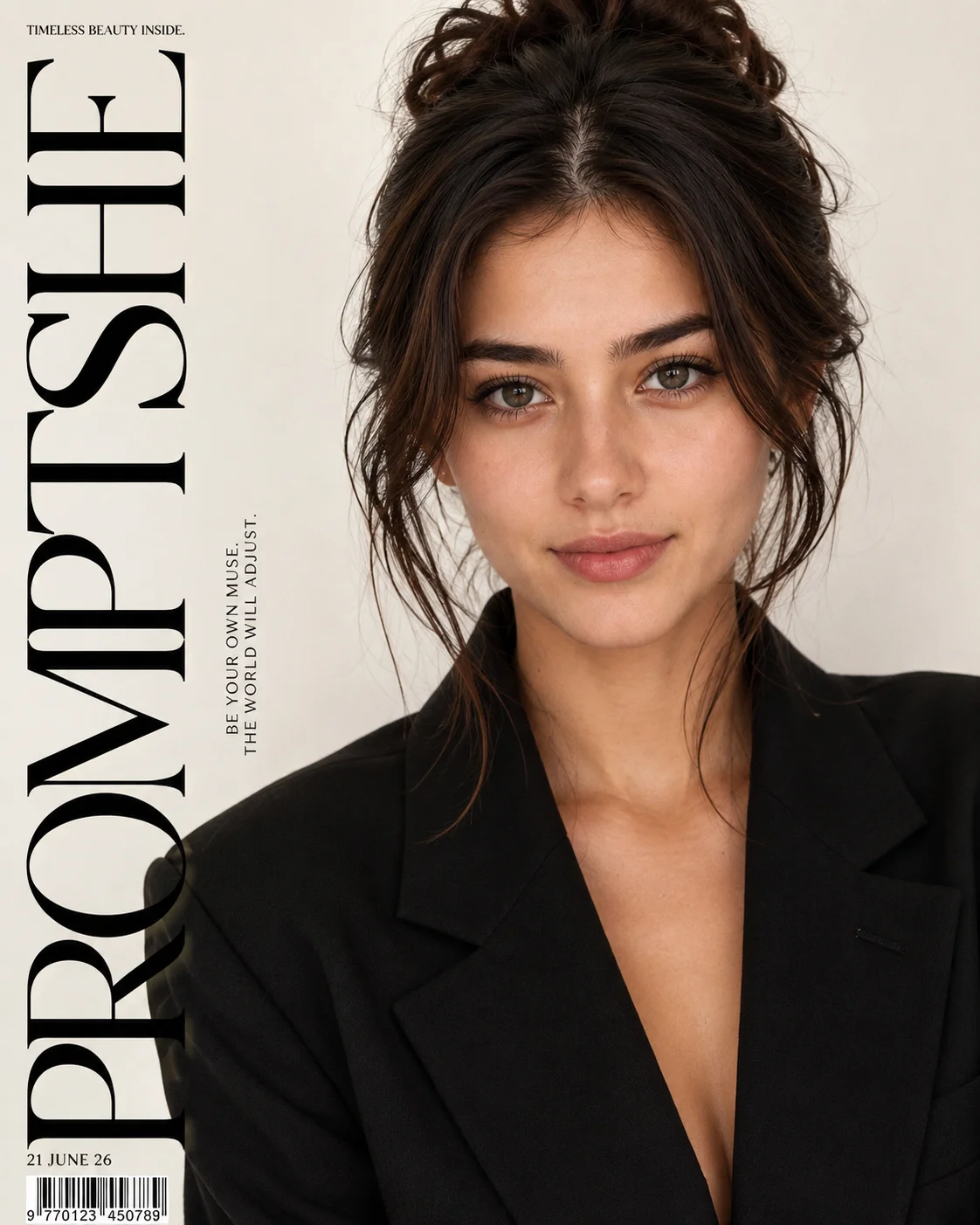
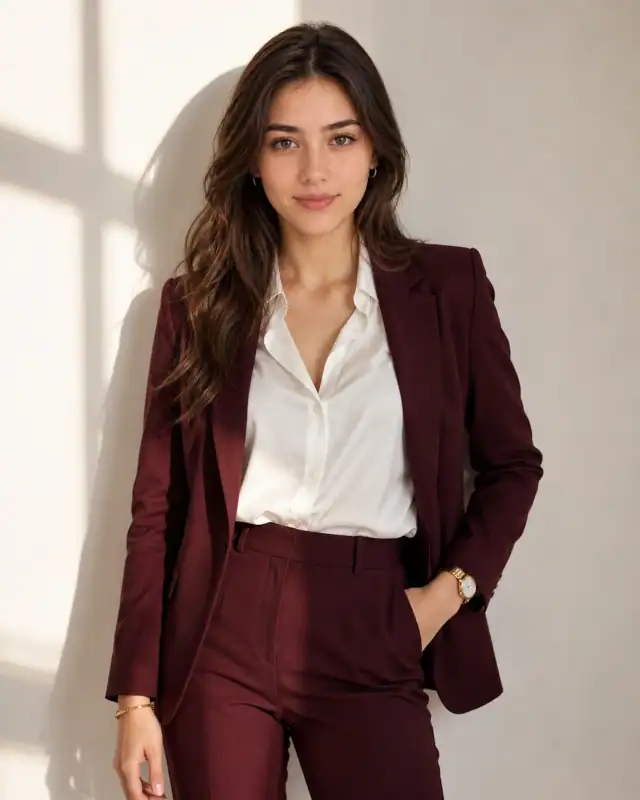
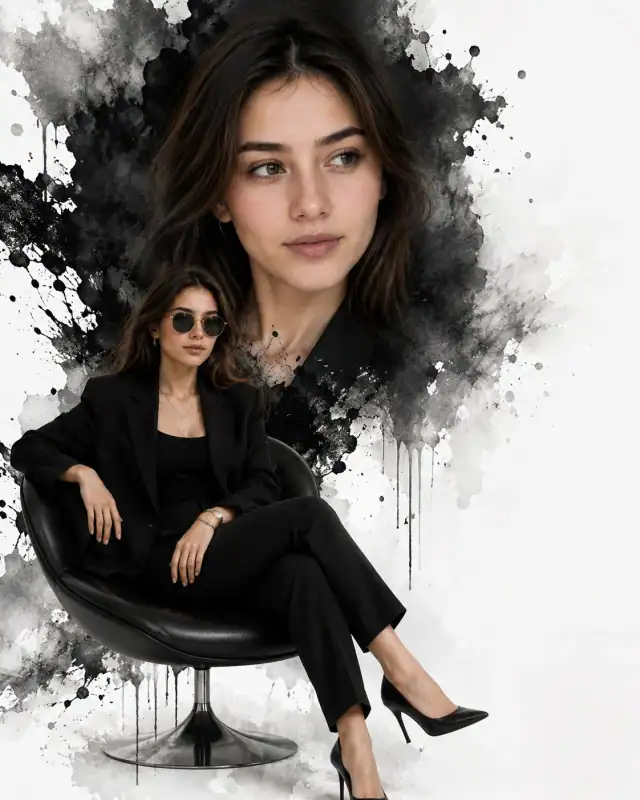
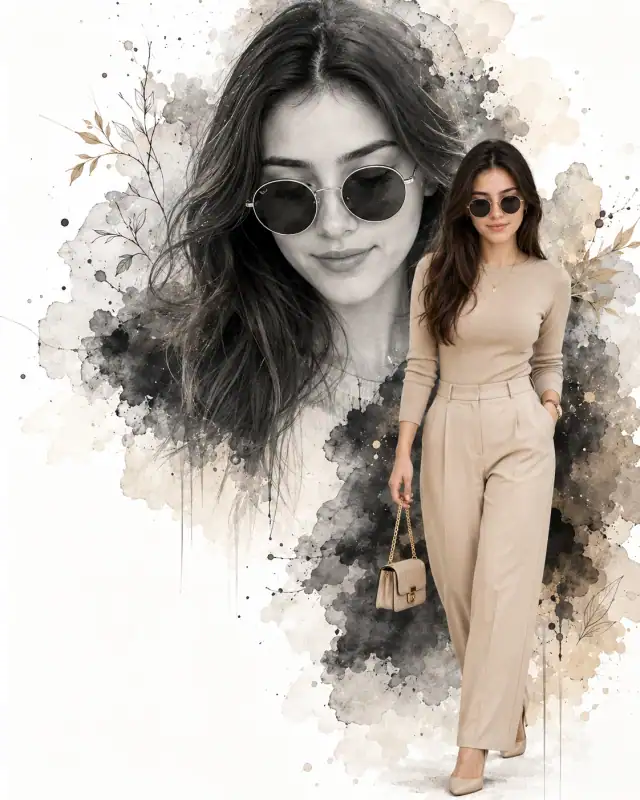
Deliver high-end publication authority to your website's catalog with this flawless fashion magazine cover layout. Anchored by a stunning black-and-cream minimalist color matrix, this prompt seamlessly integrates professional typography overlays over an editorial studio snapshot. The juxtaposition of a bold, oversized menswear-inspired blazer against a soft cream split-tone background creates immediate visual weight, making it a master-level template for users wishing to display realistic editorial mockups, modeling portfolios, or premium personal branding graphics.
Identity preservationPhotorealistic outputEditorial lightingDepth of field
Aspect Ratio
Select before copying
Recommended: 4:5 — 4:5 vertical frame accommodates the text overlay and the subject without either element feeling cramped or cropped.
Rate this prompt
Be the first to rate
Free prompt — one-click copy, no login required
Visual Character
Background
Set in a studio photography environment with a light cream and off-white background split composition
Camera
She features a confident, direct gaze at the camera, subtle natural makeup with defined brows and soft lip color
Composition
High-quality fashion magazine cover photo of a young beautiful woman with dark brown hair styled in a loose updo with soft face-framing tend
Full Prompt
Best For
Professional modeling lookbook coversdigital apparel campaign advertisementsand high-visibility social media feature graphics.
How To Use This Prompt
Step 01
Copy the prompt
Use the copy button above to grab the complete prompt with your selected aspect ratio.
Step 02
Open your AI tool
Use a generator that supports the input and reference-image features you need.
Step 03
Generate your image
Create variations, pick the best result, then download and use it in your content.
Common Output Problems
Issues you may encounter and how to fix them
The blazer and top render with identical texture density in the monochrome palette, making the layered garments indistinguishable+
Why it happens
When two garments share similar tonal values in monochrome, AI generators may collapse them into a single undifferentiated mass rather than showing distinct fabric layers.
Fix
Specify different fabric textures for the blazer and top — matte versus sheen, smooth versus textured — to maintain visual separation in monochrome.
The top collar or neckline details merge with the blazer lapels, creating an undefined neckline area+
Why it happens
AI generators struggle with layered garment boundaries where two different fabrics meet at the neckline, especially when both are dark in monochrome.
Fix
Specify clear top collar visible above the blazer with distinct edge separation and fabric contrast at the neckline.
Customize This Prompt
Adapt these elements to fit your vision
Position the typography in a less complex area of the composition to reduce rendering interference.
Enhance luxury cues — swap to blazer in cashmere or silk, add a minimal watch, or shift the setting.
Ensure the camera integrates naturally with the subject — correct scale, position, and lighting.
Which AI Tools Can I Use?
This prompt works with popular AI image generators.
Links to official tool websites. Not a claim that this prompt was tested in every tool or model version.
Frequently Asked Questions
Quick answers before you copy this prompt
Can I use this prompt with a reference photo to preserve someone's face?+
Yes. Add identity-preservation instructions like "preserve exact facial features from the uploaded reference photo" at the beginning of the prompt. This works best with clear, front-facing reference images.
Why does the text in the generated image look wrong or misspelled?+
AI image generators struggle with text rendering. Keep text to 1-3 words maximum, use simple fonts, and add "clean sharp text, no placeholder characters" to improve accuracy. For perfect text, consider adding it in post-processing.
What aspect ratio works best for this composition?+
4:5 is recommended for Instagram feeds and portrait-style layouts. Use 1:1 for profile pictures or square-format social posts. 9:16 works for Stories and Reels covers, but may crop important composition elements.
How do I get more dramatic lighting on the face?+
Specify the light position and intensity: "dramatic key light from 45-degree angle, deep shadows on the opposite side, subtle fill light to prevent total blackness" for more cinematic, moody studio lighting.