Personalize the ratio above, then copy your prompt.168 words
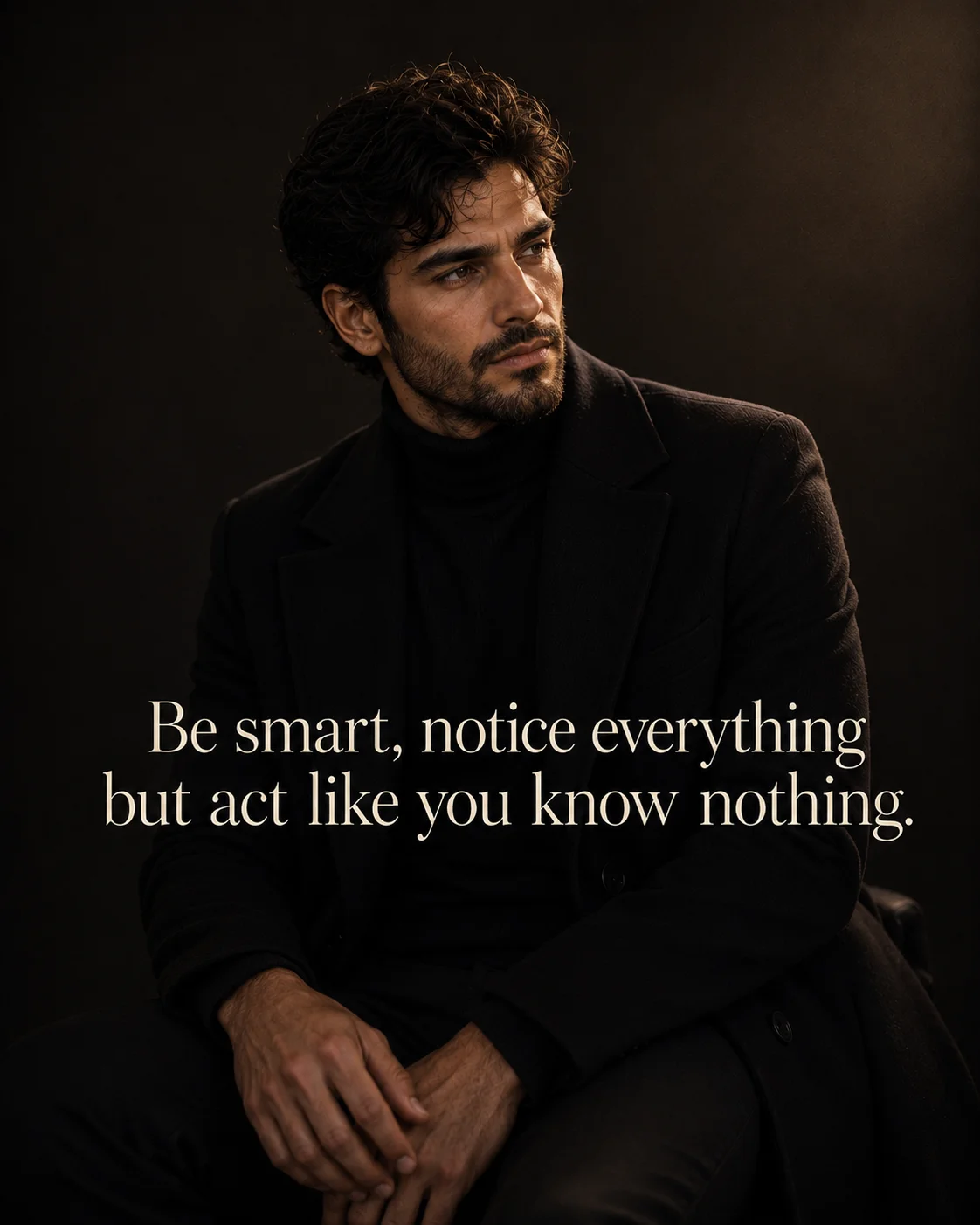
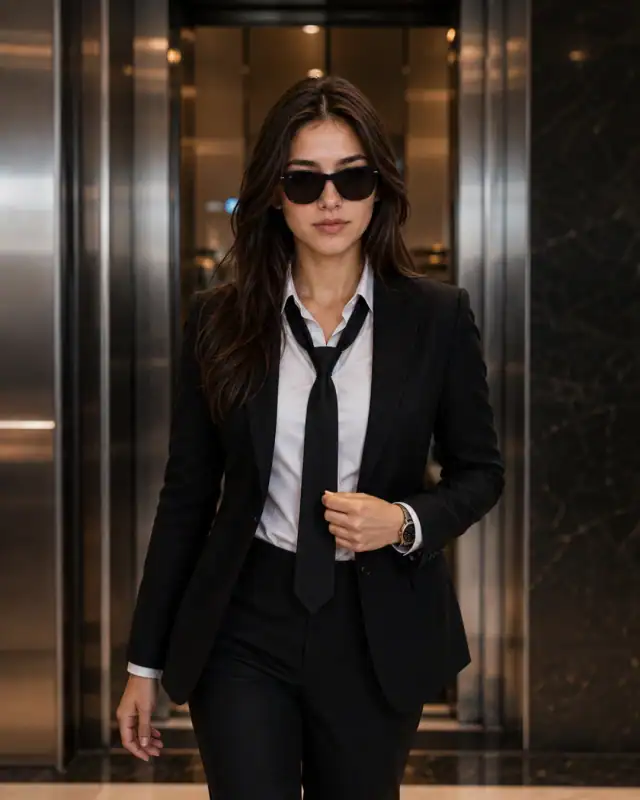
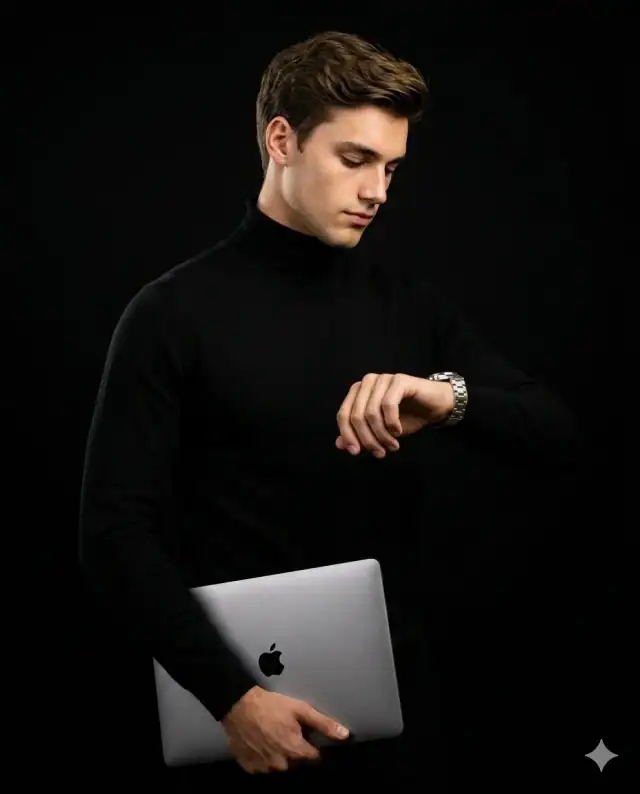
Ultra-realistic luxury editorial fashion photograph of a young woman, preserving 100% exact facial structure, hairstyle, skin tone, and features from a reference photo. She sits naturally from the waist upward, positioned slightly right of center in a relaxed luxury lounge setting against a deep charcoal-black seamless backdrop with subtle warm brown gradients. Her body is turned 25 degrees left while her head turns slightly right, flashing a warm genuine smile showing natural teeth with a calm, intelligent, emotionally composed expression. Dressed in a premium fitted matte-black ribbed knit mock-neck top with a black cashmere overcoat casually draped across her lap. Centered across the middle is warm ivory white elegant serif typography reading: 'Be smart, notice everything\nbut act like you know nothing.' followed below by the word 'ashupoetry' in very small, low-opacity minimalist serif text. Large diffused beauty lighting streams from the front-left, captured on an 85mm medium-format portrait lens at f/1.8 with an ultra-shallow depth of field, creamy luxury bokeh, and cinematic color science, high-resolution, 4:5 aspect ratio
Prompt breakdown
About this Quiet Intelligence Black Knit Ashupoetry Quote Poster Prompt AI prompt
The idea, details, and creative choices behind this image prompt.
#ashupoetry text overlay prompt#matte black mock neck knit shirt#dark charcoal studio vignette backdrop
1Upload a clear reference photo in ChatGPT and paste the full prompt, keeping your chosen AshuPoetry quote in place.
2Check that the black ribbed knit, charcoal vignette and calm expression match the reference before generating.
3Generate the portrait in 4:5, then adjust the quote size or lighting direction if the text or shadows look off.
4Download the best version and crop it for your poster or social post without stretching the image.
Practical tips
Adjust the lighting direction to create more dramatic shadows and depth — try moving the key light from front to a 45-degree angle.
Change the expression from calm to direct eye contact for a more engaging, connection-driven portrait.
Keep the AshuPoetry quote to one short line in a clean, light serif so it stays readable against the dark knit and charcoal background.
Make it yours
Prompt variations
3 creative options
Warm window-light version
Replace the charcoal studio vignette with soft window light from the side, keep the black ribbed knit and AshuPoetry quote, and let gentle daylight soften the shadows for a calmer, editorial feel.
No-quote portrait version
Remove the AshuPoetry text overlay and tighten the crop on the face and mock-neck knit, keeping the dark charcoal background so the portrait works as a clean profile or portfolio image.
Bold white-quote poster version
Keep the dark studio setting and black knit, but set the AshuPoetry quote in larger bold white type across the lower third for a stronger poster look on social feeds.
Good to know
Frequently asked questions
Do I need to upload a reference photo to use this prompt?+
Yes, this prompt is designed for reference-image workflows. Upload a clear, well-lit photo of the subject. If you remove the identity-preservation instructions, the model will generate a new face instead.
Why does the text in the generated image look wrong or misspelled?+
AI image generators struggle with text rendering. Keep text to 1-3 words maximum, use simple fonts, and add "clean sharp text, no placeholder characters" to improve accuracy. For perfect text, consider adding it in post-processing.
What aspect ratio works best for this composition?+
4:5 is recommended for Instagram feeds and portrait-style layouts. Use 1:1 for profile pictures or square-format social posts. 9:16 works for Stories and Reels covers, but may crop important composition elements.
The skin looks too smooth or artificial. How do I make it more realistic?+
Add "natural skin texture with visible pores, subtle imperfections, realistic skin tone variation" to the prompt. Avoid words like "flawless" or "perfect skin" which push models toward artificial smoothness.
Prompt themes
Style, subject & mood
#ashupoetry text overlay prompt#matte black mock neck knit shirt#dark charcoal studio vignette backdrop
Keep exploring
Find your next creative idea
Browse prompt collections made for portraits, creative edits, and everyday inspiration.