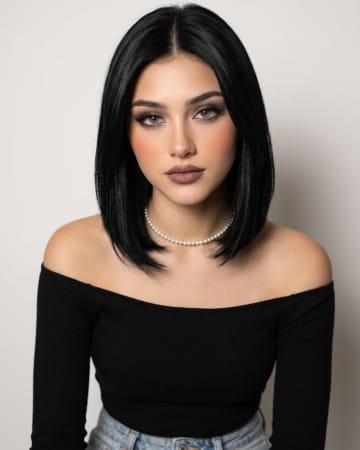
Golden hour version
Shift the scene to late afternoon so warm sunlight slants through the water and the blue-green tones turn toward turquoise and gold.

AI-generated example image for demonstration purposes.
Aspect Ratio
Select before copyingCopy this ready-to-use AI prompt and generate polished creator visuals in your favorite AI tool.
Female Portraits
Underwater portraits have a dreamlike stillness that no studio setup can fake. The way sunlight breaks through moving water and lays rippling patterns across a face is one of photography's most beautiful accidents, and it is also one of the hardest shots to plan in real life. This prompt builds that accident deliberately, placing the subject just under the surface of a pool where the light is doing its most interesting work. The concept suits beauty and wellness content, swimwear and summer campaigns, or any creator who wants a striking profile image with real artistic weight. It works for portfolio pieces too, because the technical difficulty of the look signals craft and imagination. The floating hair and rising bubbles give the frame movement even though the expression stays serene, which keeps the portrait feeling alive rather than posed. On the technical side, the prompt is written to keep the face recognizable and calm rather than letting the generation exaggerate the underwater effect. Real underwater shots soften detail and add refraction at the frame edges, so the prompt asks for those touches instead of fighting them. The cool blue-green grade is specified plainly so the colors stay clean and aquatic instead of sliding toward grey or muddy, and the eyes stay open and clearly directed at the camera, which is what makes the image a portrait rather than an abstraction.
Midjourney handles fluid light effects and natural skin underwater with unusual believability. Its caustic light patterns look organic rather than stamped on, and its portrait model keeps the face intact and recognizable through the water distortion instead of letting it dissolve into the blue.
Shift the scene to late afternoon so warm sunlight slants through the water and the blue-green tones turn toward turquoise and gold.
Move the subject a little deeper with darker water around her for a moodier, more cinematic frame with stronger light contrast on the skin.
Frame the shot half above and half below the waterline so her eyes sit right at the surface boundary, with sky and pool light in one frame.
Yes. Attach the reference photo and keep the identity instruction at the top of the prompt. The tool preserves the face and applies the water effects around it, though you may need a few rolls to get a clean match.
Yes, describe the water in simple words, for example crystal clear tropical blue water, and the grading follows.
Reroll rather than fighting it. The floating hair is random between generations, and one or two more rolls usually give a clean frame.
Check the licensing terms of your generation tool first, since commercial rights differ between tools and plans.