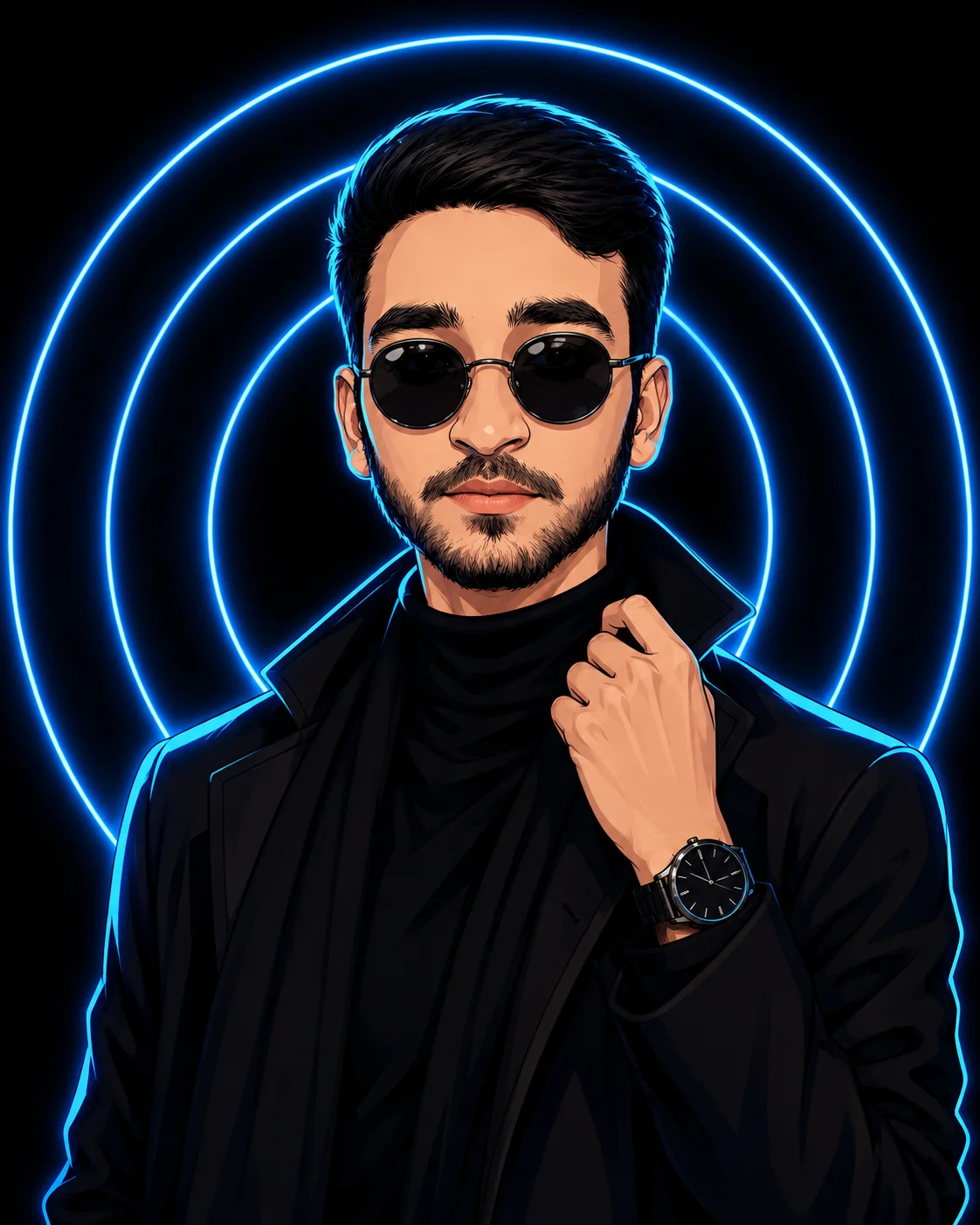
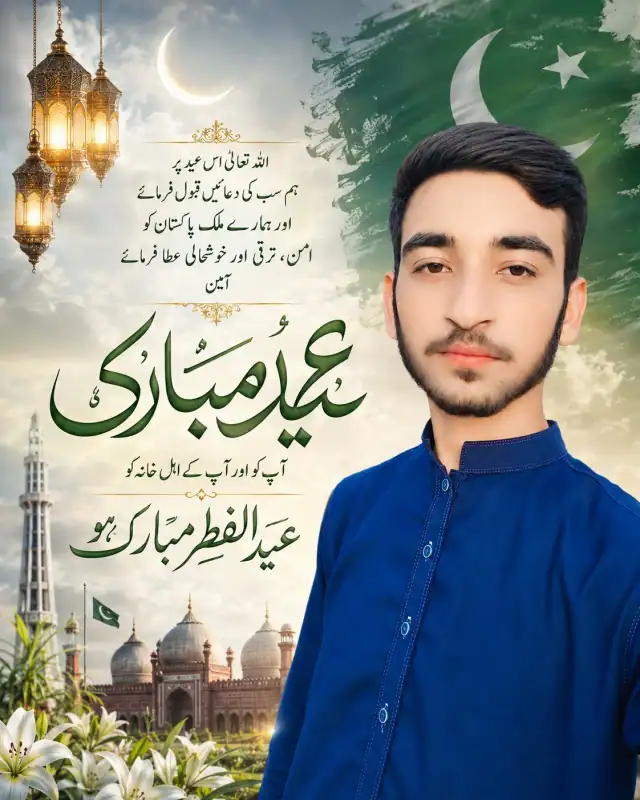
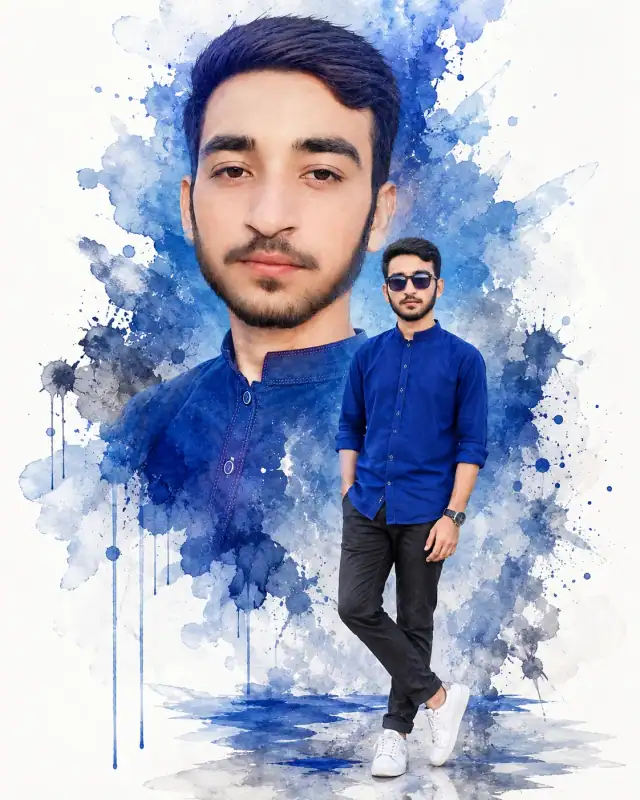
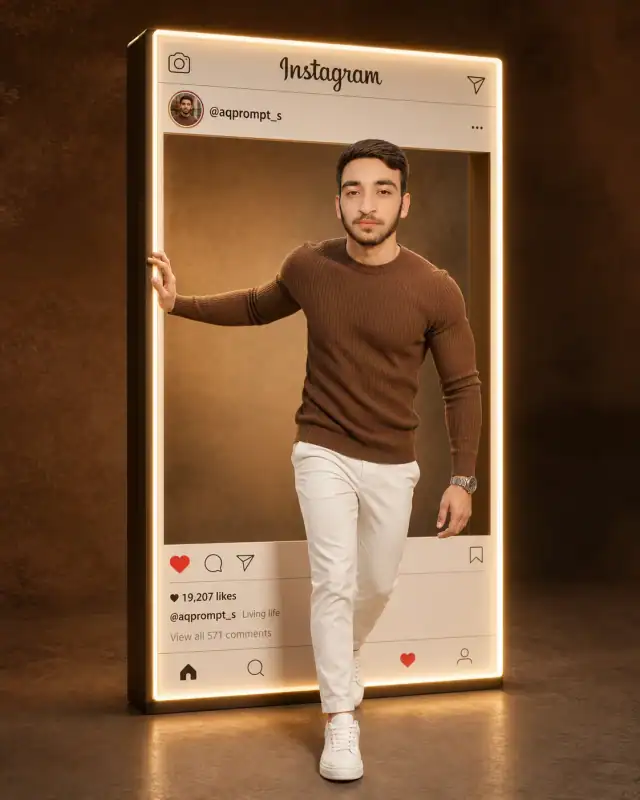
Propel your website's graphic catalog into the future with this spectacular, high-concept cyber anime prompt. Blending precise vector-style line work with soft cel-shading mechanics, this template maps your subject's exact identity onto an elite streetwear character framework. The simple yet high-impact background composition uses three radiant electric-blue rings to build an immediate visual anchor, making it a master-level template for users wishing to display cutting-edge digital avatars, custom gaming profiles, or premium techno-creative branding art.
Photorealistic outputEditorial lightingDepth of field
Aspect Ratio
Select before copying
Recommended: 4:5 — 4:5 vertical format suits digital artwork display on Instagram and portfolio platforms while providing balanced space for artistic composition.
Rate this prompt
Be the first to rate
Free prompt — one-click copy, no login required
Visual Character
Lighting
Features soft blue rim lighting tracing his body, subtle neon reflections on his dark clothing, a cinematic ambient glow, and gentle bloom e
Background
Placed in the center of a solid black background surrounded by three glowing neon blue concentric rings
Composition
Modern minimalist composition with crisp outlines and smooth gradients, trending on ArtStation, high-resolution, 4:5 aspect ratio
Full Prompt
Best For
Premium streaming profile avatarshigh-visibility e-sports branding designsand futuristic digital art portfolio covers.
How To Use This Prompt
Step 01
Copy the prompt
Use the copy button above to grab the complete prompt with your selected aspect ratio.
Step 02
Open your AI tool
Use a generator that supports the input and reference-image features you need.
Step 03
Generate your image
Create variations, pick the best result, then download and use it in your content.
Common Output Problems
Issues you may encounter and how to fix them
The neon light casts an unnatural color wash across the overcoat and skin+
Why it happens
Strong neon sources can create unrealistic color overlays that override the overcoat's actual color and natural skin rendering.
Fix
Add natural skin tones and accurate overcoat color preserved despite the neon color cast.
The neon glow bleeds into the overcoat edges, creating an unnatural outline+
Why it happens
AI generators sometimes render neon as a colored haze that wraps around the overcoat silhouette.
Fix
Specify neon light with defined direction and no edge bleed on the overcoat.
Customize This Prompt
Adapt these elements to fit your vision
Swap the black turtleneck for a blue alternative to shift the mood — different fabric colors dramatically change the overall tone of the portrait.
Soften the neon glow to a warm amber tone for a more natural, editorial feel while maintaining the dramatic edge.
Change the expression from confident to direct eye contact for a more engaging, connection-driven portrait.
Remove the sunglasses for a cleaner, less accessorized look, or swap it for a different style to match your branding.
Which AI Tools Can I Use?
This prompt works with popular AI image generators.
Links to official tool websites. Not a claim that this prompt was tested in every tool or model version.
Frequently Asked Questions
Quick answers before you copy this prompt
Do I need to upload a reference photo to use this prompt?+
Yes, this prompt is designed for reference-image workflows. Upload a clear, well-lit photo of the subject. If you remove the identity-preservation instructions, the model will generate a new face instead.
Does this work with Midjourney or only with ChatGPT?+
This prompt works with most AI image generators. For Midjourney, add "--ar 4:5" at the end for the correct aspect ratio. For ChatGPT, the composition and styling instructions should apply directly.
Can I change the outfit or setting without breaking the prompt?+
Yes. Replace the specific clothing items and setting details with your preferred alternatives while keeping the lighting, composition, and camera instructions intact. The overall mood will shift but the portrait quality should remain consistent.
The skin looks too smooth or artificial. How do I make it more realistic?+
Add "natural skin texture with visible pores, subtle imperfections, realistic skin tone variation" to the prompt. Avoid words like "flawless" or "perfect skin" which push models toward artificial smoothness.