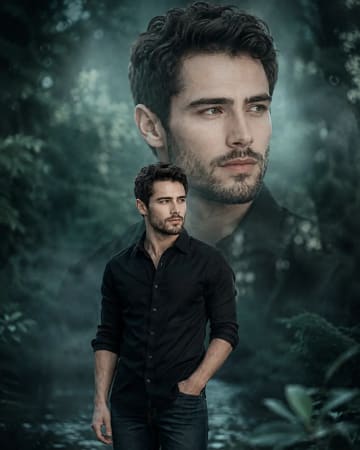
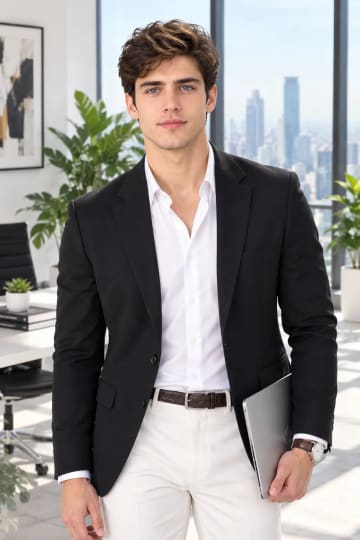
Rain version
Add steady rain and stronger reflections on the pavement for a moodier, more dramatic take with extra light play.

AI-generated example image for demonstration purposes.
Aspect Ratio
Select before copyingCopy this ready-to-use AI prompt and generate polished creator visuals in your favorite AI tool.
Male Portraits
Double exposure portraits turn a simple walk into a story about a city and the person moving through it. This prompt layers glowing city lights over a man's silhouette mid-stride, so the street itself becomes part of him. The dusk setting matters, because blue hour gives the cool dark base that lets the warm lights burn through the frame, and the cinematic grain keeps the whole image feeling like a film still rather than a digital effect. This concept fits music artists, urban lifestyle brands and creators who want a profile image with attitude and depth. It also works well for editorial series about city life, since the layered exposure reads as memory or motion, something more expressive than a straight street portrait. The mid-stride pose adds forward energy, which suits anyone whose brand is about progress, ambition or late nights in the city. The technical key is separation. A good double exposure keeps the face sharp while the lights live inside the silhouette and the background. The prompt is written to protect that hierarchy explicitly, so the generation does not smear the face into the light layer, which is the classic failure of this effect. The wet asphalt is a small but important detail, because reflections double the available light in the frame and give the composition a grounded base instead of floating darkness.
Midjourney blends layered exposures with a natural feel that few tools match. Its light layering looks optical rather than pasted on, the film grain reads as genuine, and its portrait engine keeps the subject's face intact even when half the frame is glowing city texture.
Add steady rain and stronger reflections on the pavement for a moodier, more dramatic take with extra light play.
Swap dusk for overcast daylight and replace neon with soft architectural lines for a subtler, more editorial double exposure.
Move closer to a chest-up framing so the city lights fill the jacket and shoulders while the face dominates the frame.
Yes, as long as you attach the reference photo and keep the identity instruction first. The prompt specifically asks the tool to keep the face sharp, though you should still review each roll.
Yes. Name the mood in plain words, like quiet Tokyo side street or old European avenue, and the light layer adapts while the composition stays the same.
Generate again. The balance between the two exposures is random per roll, and calmer versions appear within a few tries.
It can. Ask for monochrome with glowing white city lights and the contrast actually gets stronger, though you lose the amber and blue mood.