Personalize the ratio above, then copy your prompt.171 words
Premium luxury personal branding poster with an elegant editorial aesthetic, preserving 100% exact facial structure and identity of a young woman from a reference photo across both figures. A giant close-up portrait occupies the left 70% of the composition, softly fading into the background. On the right side, a full-body version of the same person stands confidently on a modern circular podium, dressed in a perfectly tailored luxury black business suit with a fitted blazer, elegant trousers, black high heels, and minimal premium jewelry. She maintains a confident executive posture with one hand inside her pocket and a soft genuine smile. The background features a clean luxury beige, ivory, champagne, and warm gold color palette with large abstract geometric metallic panels casting soft golden reflections, minimal architecture, and floating golden particles. Features an elegant empty space at the bottom-left for custom typography, completely devoid of any generated text or logos. Soft cinematic key light, warm rim lighting, shot with an 85mm portrait lens, shallow depth of field, high-resolution, 4:5 aspect ratio
Prompt breakdown
About this Champagne Luxury Suit Dual Scale Branding Prompt AI prompt
The idea, details, and creative choices behind this image prompt.
#women tailored black business suit heels#luxury champagne ivory branding poster#dual scale macro close up portrait
Establish a flawless, high-tier corporate presence with this premium champagne and gold dual-scale branding prompt. Borrowing layout techniques from world-class luxury campaigns like Dior and business editorial, this composition layers a soft macro-portrait background alongside a sharp, commanding full-body executive figure on a marble podium. By leaving a designated, text-free layout zone in the lower left corner, this template provides a master-level framework for graphic designers needing a high-end canvas to overlay corporate logos, motivational catchphrases, or elite seminar announcement copy.
How to use this prompt
1Upload a clear, well-lit reference photo of the woman to ChatGPT.
2Paste the full prompt, keeping the dual-scale layout, suit details, podium and 4:5 ratio.
3Generate the image, then check the face matches in both figures and the suit tailoring reads clearly.
4Change one element at a time, such as the colour palette or lighting, and regenerate until the result looks right.
Practical tips
Position the subject with confident posture — standing tall, hands visible, direct eye contact.
Enhance cinematic quality — letterbox framing, teal-orange color grade, or subtle lens flare.
Use a wide aspect ratio (16:9) for a more filmic, widescreen cinematic composition.
Make it yours
Prompt variations
3 creative options
Teal rim light version
Add a cool teal rim light to the champagne and gold scene, keeping the dual-scale layout, black business suit and podium, for a more cinematic contrast.
Outdoor terrace version
Move the full-body figure to a luxury outdoor terrace at golden hour, keeping the giant close-up portrait, tailored suit and warm gold palette.
Burgundy suit version
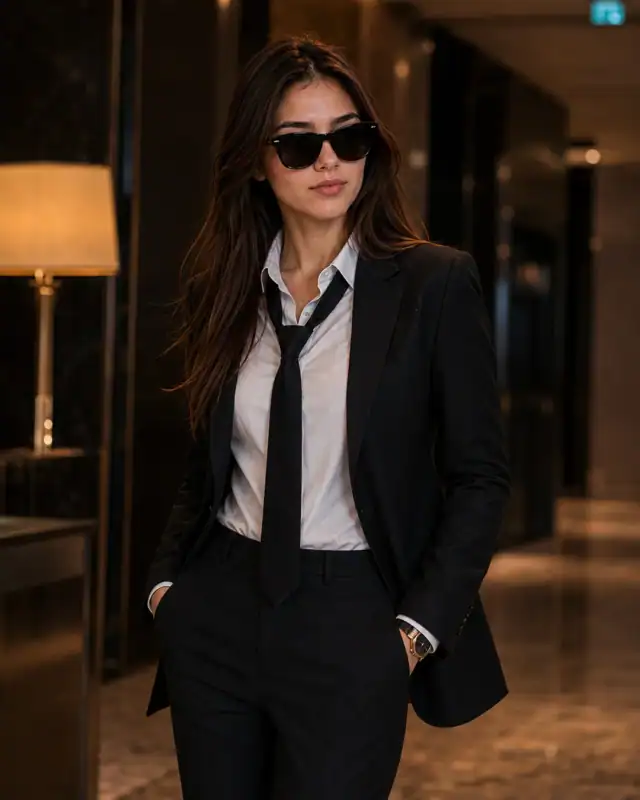
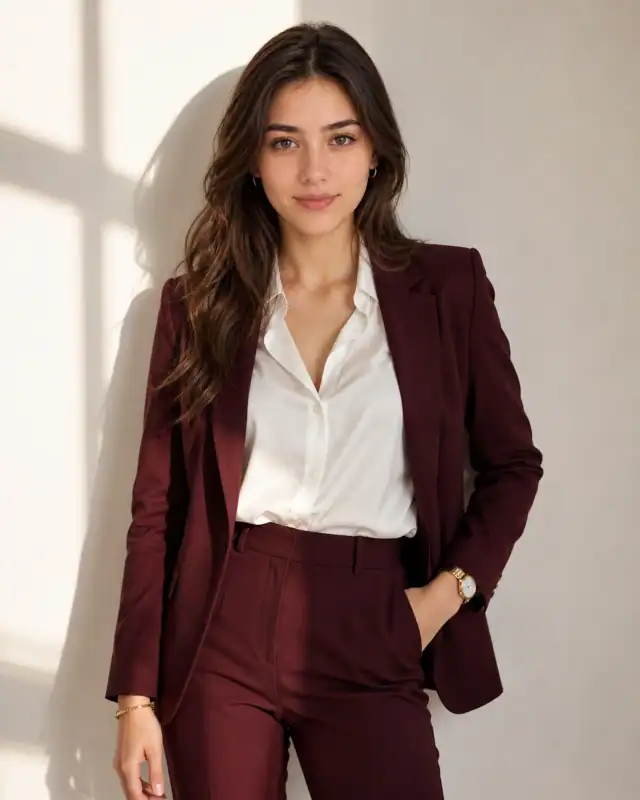
Swap the black business suit for burgundy, keeping the fitted blazer, high heels, podium and empty space for typography, for a warmer editorial mood.
Good to know
Frequently asked questions
Do I need to upload a reference photo to use this prompt?+
Yes, this prompt is designed for reference-image workflows. Upload a clear, well-lit photo of the subject. If you remove the identity-preservation instructions, the model will generate a new face instead.
Why does the text in the generated image look wrong or misspelled?+
AI image generators struggle with text rendering. Keep text to 1-3 words maximum, use simple fonts, and add "clean sharp text, no placeholder characters" to improve accuracy. For perfect text, consider adding it in post-processing.
What aspect ratio works best for this composition?+
4:5 is recommended for Instagram feeds and portrait-style layouts. Use 1:1 for profile pictures or square-format social posts. 9:16 works for Stories and Reels covers, but may crop important composition elements.
The skin looks too smooth or artificial. How do I make it more realistic?+
Add "natural skin texture with visible pores, subtle imperfections, realistic skin tone variation" to the prompt. Avoid words like "flawless" or "perfect skin" which push models toward artificial smoothness.
Prompt themes
Style, subject & mood
#women tailored black business suit heels#luxury champagne ivory branding poster#dual scale macro close up portrait#circular podium executive stance pose#abstract gold geometric panel background#business editorial cover aesthetic empty text space
Keep exploring
Find your next creative idea
Browse prompt collections made for portraits, creative edits, and everyday inspiration.