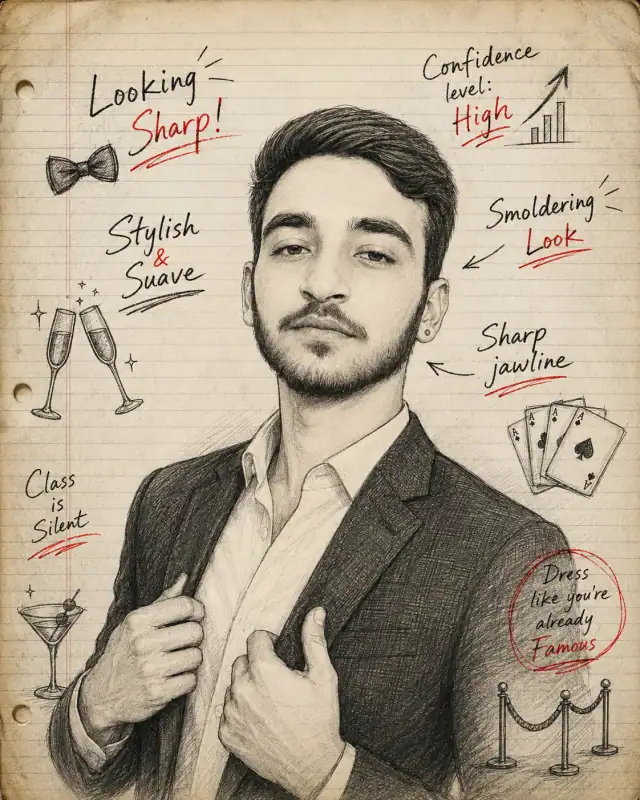
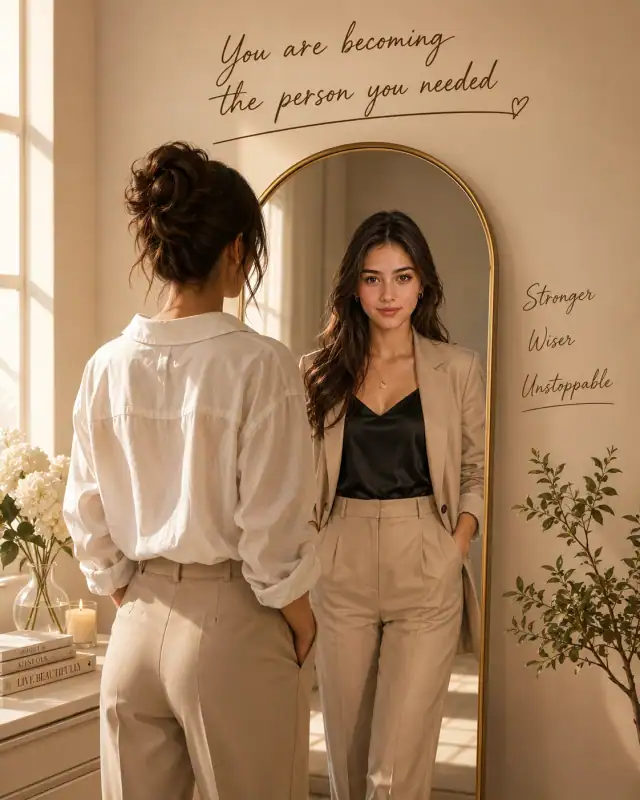
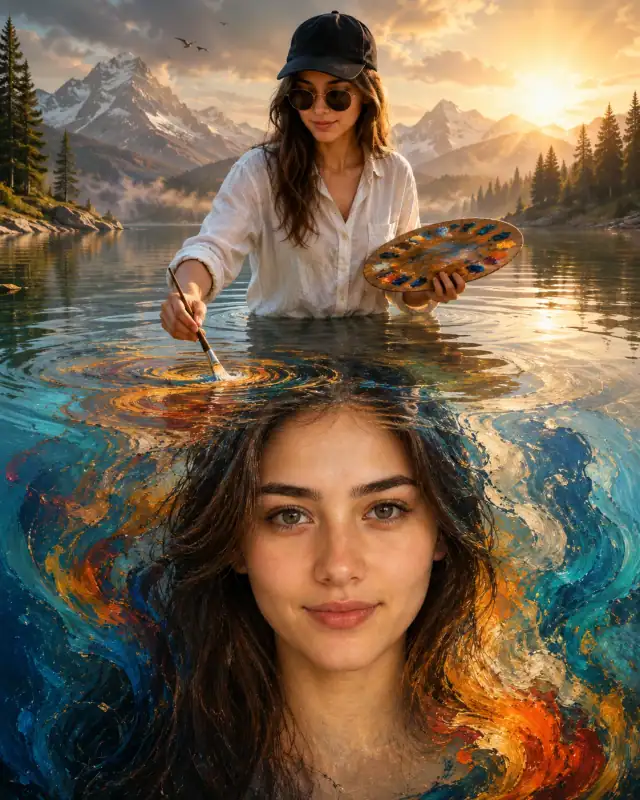
stylized 3D animation Bright Blue Gradient Male Cartoon Prompt
Photo Editing Prompts
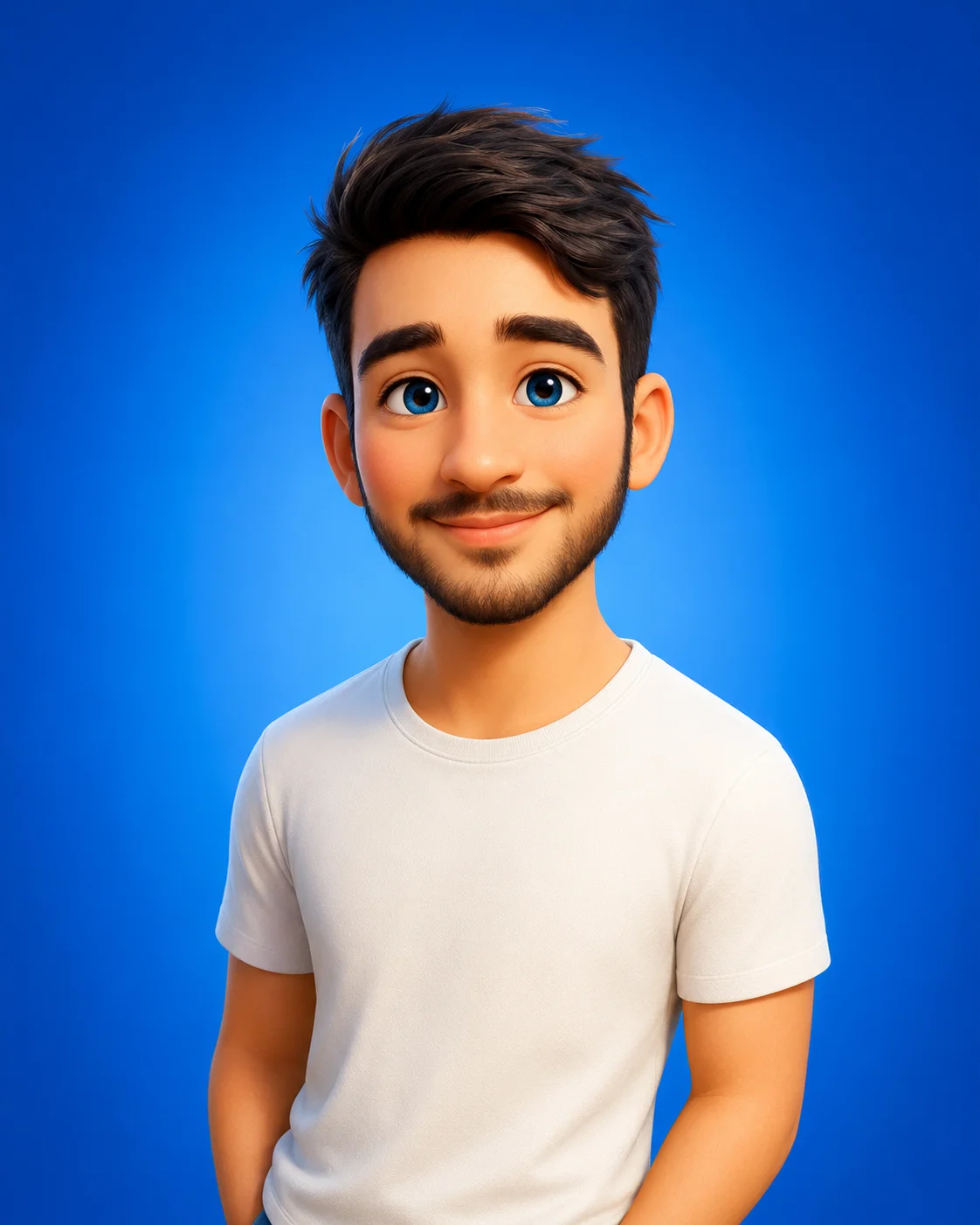
Transform your website's avatar section with a burst of magical, lighthearted charm using this premium 3D animation prompt. Replicating the beloved style of major animation studios, this template transforms standard features into a highly expressive character with oversized blue eyes, soft rosy cheeks, and a cheerful smile. Placed against a clean, vibrant gradient backdrop with flawless studio lighting, it serves as an excellent template for users looking to generate friendly digital avatars, family-friendly branding, or unique creative illustrations.
Identity preservationPhotorealistic outputEditorial lightingDepth of field
Aspect Ratio
Select before copying
Recommended: 4:5 — 4:5 vertical frame accommodates the text overlay and the subject without either element feeling cramped or cropped.
Rate this prompt
Be the first to rate
Free prompt — one-click copy, no login required
Visual Character
Lighting
Set against a solid vibrant blue gradient background with soft, studio-quality claymation key lighting, showcasing ultra-detailed 3D render
Color
3D rendered stylized 3D animation and family-friendly 3D animation style cartoon man in his early 20s, with short messy dark brown hair, lar
Full Prompt
Best For
Friendly corporate avatarschildren's content brandingfun personal social media profilesand creative 3D design portfolios.
How To Use This Prompt
Step 01
Copy the prompt
Use the copy button above to grab the complete prompt with your selected aspect ratio.
Step 02
Open your AI tool
Use a generator that supports the input and reference-image features you need.
Step 03
Generate your image
Create variations, pick the best result, then download and use it in your content.
Common Output Problems
Issues you may encounter and how to fix them
The generated composition shifts between frames, making the result inconsistent+
Why it happens
AI models interpret prompts probabilistically — framing, pose, and mood vary between generations.
Fix
Add explicit composition instructions and regenerate 3-5 times to select the best result.
The shirt fabric loses detail against the studio backdrop due to similar tonal range+
Why it happens
When the subject wears shirt against a studio backdrop of similar brightness, AI generators merge edges and lose fabric texture.
Fix
Add distinct shirt texture against contrasting studio backdrop or change the backdrop tone to create separation.
Customize This Prompt
Adapt these elements to fit your vision
Swap the white t-shirt for a blue alternative to shift the mood — different fabric colors dramatically change the overall tone of the portrait.
Move the setting outdoors to a park or urban location to add environmental context and natural lighting variation.
Add a colored rim light (warm amber or cool teal) to introduce cinematic color contrast without changing the composition.
Which AI Tools Can I Use?
This prompt works with popular AI image generators.
Links to official tool websites. Not a claim that this prompt was tested in every tool or model version.
Frequently Asked Questions
Quick answers before you copy this prompt
Can I use this prompt with a reference photo to preserve someone's face?+
Yes. Add identity-preservation instructions like "preserve exact facial features from the uploaded reference photo" at the beginning of the prompt. This works best with clear, front-facing reference images.
Why does the text in the generated image look wrong or misspelled?+
AI image generators struggle with text rendering. Keep text to 1-3 words maximum, use simple fonts, and add "clean sharp text, no placeholder characters" to improve accuracy. For perfect text, consider adding it in post-processing.
What aspect ratio works best for this composition?+
4:5 is recommended for Instagram feeds and portrait-style layouts. Use 1:1 for profile pictures or square-format social posts. 9:16 works for Stories and Reels covers, but may crop important composition elements.
How do I get more dramatic lighting on the face?+
Specify the light position and intensity: "dramatic key light from 45-degree angle, deep shadows on the opposite side, subtle fill light to prevent total blackness" for more cinematic, moody studio lighting.