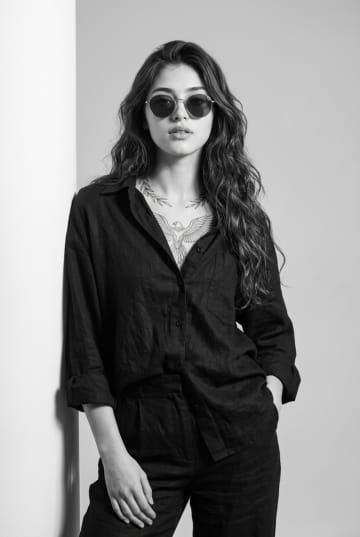
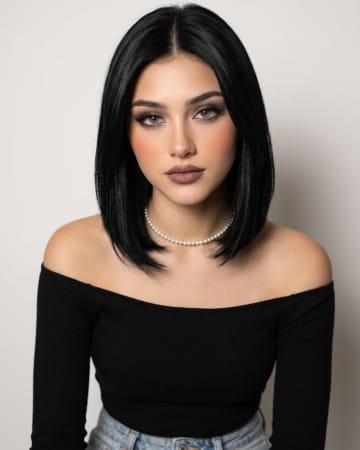
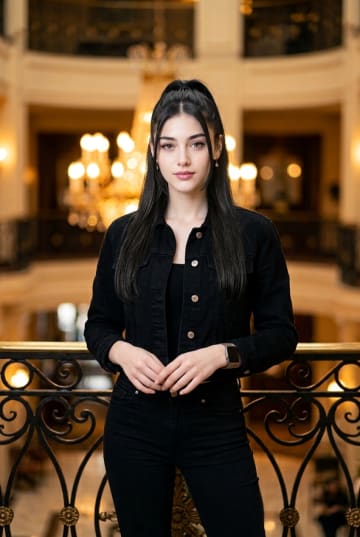
Romantic Outdoor Female Portrait with Soft Natural LightRomantic Outdoor Female Portrait with Soft Natural Light
By Abdul QudoosPublished Jul 13, 2026Updated Sep 17, 2026

AI-edited example image for demonstration purposes.
K-Drama Female Lead Golden Hour Backlit Portrait AI Prompt
Aspect Ratio
Select before copyingRecommended: 4:5 · 4:5 tight framing emphasizes facial details and expression while leaving enough space for the shoulder and background context.
Calculates micro-exposure curves across skin pores to prevent feature loss when intense golden hour window glow creates strong rim light contrast.
Female Portraits
Identity preservationPhotorealistic outputEditorial lightingProfessional quality
View Prompt
How to Use This Prompt
- Step 1: Copy the prompt using the Copy button above.
- Step 2: Open the AI tool that works best for your prompt.
- Step 3: If the tool supports reference images, upload your photo first, then paste the prompt.
- Step 4: Select the recommended aspect ratio before generating.
- Step 5: Adjust keywords like clothing color, background, or lighting to personalize the result.
About this K-Drama Female Lead Golden Hour Backlit Portrait AI prompt
A warm, deeply atmospheric cinematic portrait styled after K-Drama female leads, combining an extreme f/1.2 backlight with strict identity preservation matrices.
Practical tips
- Swap the cotton shirt for a golden alternative to shift the mood — different fabric colors dramatically change the overall tone of the portrait.
- Move the setting outdoors to a park or urban location to add environmental context and natural lighting variation.
- Replace the golden hour lighting with cool blue-hour tones for a more moody, twilight atmosphere.
- Change the expression from Calm to direct eye contact for a more engaging, connection-driven portrait.
Frequently asked questions
Do I need to upload a reference photo for this prompt to work?
Yes, this prompt is designed for reference-image workflows. Upload a clear, well-lit photo of the subject's face. A front-facing photo with visible facial features produces the best identity preservation. Removing the identity-preservation instructions will cause the model to generate a new face.
How do I make the studio background less flat and more dynamic?
Try adding a subtle gradient or texture to the backdrop: "soft grey gradient backdrop with gentle tonal variation." You can also specify background lighting like "subtle backlight glow on the backdrop" for more depth.
How do I keep the subject recognizable in the sketch style?
Emphasize "preserve the subject's unique facial proportions, eye shape, and bone structure within the sketch rendering style." The more specific the facial description, the better the identity preservation in stylized output.
What should I change if the subject looks distorted or unnatural?
Simplify the pose description and remove conflicting instructions. Add "natural relaxed pose, correct body proportions, anatomically coherent" at the beginning. If the face looks wrong, add "preserve exact facial structure and proportions" and use a higher-quality reference photo.
Tags
#oversized luxury white cotton shirt backlit portrait prompt#k-drama female lead high ponytail photography style#sony a1 f1.2 lens golden hour portrait layout