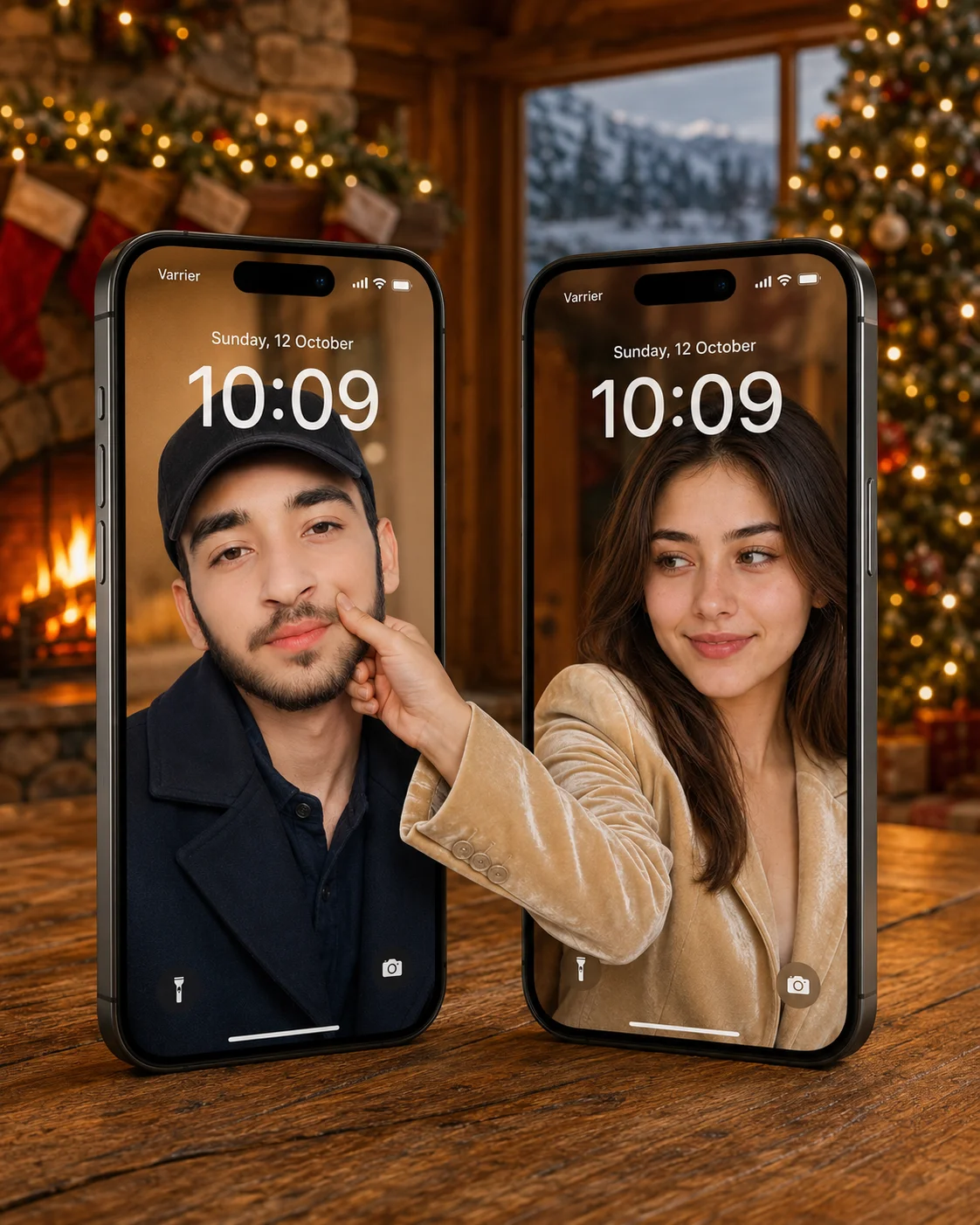
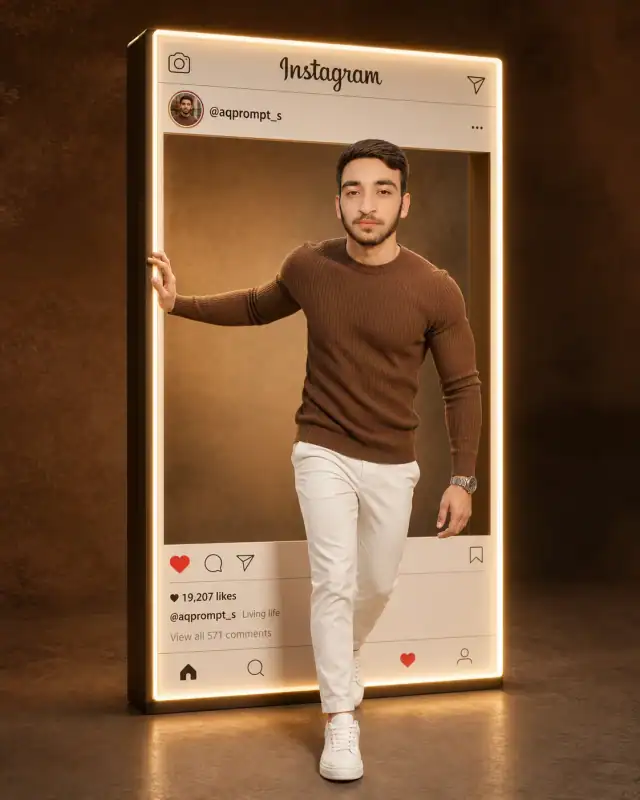
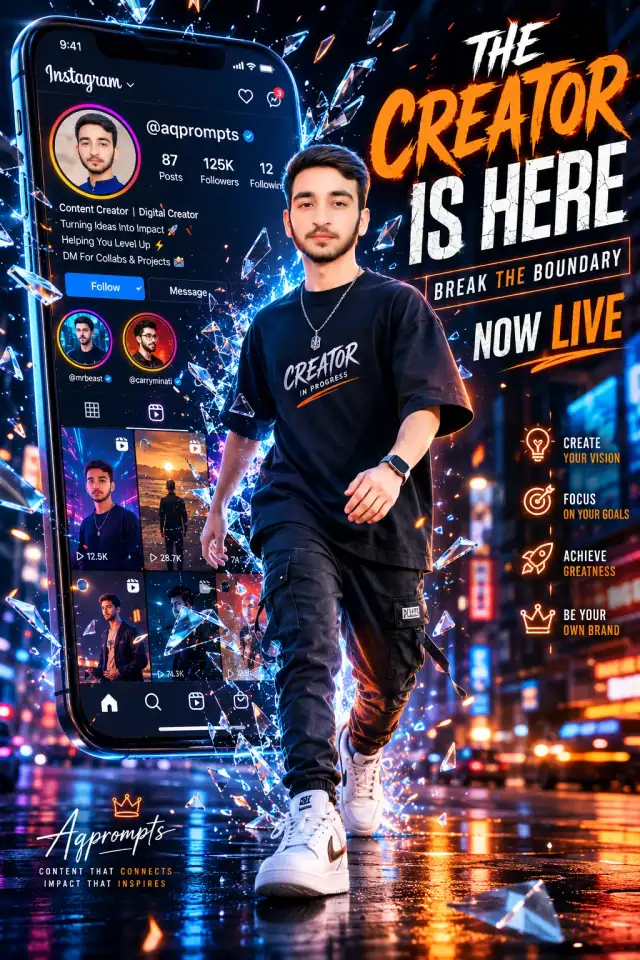
Ignite a massive viral trend on your website with this ingenious, high-concept matching wallpaper prompt for couples. By leveraging a magical 3D 'break-the-boundary' illusion, this template simulates a playful interaction where a hand extends from one physical screen to pinch a cheek on the adjacent device. Framed by an incredibly cozy, high-fidelity Christmas cabin background with a glowing hearth and warm tree lights, it provides digital product creators with an elite template for high-engagement social media mockups, downloadable asset packs, and custom phone wallpaper commissions.
Photorealistic outputEditorial lightingDepth of field
Aspect Ratio
Select before copying
Recommended: 4:5 — 4:5 vertical framing comfortably accommodates two subjects while maintaining intimate composition and enough headroom for both faces.
Rate this prompt
Be the first to rate
Free prompt — one-click copy, no login required
Visual Character
Lighting
Rendered with warm golden festive lighting, photorealistic textures, high-resolution quality, 4:5 aspect ratio
Color
The background is a cozy Christmas cabin interior featuring a glowing stone fireplace with fire, a decorated Christmas tree with warm lights
Camera
Both screens feature lockscreen details: 'Varrier' carrier text, signal icons, date 'Sunday, 12 October', large bold white time '10:09', and
Mood
Ultra-realistic cinematic lifestyle photograph of two iPhone 15 Pro models standing side by side on a rustic wooden table, slightly tilted t
Full Prompt
Best For
Viral social media matching wallpaper kitspremium tech accessory marketing mockupsand high-margin personalized digital gift designs.
How To Use This Prompt
Step 01
Copy the prompt
Use the copy button above to grab the complete prompt with your selected aspect ratio.
Step 02
Open your AI tool
Use a generator that supports the input and reference-image features you need.
Step 03
Generate your image
Create variations, pick the best result, then download and use it in your content.
Common Output Problems
Issues you may encounter and how to fix them
One person's face is preserved correctly while the other looks different or generic+
Why it happens
Dual-subject identity preservation is significantly harder than single-subject — most models prioritize the face they detect first and treat the second as optional.
Fix
Specify separate identity-preservation instructions for each person (e.g., "person on the left must match reference face A, person on the right must match reference face B") and use a higher-quality reference photo for each.
The text appears misspelled, generates placeholder text, or has inconsistent font styling+
Why it happens
AI image generators are notoriously unreliable with text rendering — they often garble words, mix fonts, or invent characters.
Fix
Keep text extremely short (1-3 words maximum). Specify the exact text in quotes and add "clean sans-serif font, sharp vector edges, no placeholder text" to improve accuracy.
The image lacks the professional quality or sharpness described in the prompt+
Why it happens
Some AI models prioritize artistic interpretation over photorealistic rendering, especially when the prompt contains both stylistic and technical instructions.
Fix
Move all camera and quality specifications to the beginning of the prompt and add "ultra-sharp focus on the subject, fine detail rendering, professional photography quality" to reinforce the desired output.
Customize This Prompt
Adapt these elements to fit your vision
Swap the navy coat for a cream alternative to shift the mood — different fabric colors dramatically change the overall tone of the portrait.
Replace the golden hour lighting with cool blue-hour tones for a more moody, twilight atmosphere.
Change the expression from smiling to direct eye contact for a more engaging, connection-driven portrait.
Which AI Tools Can I Use?
This prompt works with popular AI image generators.
Links to official tool websites. Not a claim that this prompt was tested in every tool or model version.
Frequently Asked Questions
Quick answers before you copy this prompt
Do I need to upload a reference photo to use this prompt?+
Yes, this prompt is designed for reference-image workflows. Upload a clear, well-lit photo of the subject. If you remove the identity-preservation instructions, the model will generate a new face instead.
Why does the text in the generated image look wrong or misspelled?+
AI image generators struggle with text rendering. Keep text to 1-3 words maximum, use simple fonts, and add "clean sharp text, no placeholder characters" to improve accuracy. For perfect text, consider adding it in post-processing.
What aspect ratio works best for this composition?+
4:5 is recommended for Instagram feeds and portrait-style layouts. Use 1:1 for profile pictures or square-format social posts. 9:16 works for Stories and Reels covers, but may crop important composition elements.
The skin looks too smooth or artificial. How do I make it more realistic?+
Add "natural skin texture with visible pores, subtle imperfections, realistic skin tone variation" to the prompt. Avoid words like "flawless" or "perfect skin" which push models toward artificial smoothness.